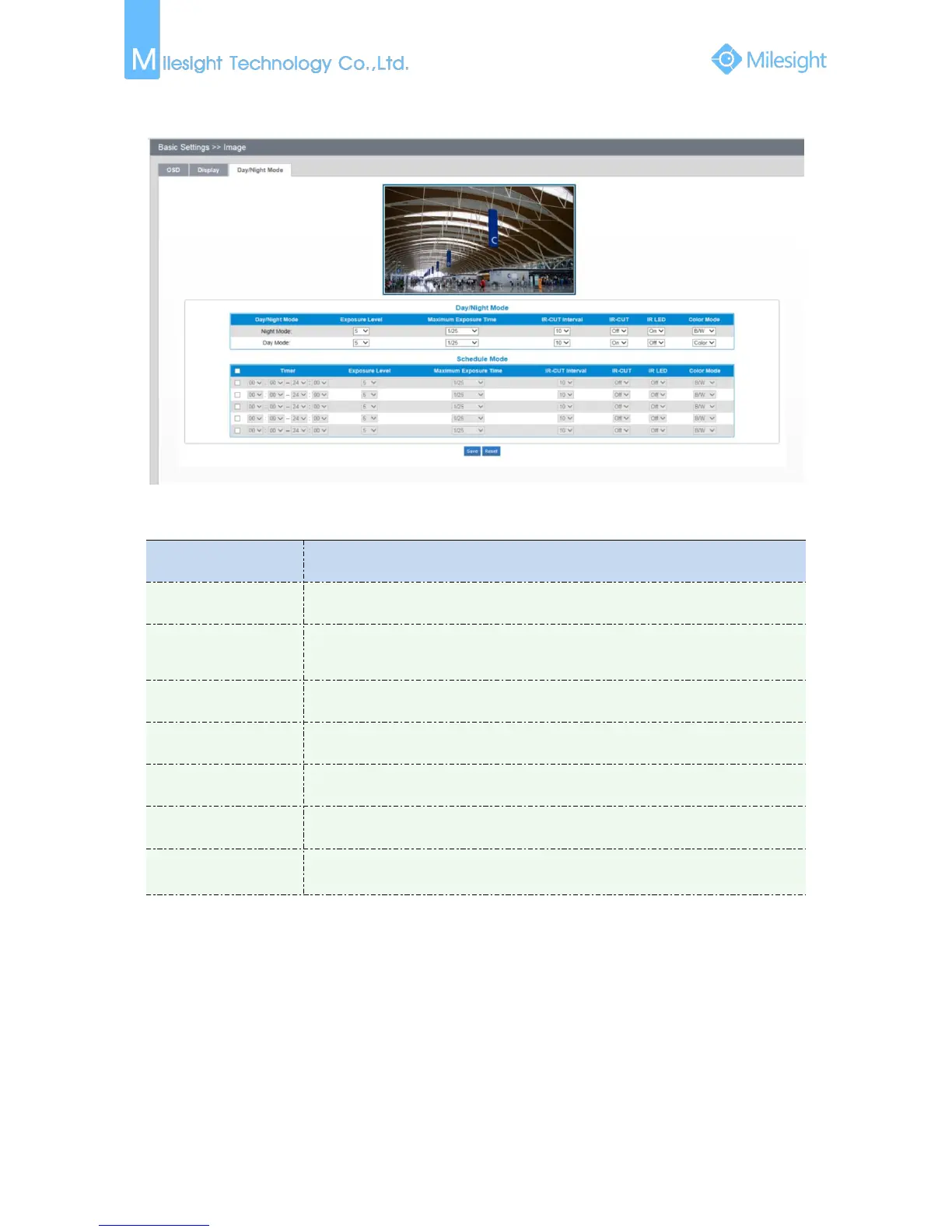
Day/Night Mode
Figure 4-3-6 Day/Night Mode
Table 4-3-4 Description of the buttons
Level 0~10 are available to meet your need
Set the maximum exposure time to 1/5~1/100000
IR-CUT switching time between each mode
Choose to turn on or turn off under this mode
Choose to turn on or turn off under this mode
Select B/W or Color mode under Day/Night mode
Here you can customize your special demands for different time, then the Day
mode and Night mode will switch automatically according to your settings
4.3.3 Audio
This audio function allows you to hear the sound from the camera or transmit your sound to the
camera side. A two-way communication is also possible to be achieved with this feature. Alarm can
be triggered when the audio input is above a certain alarm level you set, and configured audio can
be played when an alarm occurs.











 To Next Page