Input the name of Read Community
Set the trap port, the default is 162
Input the trap community name
Input the name of Read Security Community
There are three levels available: (auth, priv), (auth, no priv) and (no auth, no priv)
Input the name of Write Security Community
There are three levels available: (auth, priv), (auth, no priv) and (no auth, no priv)
The port of SNMP, the default is 161
1) The settings of SNMP software should be the same as the settings you configure here;
2) A reboot is required for the settings to take effect.
4.4.3 Alarm
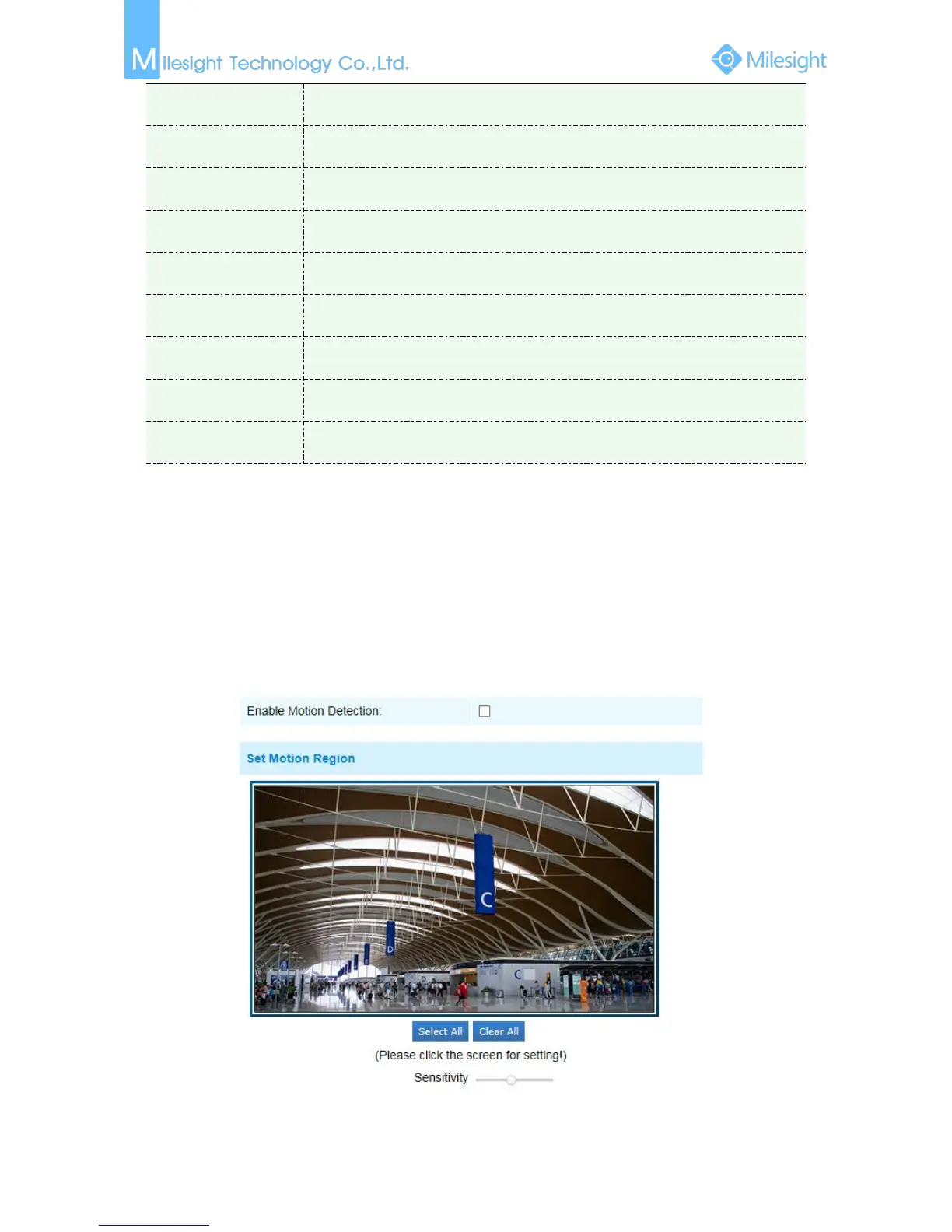
Motion Detection
Step1: Set motion region;
Figure 4-4-10 Alarm











 To Next Page