EasyManua.ls Logo

Milesight MS-C3262-FPNA - Image

Milesight MS-C3262-FPNA
92 pages
Print Icon
To Next Page IconTo Next Page
To Previous Page IconTo Previous Page
Loading...
49
4.3.2 Image
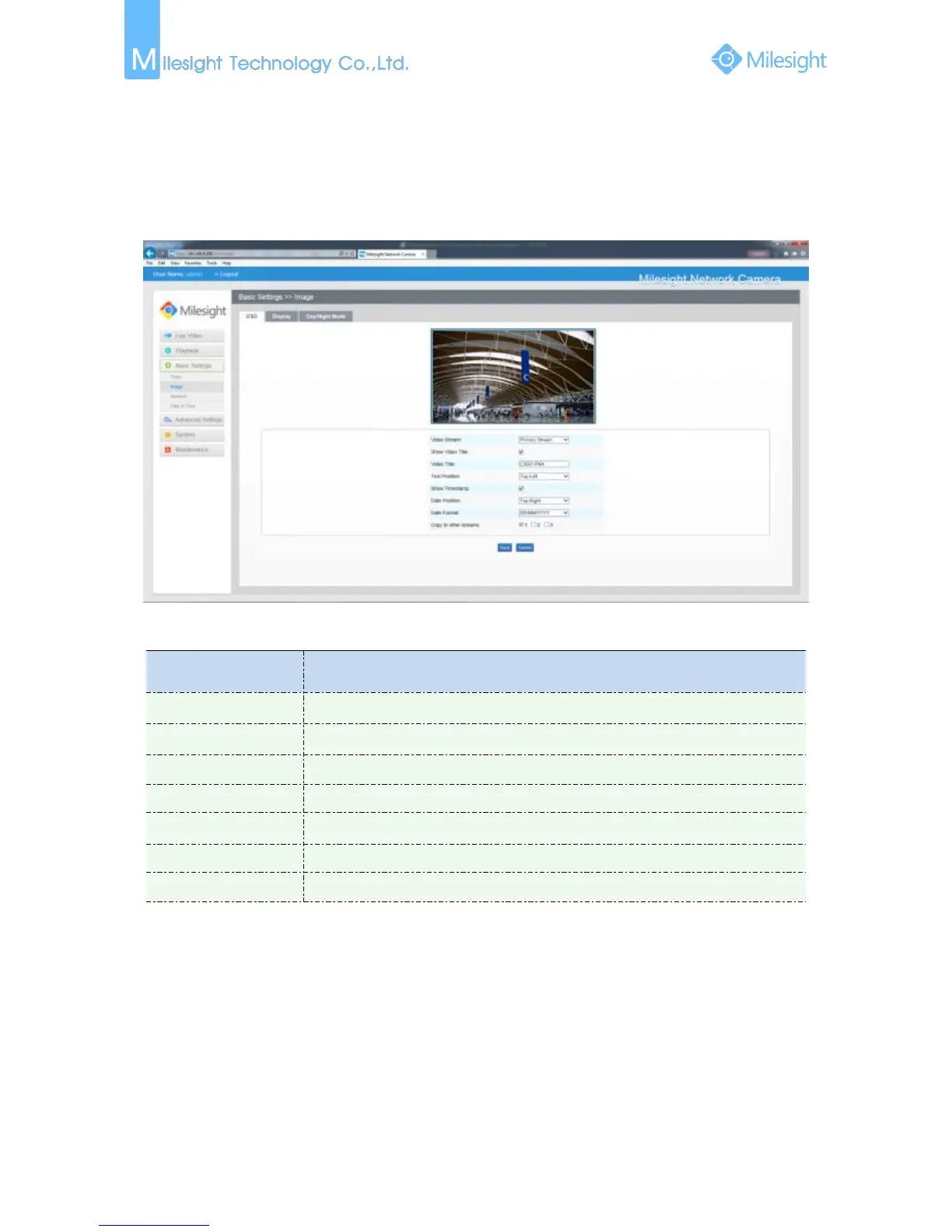
OSD (On Screen Display) content and video time can be displayed to rich the image information.
Display information and Day/Night setting can be set in this module.
On Screen Display(OSD)
Figure 4-3-4 OSD
Table 4-3-2 Description of the buttons
Parameters
Function Introduction
Show Video Title
Check the checkbox to show video title
Video Title
OSD content customized
Text Position
OSD display position on the image
Show Timestamp
Check the checkbox to display date on the image
Date Position
Date display position on the image
Date Format
The format of date
Copy to other streams
Copy the settings to other streams

Other manuals for Milesight MS-C3262-FPNA

Related product manuals