4.4.4 Storage
Before you start:
To configure record settings, please make sure that you have the network storage device within the
network or the SD card inserted in your camera.
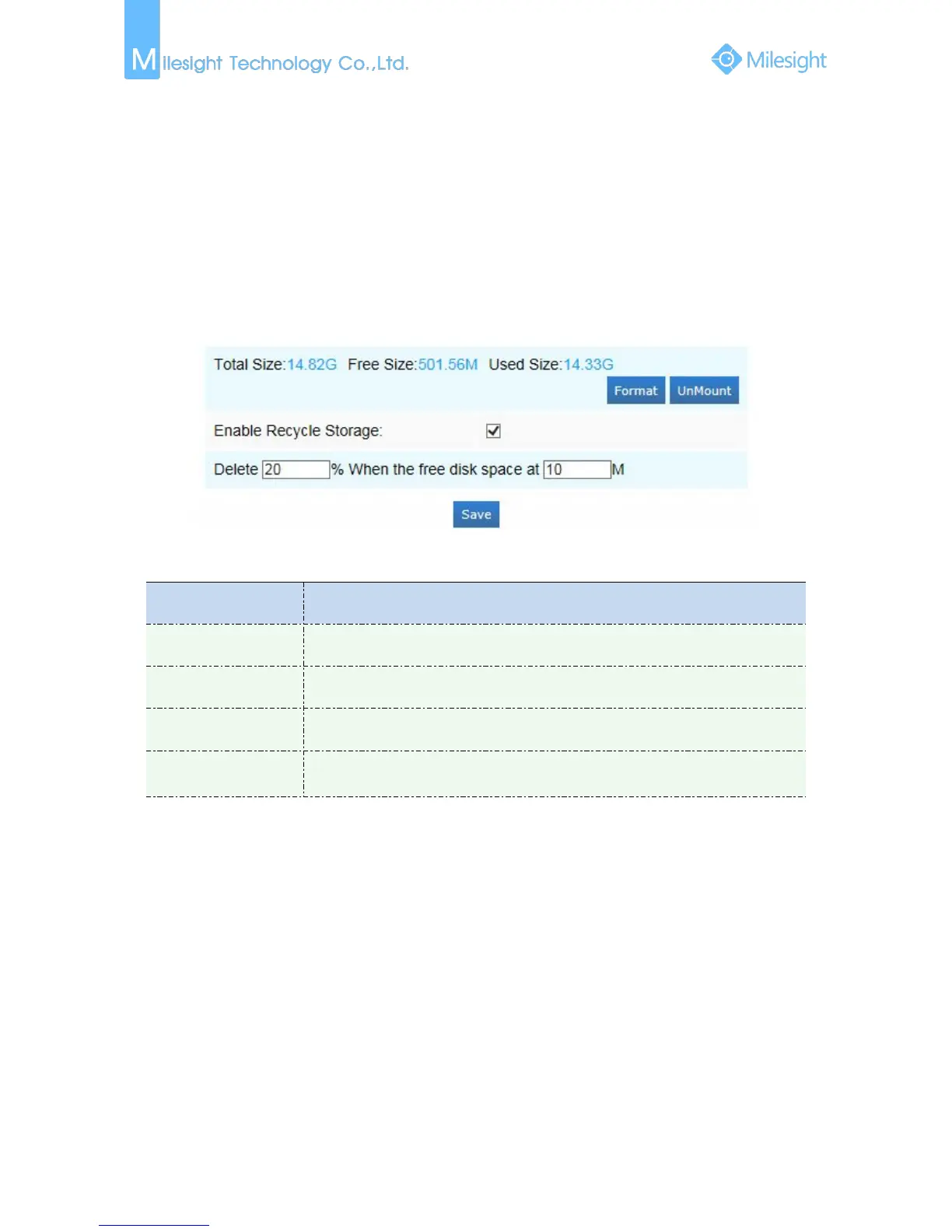
You can check “Enable cyclic storage”, then it will delete the files when the free disk space reach a
certain value. Choose the storage mode according to your needs.
SD Card
Figure 4-4-19 SD Card
Table 4-4-11 Description of the buttons
Enable cyclic storage, when the free disk space reach at a certain time, it will
automatically delete the files at certain percentage according to your settings











 To Next Page