Push-Button Method
The user simply has to push a button, either an actual or virtual one, on both the access point
and the new wireless client device. Support of this mode is mandatory for access points and
optional for connecting devices.
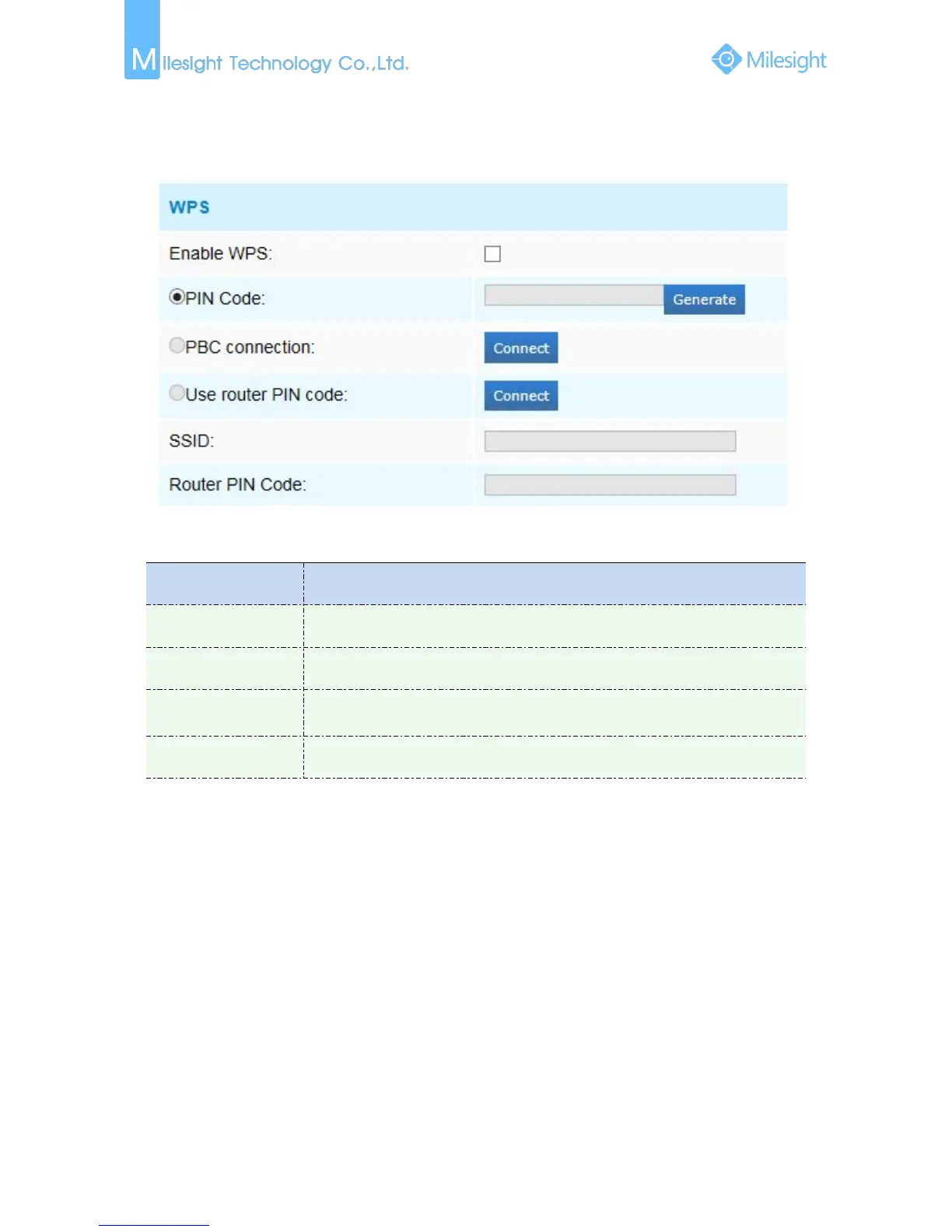
Figure 4-3-9 WPS
Table 4-3-7 Description of the buttons
Click on the “Generate” to get a code, you need to add this PIN code to the router
Connect via PBC button, click on the PBC button on the router, then click
“Connect” button again
Enter the router PIN code here, and also with the SSID
1) Wi-Fi function is only applicable for Cube cameras if purchased, WPS need supports from Wi-Fi
2) If you use Fixed IP, please set IP the same segment with Wi-Fi router .











 To Next Page