Table 4-4-8 Description of the buttons
Save alarm recording files into SD Card
Save alarm recording files into NAS
Upload alarm recording files to the configured FTP server
Upload alarm recording files to SMTP with the configured format
Choose to call the SIP phone when alarm is triggered
Choose to send alarm via HTTP notification
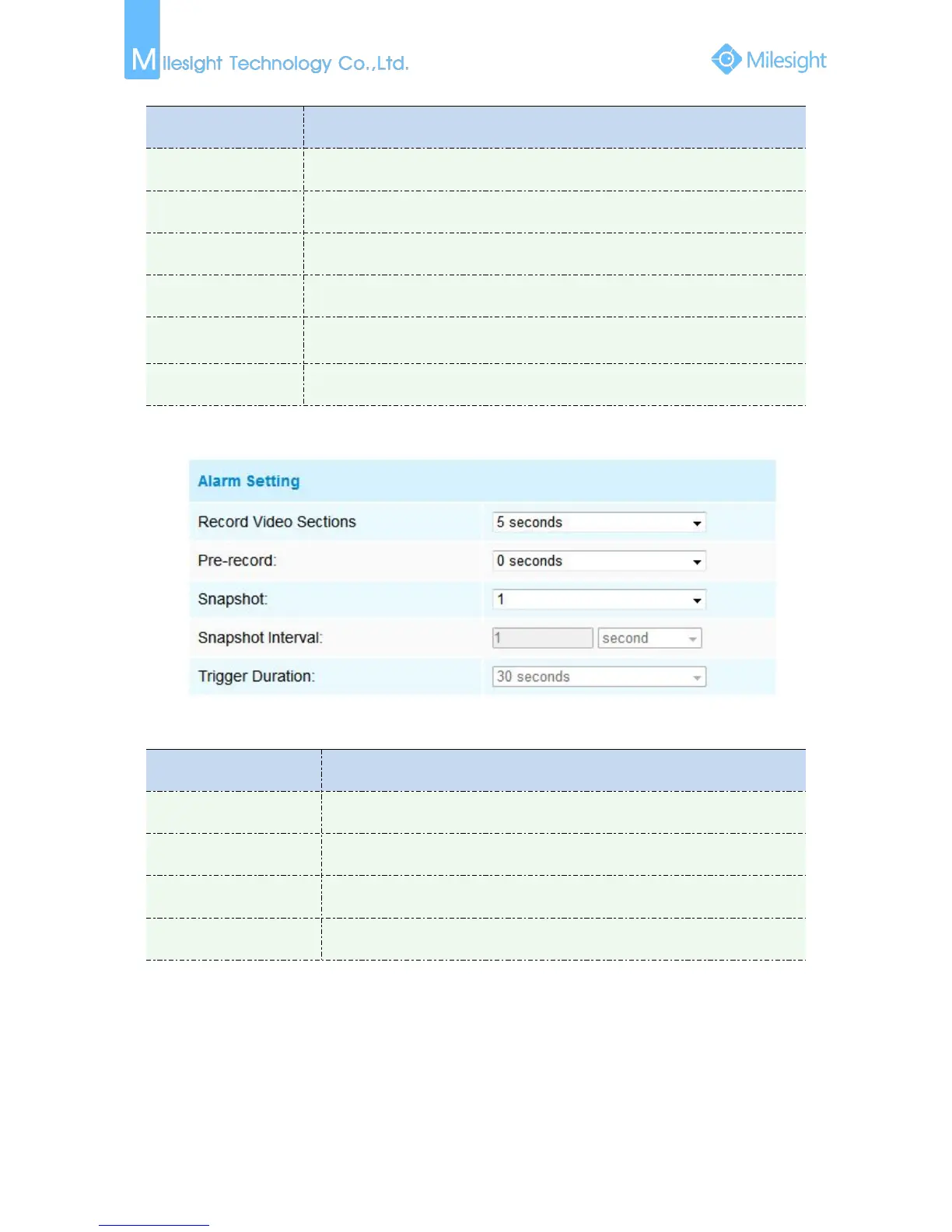
Step4: Set alarm settings.
Figure 4-4-13 Alarm Setting
Table 4-4-9 Description of the buttons
Six different periods are available(5, 10, 15, 20, 25, 30 sec)
Reserve the record time before alarm, 0~10 sec
The number of snapshot, 1~5
Length of time an alarm lasts











 To Next Page