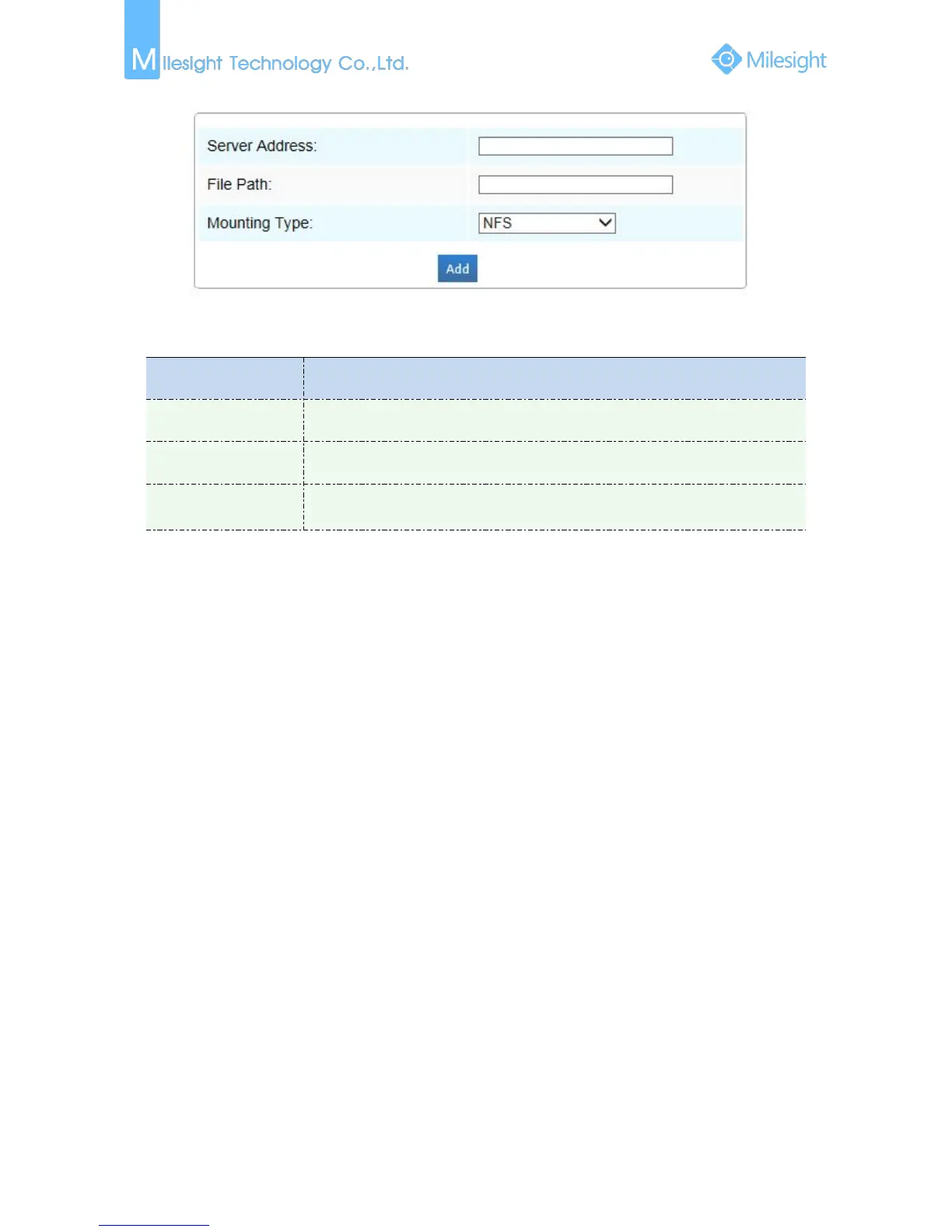
NFS and SMB/CIFS are available. And you can set the user name and password to
guarantee the security if SMB/CIFS is selected
Note:
Up to 5 NAS disks can be connected to the camera.
SD Card Explorer
Files will be seen on this page when they are configured to save into SD card. You can configure
time schedules of video recording everyday and save video files to your desired location.
Note:
Files are visible once SD card is inserted. Don’t insert or plug out SD card when power on.
SD card video files are arranged by date. Each day files will be displayed under the corresponding
date, from here you can copy and delete files etc. You can visit the files in SD card by ftp, for
example, ftp://username:password@192.168.5.190(user name and password are the same as the
camera account and the IP followed is the IP of your device.).


 To Next Page
 Loading...








