Privilege: Set the privilege for the account
An administrator can manage all configuration pages of the device, including
change user password, add or delete users (the default user “admin” cannot be
deleted)
An operator can manage all configuration pages except the User page
A viewer can`t change any settings
Anonymous Visit
Set the Anonymous visit permission Enable or Disable in the drop-down list to enable or disable
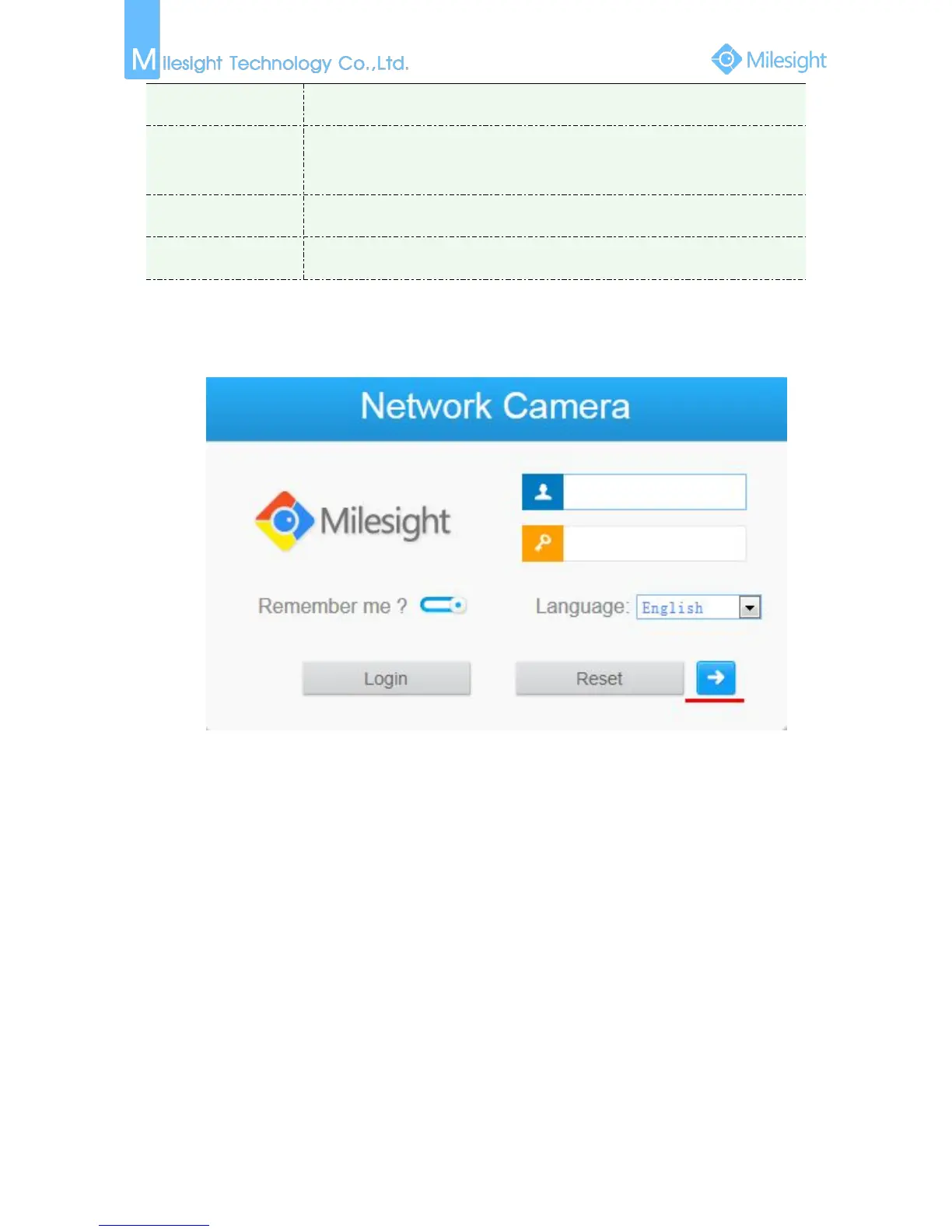
the anonymous visit. There will be a checkbox of Anonymous next time you logging in.
Figure 4-4-25 Log in interface
Click Anonymity and log in.
Note:
Only live view is available for the anonymous user.











 To Next Page