Note:
Do not disconnect the power of the device during the update. The device will be restarted to
complete the upgrading.
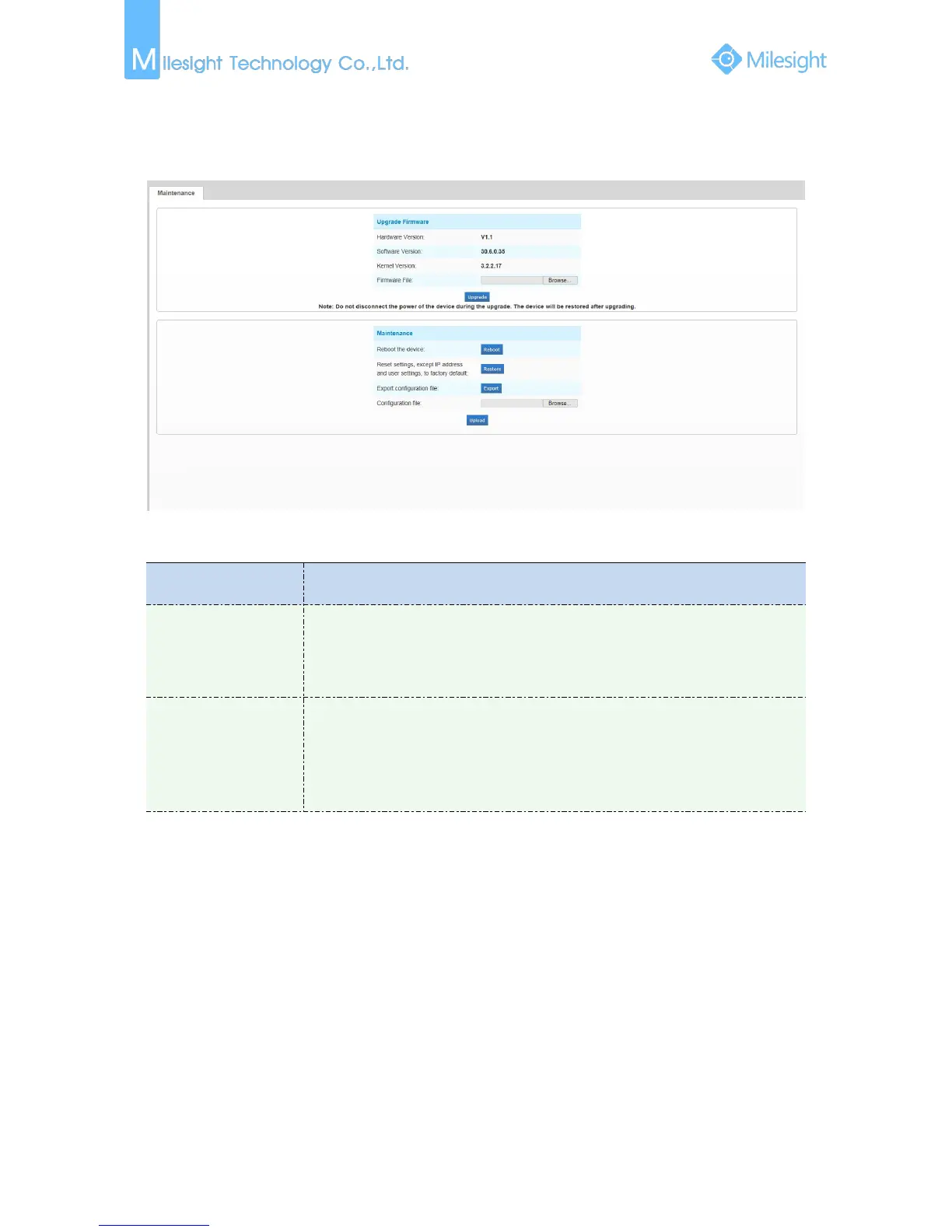
Figure 4-5-2 Maintenance
Table 4-5-3 Description of the buttons
Hardware Version: The hardware version of the camera
Software Version: The software version of the camera
Kernel Version: The kernel version
Firmware File: Select the firmware used to upgrade
Reboot the device: Click “Reboot” button to restart the device immediately
Restore settings, except IP address to Factory Default: Click “Restore” button to
restore the camera to factory default settings
Export configuration file: Click this button to export the configuration file
Configuration file: Click this button to import the old configuration file











 To Next Page