Introduction
Elix® 20, 35, 70 and 100 3
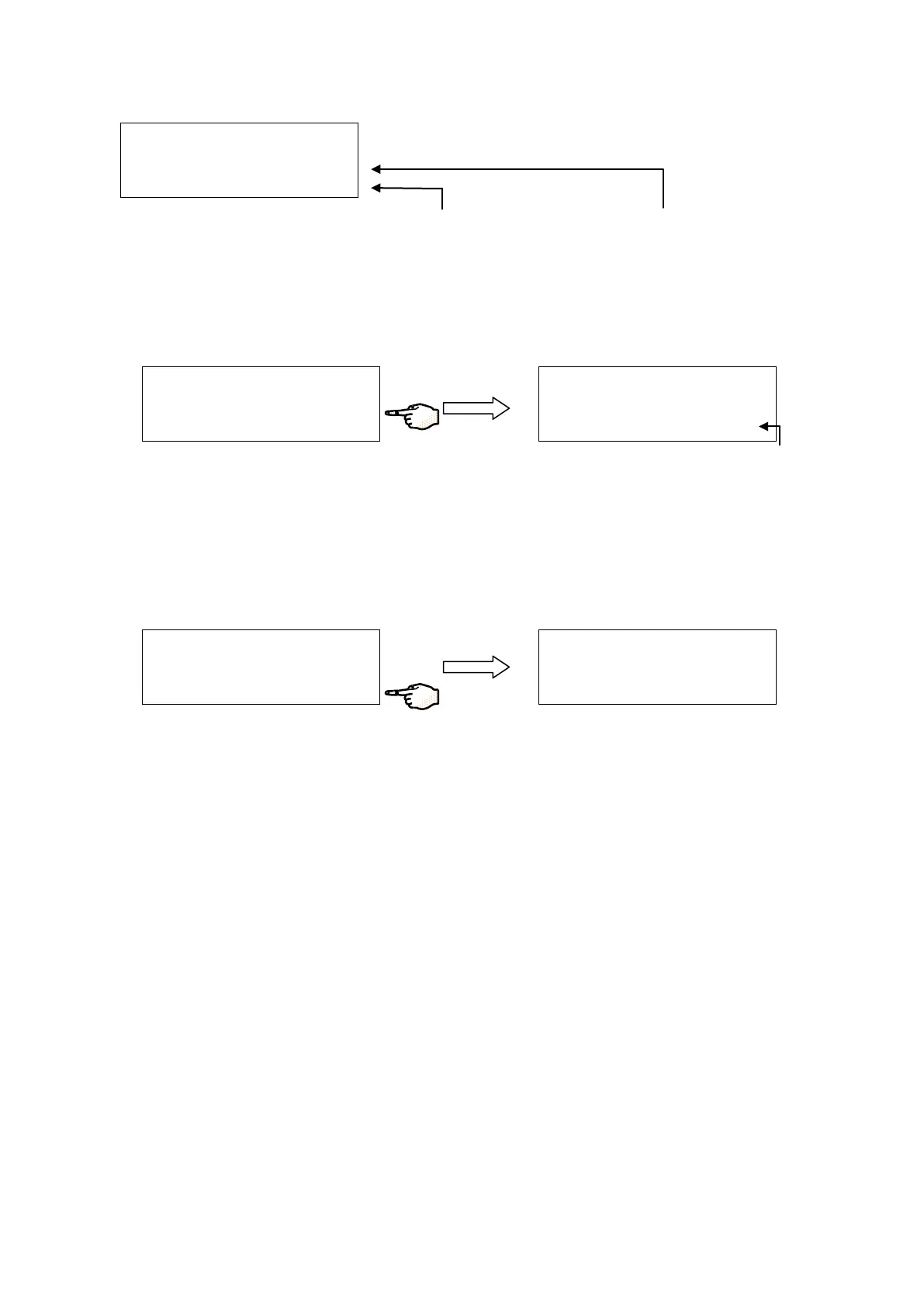
Some examples of various Keypad Button actions are shown below.
Pressing the Keypad Button
next to STANDBY for a few
seconds changes the LCD.
Pressing the Keypad
Button next to DATA
immediately changes
the LCD.
Pressing this Keypad Button (→) will scroll the
LCD to the next LCD Screen containing DATA
information. In this example, DATA is the
Software Branch linked together with LCD
Screens and the Keypad Arrow shown above.
Pressing this Keypad Button
(X) will scroll the LCD to
the ROOT Menu.
P R
O
D
U
C
T I O
N
▄
4
0 %
R
E
J . : 9
7 . 3
%
D
A
T A
S T
A
N
D
B
Y
R
O
M
E M
B
. P
E R
F
O
R
M
.
F
E
E D
: 5
3
6
µ
S
T
C
P
E
R M
E A T E : 8
. 9
µ
S
T
C
R
E
J . : 9 7
. 3 %
P
R
O
D
U
C
T I O
N
▄
4
0
%
R
E J
. : 9
7
. 3
%
D
A T A
S
T A
N
D
B
Y
D
A
T
A
P
R
I N
T
C
U
R
R
E
N
T
V A
L U
E
S
3
0
D
H
I S
T O
R
Y
X
P
R
O
D
U
C T I O
N
▄
4
0
%
R
E
J . : 9
7
. 3
%
D
A
T
A
S
T A
N
D
B
Y






 To Next Page