Maintenance
Elix® 20, 35, 70 and 100 34
4-2 HOW TO REPLACE THE PROGARD TL
Do not remove the Pack without following the software instructions shown
below.
WHEN TO REPLACE THE PROGARD TL
A message, EXCH. PROGARD TL IN XX DAYS, will be shown when it is near the recommended time to exchange the Progard TL.
This message is shown 14 days prior to the recommended replacement date. The LCD would show EXCH. PROGARD TL IN 14
DAYS. This message decrements a day at a time until the recommended replacement date.
If the Progard TL is not replaced on the recommended replacement date, then a message, PROGARD TL EXCH. OVERDUE: XX DAYS,
is shown.
If the Progard TL is replaced using the MAINTENANCE Menu, then the messages explained above are erased from the LCD.
REMOVING THE USED PROGARD TL
Place the Elix System into STANDBY Mode. See Section 3-1 for more information if necessary.
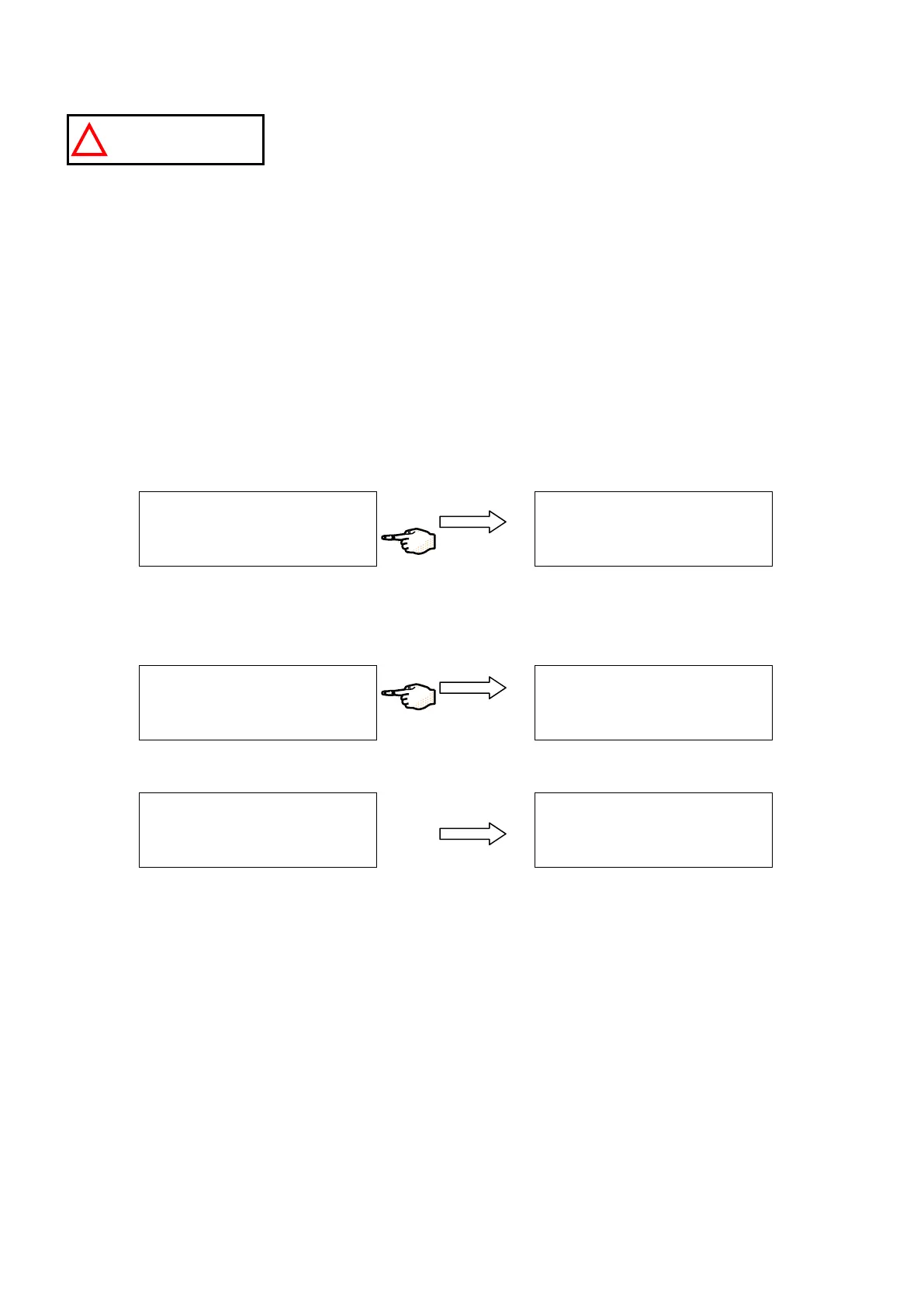
Press the MAINTENANCE Keypad Button.
Press the EXCH PROGARD PACK Keypad Button for a few seconds. The Progard TL (on the Elix System) will automatically be
purged of water. This helps to prevent water coming out of the ports of the Progard TL when it is removed from the Elix
System. It will purge for 12 seconds during which time the Pump will operate.
When the Progard TL is purged of water, the LCD will tell you to replace it.
Unlock the Pack by lifting up the clip that holds the Progard TL in place. Gently remove the Progard TL from the Elix System.
A
I N
T E
N
A N
C
E D
A
T A
E
X
C H
P R
O
G
A
R
D
P A
C
K
E
X
C H
A
N
G
E P
O
L
I S H
E
R
→
S T A
N
D
B
Y
S
E T
U
P
M
A
I N
T E
N
A N
C
E
P R
O
D
U
C
T I O
N
P U
R
G
E
P
R
O
G
A
R D
T L P
A
C
K
P
L E
A
S E
W
A
I T
. . .
C
A
N
C
E
L
A I N
T
E
N
A
N
C
E
D
A
T A
E
X
C
H
P
R
O
G
A
R
D
P A
C
K
E
X
C
H
A
N
G
E P
O
L
I S H
E
R
→
P
L E
A
S E
R E
M
O
V
E
P
R
O
G
A
R D
T L P
A
C
K
C
A
N
C
E
L
P
U
R
G
E
P
R
O
G
A
R
D
T
L P
A
C K
P L
E
A
S
E
W
A
I T
. . .
C
A
N
C
E
L






 To Next Page