Maintenance
Elix® 20, 35, 70 and 100 41
HOW TO MANUALLY CLEAN THE RO CARTRIDGE(S)
Make sure you have a RoClean A Pouch or a RoClean B Pouch (see information above).
Make sure the Elix System has a Cleaning Port Kit installed. It is installed as an accessory device. It does not come factory
installed.
Place the Elix System into STANDBY Mode.
Locate the Cleaning Port Cap on the top of the Elix System. It is located towards the back top end of the Elix System
Cabinet.
Unscrew the Cleaning Port Cap. Place the Cleaning Pouch into the Cleaning Port. Screw the Cleaning Port Cap back on.
Make sure the Cleaning Port Cap is tightened after putting in the Cleaning Pouch.
Additionally, make sure that the RO Reject Tubing is in a sink or drain. Make sure
it is fastened securely in place.
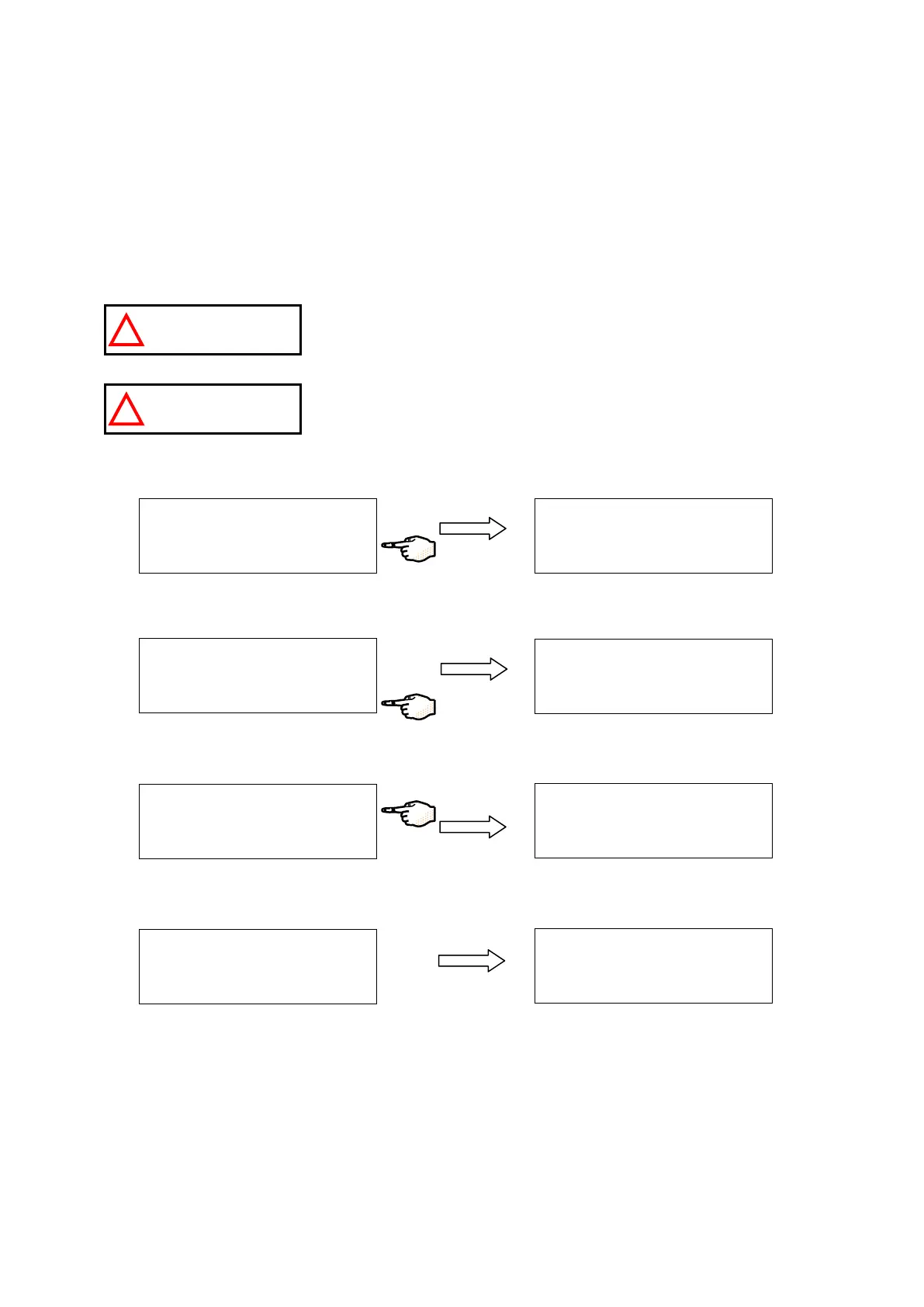
The Cleaning Pouch will form a strong chemical solution when mixed with water.
This solution can be dangerous for your eyes and your skin. Wear Eye Safety
Glasses and use Laboratory Gloves and other appropriate safety equipment.
Press MAINTENANCE.
Press the Bottom Keypad Button.
Press pH CLEAN for a few seconds. The Elix System will perform a Pressure Test for about 16 seconds.
The Elix System will go to FLUSHING Mode for about 1 minute.
S T A
N
D
B
Y
S
E T
U
P
M
A
I N
T E
N
A N
C
E
P R
O
D
U
C
T I O
N
A
I N
T E
N
A N
C
E D
A
T A
E
X
C H
P R
O
G
A
R
D
P A
C
K
E
X
C H
A
N
G
E P
O
L
I S H
E
R
→
A
I N
T E
N
A N
C
E
p
H
C
L E
A
N
C l 2
C
L E
A
N
→
A I N
T
E
N
A
N
C
E
D
A
T A
E
X
C
H
P
R
O
G
A
R
D
P A
C
K
E
X
C
H
A
N
G
E P
O
L
I S H
E
R
→
A I N
T
E
N
A
N
C
E
p
H
C
L E
A
N
C
l 2 C
L E
A
N
→
T E
S
T I N
G
F E E
D
P
R
E
S
S .
P
L E
A
S E
W
A
I T
. . .
p
H
C
L E
A
N
I N
G
F L U
S
H
I N
G
. . .
R
. T
I M
E
: 8
5 m
i n
T E
S T
I N
G
F E
E
D
P
R E
S
S .
P L
E
A
S
E
W
A
I T
. . .






 To Next Page