Using the Elix System
Elix® 20, 35, 70 and 100 29
3-4 HOW TO VIEW SERIAL NUMBERS AND MAINTENANCE INFORMATION FROM THE
LCD
SERIAL NUMBER FOUND ON THE ELIX SYSTEM CABINET
The Serial Number of the Elix System can be found on the left side of the Elix System Cabinet. A Serial Number sticker is placed
just above the Feedwater Tubing Port.
SERIAL NUMBER AND OTHER INFORMATION FOUND WITH THE LCD
It is possible to view information about your Elix System on the LCD. This information includes:
Elix System Catalogue Number
Elix System Serial Number
Elix System Installation Date
Elix System Software Version
Elix System Accumulative Production Time
Progard TL Serial Number
Progard TL Installation Date
Progard TL Remaining Time
UV Lamp Remaining Time
A10 UV Lamp Remaining Time
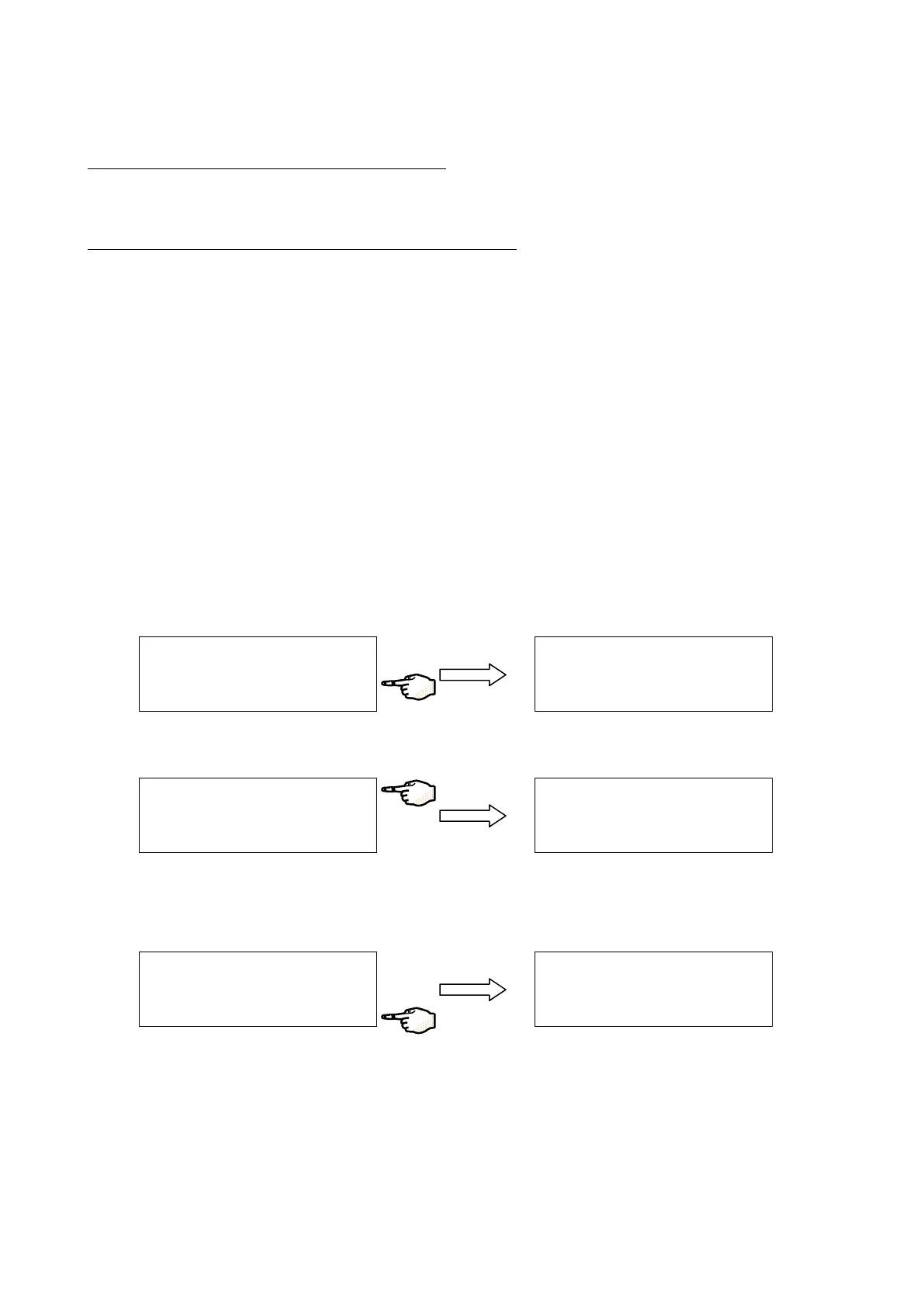
Follow the steps below to see the information listed above.
Start in STANDBY Mode. Press MAINTENANCE.
Press the DATA Keypad Button.
The Catalogue Number for the Elix System is shown. The Serial Number for the Elix System is shown.
Press the 4
th
Keypad Button to access more information about the Elix System.
The Elix System Installation Date is shown. The Software Version is shown. The Elix System Production Time is shown. This
is the accumulated time that the RO Motor has been powered in order to make RO Permeate Water.
S T A
N
D
B
Y
S
E T
U
P
M
A
I N
T E
N
A N
C
E
P R
O
D
U
C
T I O
N
A
I N
T E
N
A N
C
E D
A
T A
E
X
C H
P R
O
G
A
R
D
P A
C
K
E X
C
H
Q
G
A
R
D
P A
C
K
→
A I N
T
E
N
A
N
C
E
D
A
T A
E
X
C
H
P
R
O
G
A
R
D
P A
C
K
E
X
C
H
Q
G
A
R
D
P A
C
K
→
E
L I X
7
0
C
A
T
. N
B
: Z L X
S
5
1 5
0
0
S
E R
. N
B
: F 3
N
N
1
2 3
4
A
→
E L I X
7
0
C
A T . N
B
: Z
L X S
5
1 5
0
0
S E R
. N
B
: F
3
N
N
1
2 3
4
A
→
I N
S
T . D
A
T E
: 0
1
/ 0 9
/ 0 3
S
O
F
T W
A
R
E : V
1
. 0 1
- 0 1
P
R
O
D
U
C
T I O
N
: 1
6 h
→






 To Next Page