8-6 Instructions
in
Remote Mode
8-6-1 Remote Instructions
This Paragraph describes conversion between
the
instructions
provided for remote operations
of
the
Programmer and data.
These instructions are generated for connection with
terminal devices. Care should be taken
to
connection with
computers because
of
some echo-backs.
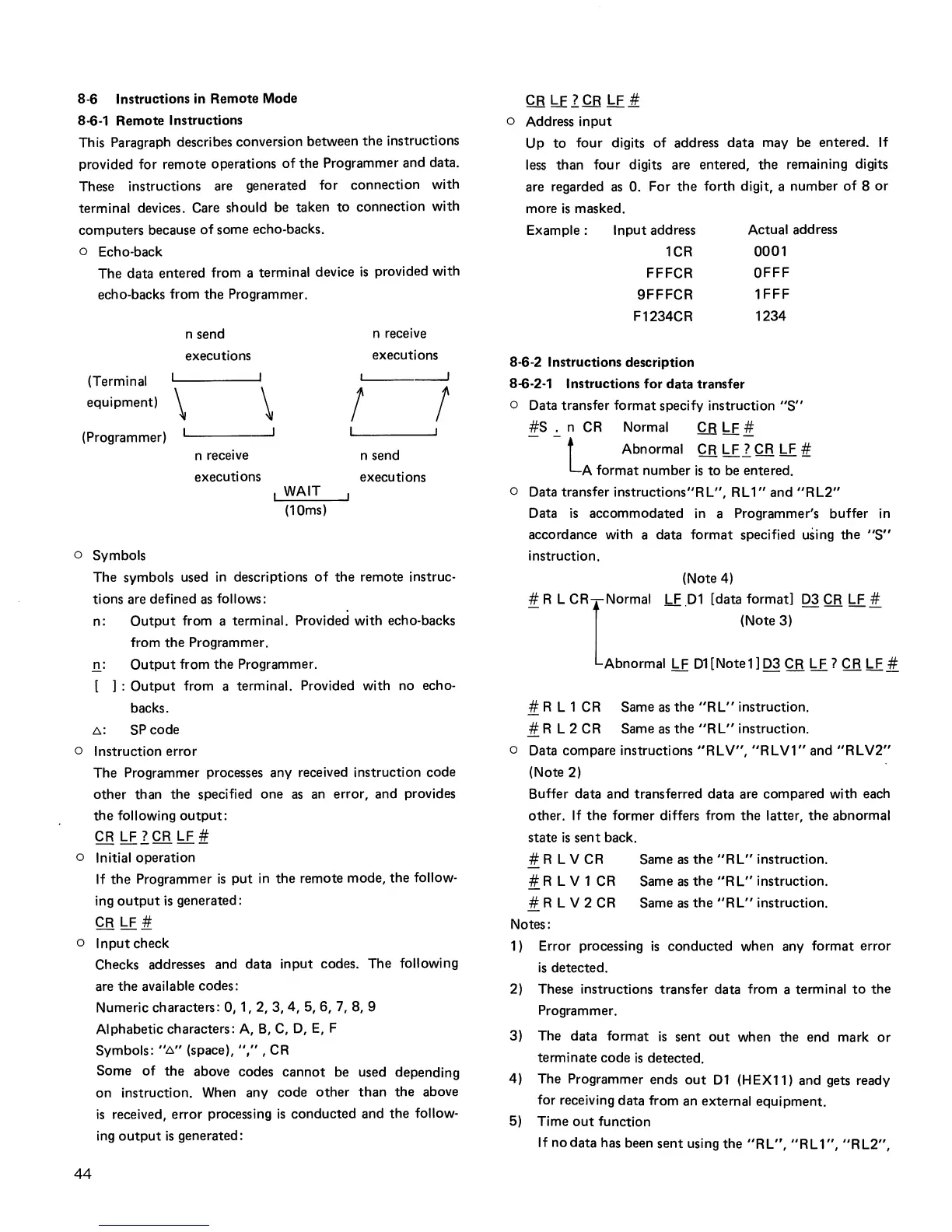
o Echo-back
The data entered from a terminal device
is
provided with
echo-backs from
the
Programmer.
n send
executions
(Terminal
equipment)
\
\
n receive
executions
L...-
__
~
I !
(Programmer)
n receive
executions
WAIT
(10ms)
n send
executions
o Symbols
The symbols used
in
descriptions
of
the
remote instruc-
tions are defined
as
follows:
n:
Output
from a terminal. Provided with echo-backs
from
the
Programmer.
n:
Output
from the Programmer.
[
]:
Output
from a terminal. Provided with no echo-
backs.
L:..:
SP code
o Instruction error
The Programmer processes any received instruction code
other
than the specified one
as
an
error, and provides
the
following
output:
CR
LF
l
CR
LF
tf.
o Initial operation
If
the
Programmer
is
put
in
the
remote mode,
the
follow-
ing
output
is
generated:
CR
LF
it.
o Input check
44
Checks addresses and data input codes. The following
are
the
available codes:
Numeric characters: 0, 1,
2,3,4,5,6,7,8,9
Alphabetic characters:
A,
B,
C,
D,
E,
F
Symbols: ..
L:..
..
(space), .. , ..
,CR
Some
of
the
above codes
cannot
be used depending
on instruction.
When
any code
other
than
the
above
is
received, error processing
is
conducted and
the
follow-
ing
output
is
generated:
CR
li
l.QB
LF
.it.
o Address input
Up
to
four digits
of
address data may be entered.
If
less
than four digits are entered, the remaining digits
are regarded
as
O.
For
the
forth digit, a number
of
8
or
more
is
masked.
Example: Input address
Actual address
1CR
FFFCR
9FFFCR
0001
OFFF
1FFF
F1234CR 1234
8-6-2 Instructions description
8-6-2-1 Instructions for data transfer
o Data transfer format specify instruction
"S"
#S
..:.
n
CR
Normal
.Q.B
LF
!1.
l
Abnormal
CR
LF ? CR
LF
#
A format number
is
to
be
entered.
o Data transfer instructions"R L", R L
1"
and
"R
L2"
Data
is
accommodated
in
a Programmer's buffer
in
accordance with a data format specified using the
"S"
instruction.
(Note 4)
# R L
CR-Normal
LF
.D1
[data format]
D3
CR
LF
#
1
(Note 3)
Abnormal LF D1[Notell
D3
CR
LF?
CR
LF
#
1!..
R L 1
CR
Same
as
the
"RL"
instruction.
# R L 2
CR
Same
as
the
"RL"
instruction.
o Data compare instructions
"RLV",
"RLV1"
and
"RLV2"
(Note 2)
Buffer data and transferred data are compared with each
other.
If
the
former differs from
the
latter,
the
abnormal
state
is
sent
back.
# R
LV
CR Same
as
the
"RL"
instruction.
1!..R
LV
1
CR
Same
as
the
"RL"
instruction.
# R
LV
2
CR
Same
as
the
"RL"
instruction.
Notes:
1 ) Error processing
is
conducted when any format error
is
detected.
2) These instructions transfer data from a terminal
to
the
Programmer.
3) The data format
is
sent
out
when the end mark
or
terminate code
is
detected.
4) The Programmer ends
out
D1
(HEX11) and gets ready
for receiving data from an external equipment.
5) Time
out
function
If
nodata
has been
sent
using the
"RL",
"RL
1",
"RL2",



 To Next Page