Operating the Control and Management Module (CMU)
6-9
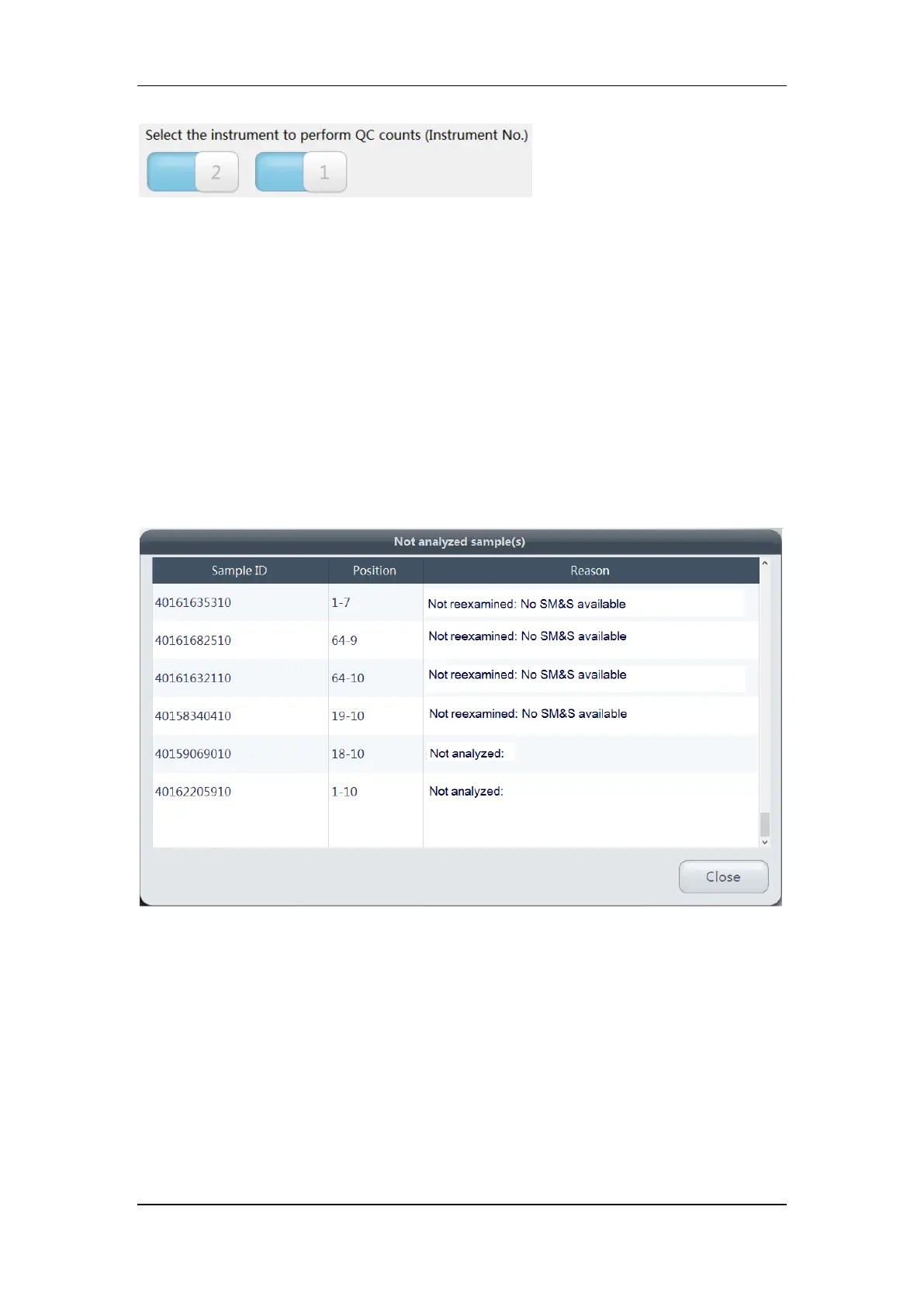
If the switches for both Instrument 1 and 2 are on, the QC tube rack will be transported to
both instruments for analysis in turn while running the QC count.
6.3.3 Checking Special Sample Information
When the samples are being processed by the auto sample processing system, you may
need to check the information of the some special samples. Tap the corresponding shortcut
icon on top of the main screen to check the information of not analyzed samples, suspect
samples, and barcode unidentified samples (from left to right).
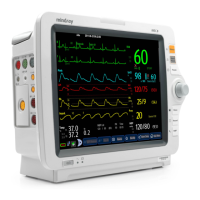
Not analyzed samples
You can check the “Sample ID”, sample “Position”, and the “Reason” that the sample was not
analyzed.
Suspect samples
You can check the “Sample ID”, sample “Position”, time and instrument of the analysis, as
well as the test panel.


 To Next Page