Part assembly
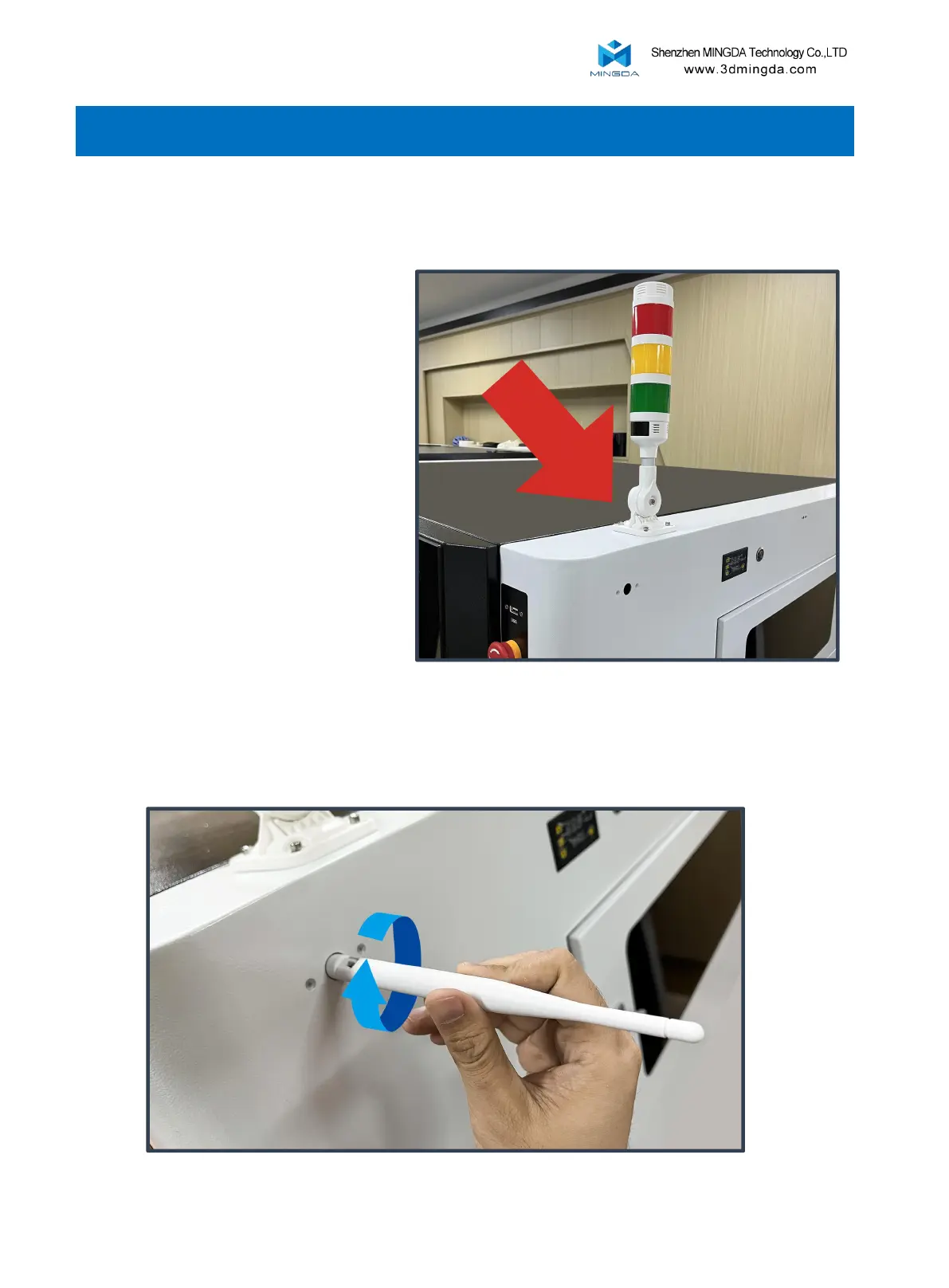
2. Install the antenna.
3. Operational Steps
5
1. Install the indicator light.
Green light: Indicates that the printer
is working properly.
Red light: Indicates that the printer is
in an emergency stop or fault state,
requiring immediate attention or
repair by the user. For example,
overload, short circuit, or error
message on the screen.
Yellow light: Indicates that the printer
is in a warning or abnormal state,
requiring user attention or
intervention. For example, insufficient
filament or paused printing.



 To Next Page