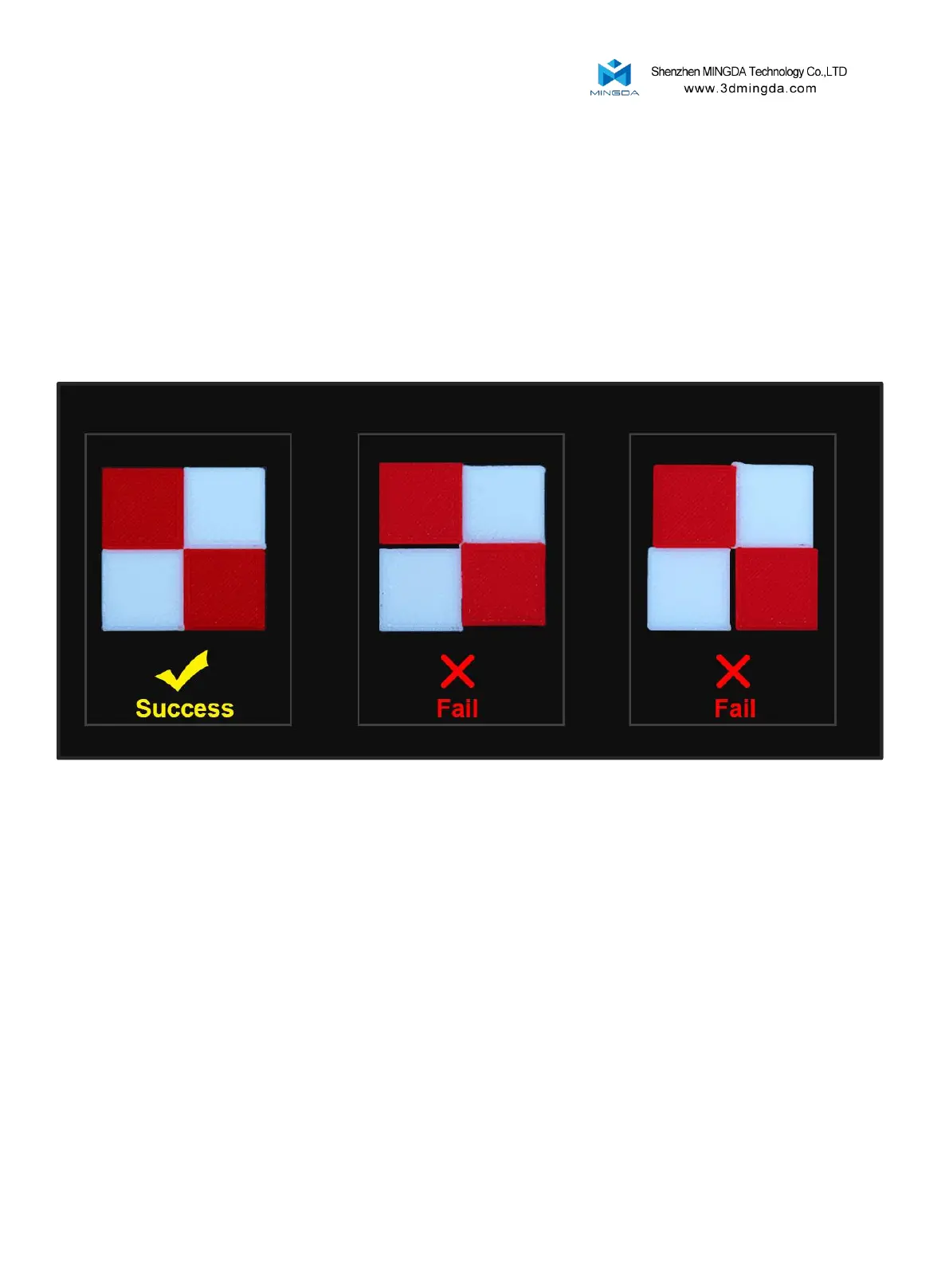
Print the verification file named "Calibration two-color square testing.gcode" from the SD card.
When the printing is complete, please compare the printed two-color square with the sample graphic,
and check whether there is an obvious gap between the color squares.
Verify the XY-axis offset for the left and right print heads:
1. If there is no gap between the color blocks, it means that the XYZ direction offset value of the right nozzle is
within a reasonable range. Offset calibration is complete.
2. If there is a gap between the color blocks, re-calibrate the XY direction offset value of the right nozzle.
Repeat the printing process until the testing square is successfully.
16



 To Next Page