Mirror Mode
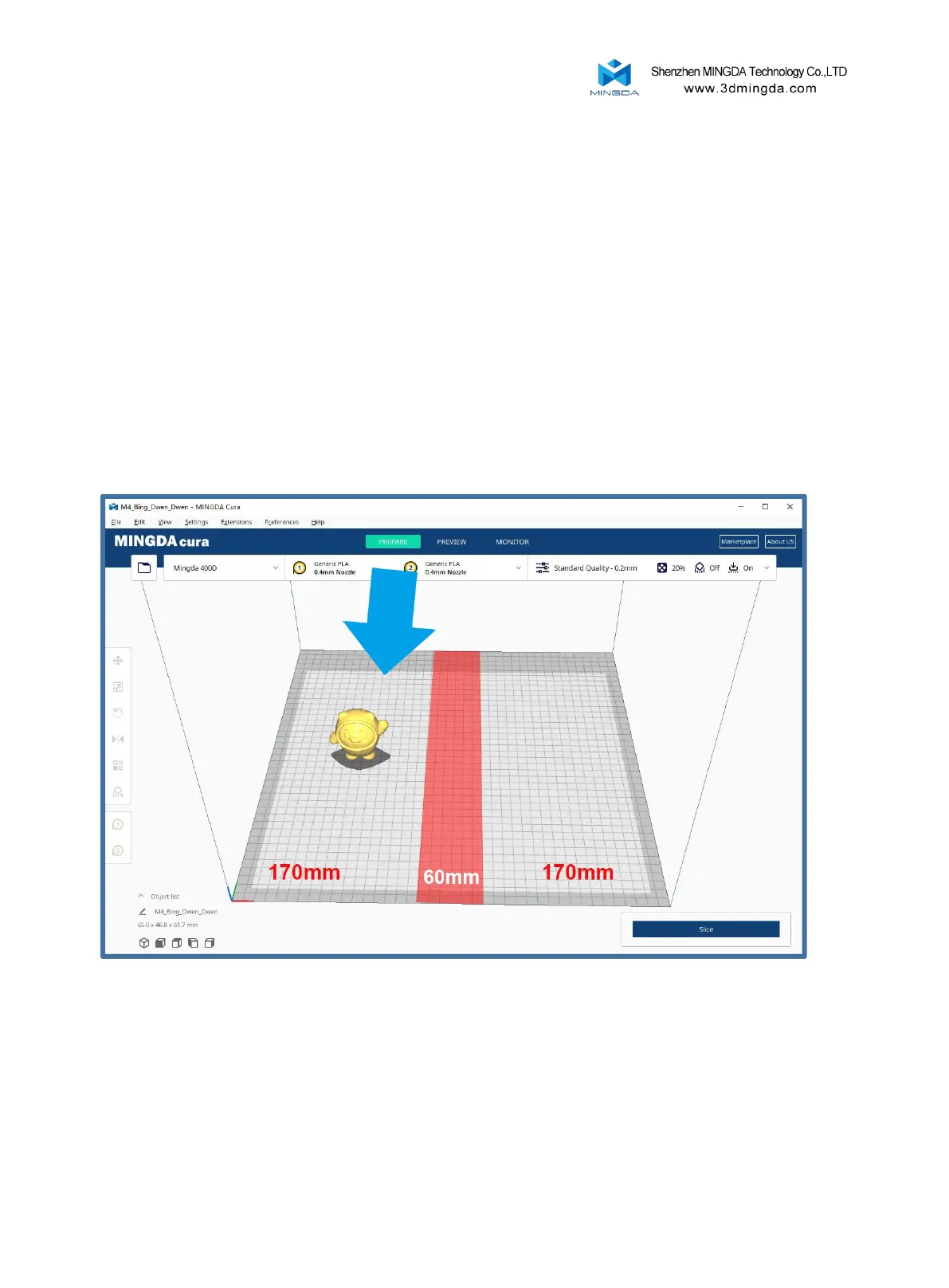
Printing size: X * Y * Z: 170 * 400 * 400mm
Mirror mode printing process: Slice a single nozzle, select Mirror mode on the machine, and
then print.
Note 1: When selecting mirror mode, the sliced model can only be located on the left side of
the red line, with a size of 170mm. If it exceeds the left red line, the left and right heads will
collide during the printing process. In the actual printing process, the left head will print on the
left side of the red line, and the right head will print on the right side of the red line.
24



 To Next Page