Pattern
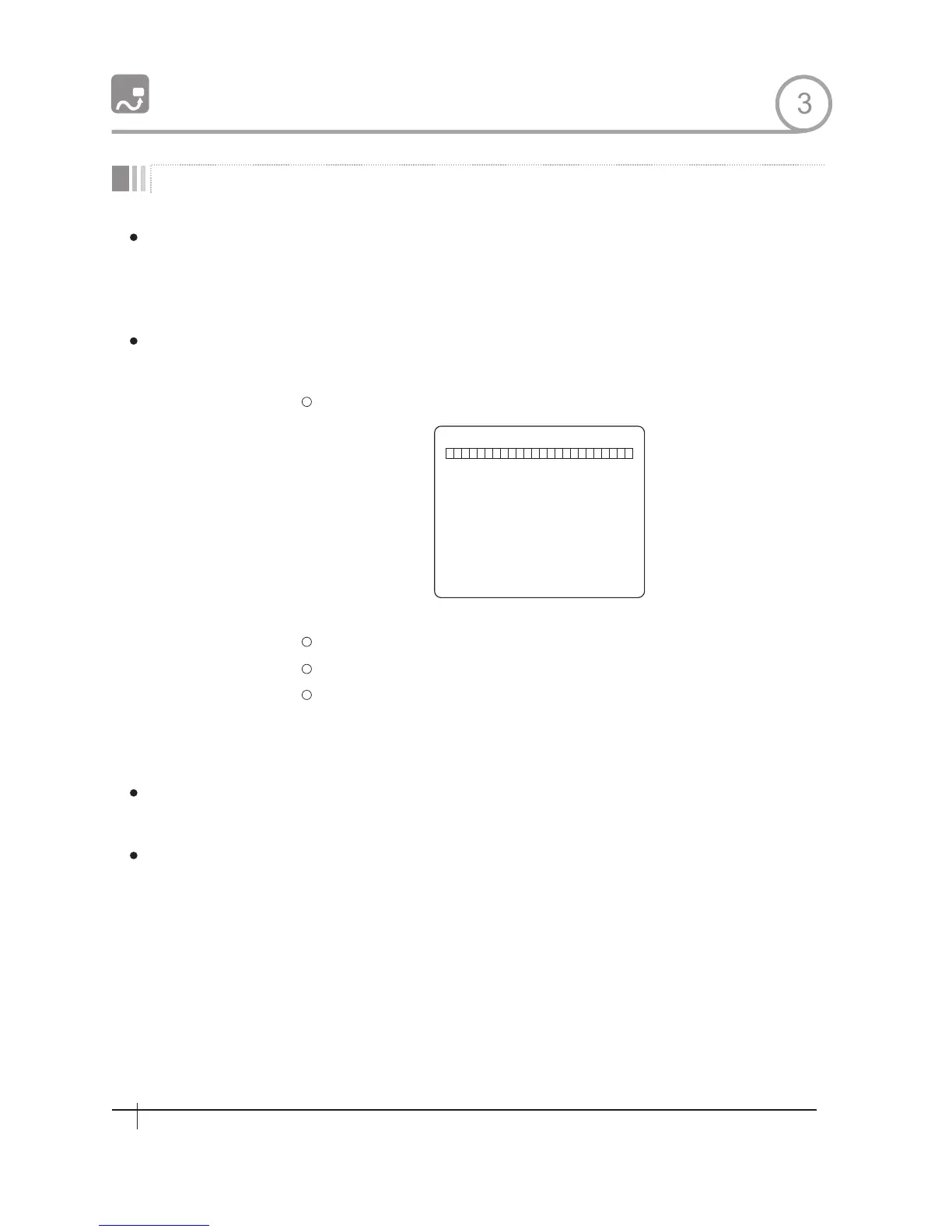
EDIT P ATTE RN 1
[NEAR:SAVE /FAR:DELETE]
0/0/×1/N
Function
Set Pattern
Run Pattern
Delete Pattern
OPERATON
PAITERN 4
Pattern Function is that a camera memorizes the path (mostly curve path) by joystick of
controller for assigned time and revives the path exactly as it memorized.
4 Patterns are available and Maximum 1200 communication commands can be stored in
a pattern.
Pattern can be created by one of following two methods.
Method 1) <Set Pattern> [Pattern NO .]
Pattern editing screen is displayed as bellow.
Movement by Joystick and preset movement can be memorized in a pattern.
The rest memory size is displayed in progress bar.
To save the recording, press NEAR key and to cancel, press FAR key.
Method 2)OS D Using OSD Menu: See the section“How to use OSD Menu".
Method 1) <Run Pattern>[Pattern NO .]
Method 2) <Go Preset> [Pattern NO .+130]
Use OSD menu to delete a Pattern
ex)Run Pattern 2:<Run Pattern>[2]
ex)Run Pattern 2:<Go Preset>[132]
3
14
Spee d Dom e Camera Instruction Manual


 To Next Page