Motion Setup
HOW TO USE OSD MENU
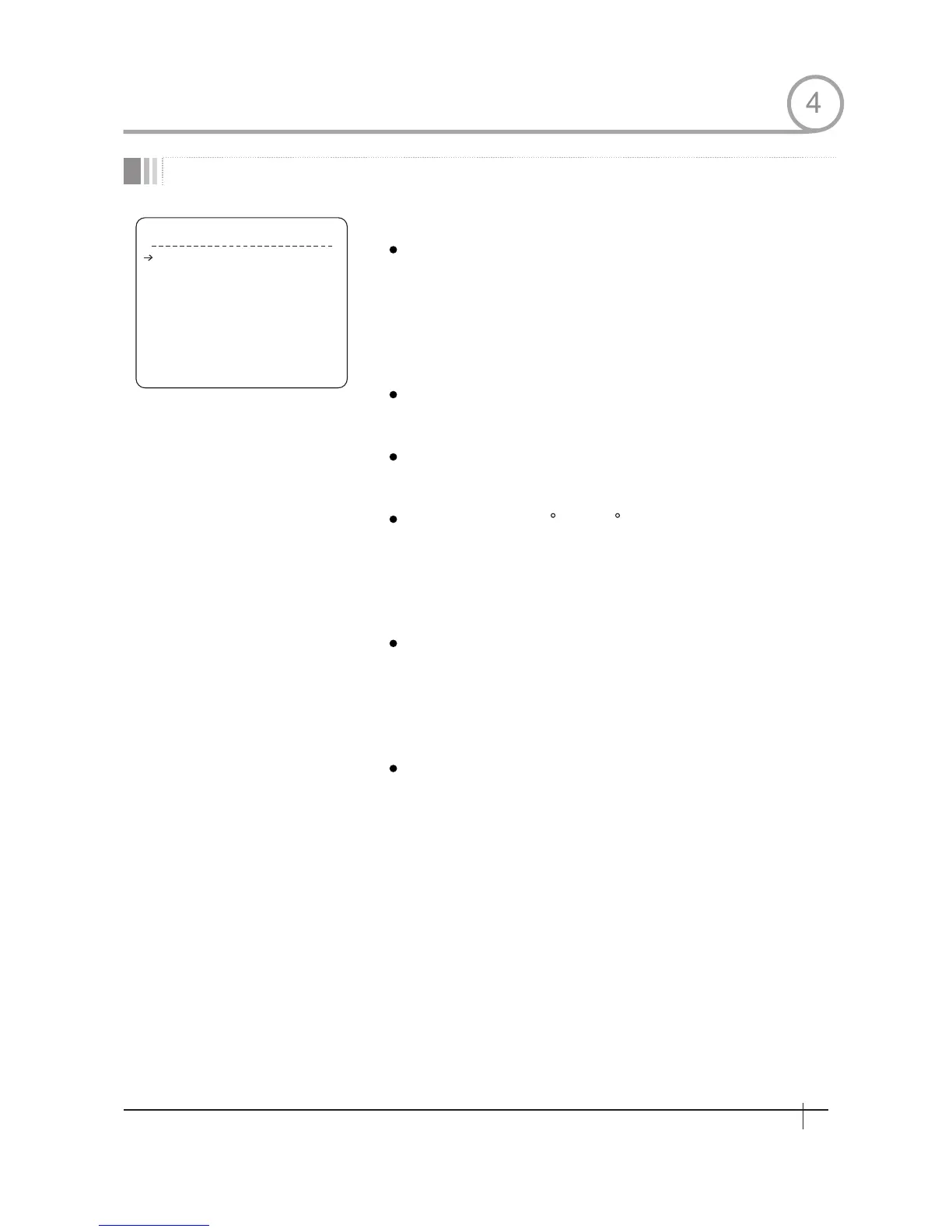
MOT I O N SET U P
OFF
ON
ON
120/SEC
INVERSE
OFF
MOTION LOCK
PWR UP ACTION
AUTO FLIP
JOG MAX SPEED
JOG DIRECTION
FRZ IN PRESET
<PARKING ACTION SETUP>
<ALARM INPUT SETUP>
BACK
EXIT
Setup the general functions of Pan/Tilt motions.
Motion Lock
Power Up Action
Auto Flip
Jog Max Speed
Jog Direction
Freeze in Preset
If Motion Lock is set to ON, it is impossible to
set up and delete Preset, Swing, Pattern and
Group.It is possible only to run those functions.
To set up and delete those functions, enter into
OSDmenu.
[ON/OFF]
Refer to "Other Functions"section.
Refer to"0ther Punctions"section.
Sets maximum jog speed. Jog speed is
inversely proportional to zoom magnification.
As zoom magmfication goes up, pan/tilt speed
goes down
[INVERSE/NORMAL]
If you set this to‘Inverse’,the view in the
screen is moving same direction with jog
tilting. If 'Normal' is selected, the view in
the screen is moving reversely.
[ON/OFF]
At start point of preset movement.camera
starts freezing the image of start point. Camera
keeps displaying the image of start point
during preset movement and does not display
the images which camera gets during preset
movement As soon as camera stops at preset
end point, camera starts displaying live images
which it gets at preset end point.
This function availability should be different by
models.
[ON/OFF]
[ON/OFF]
[1 /sec~360 /sec]
4
23
Spee d Dom e Camera Instruction Manual


 To Next Page