PRESET Setup
HOW TO USE OSD MENU
Preset Number
Clear Preset
Edit Preset Scene
Edit Precet Label
CAM Adjust
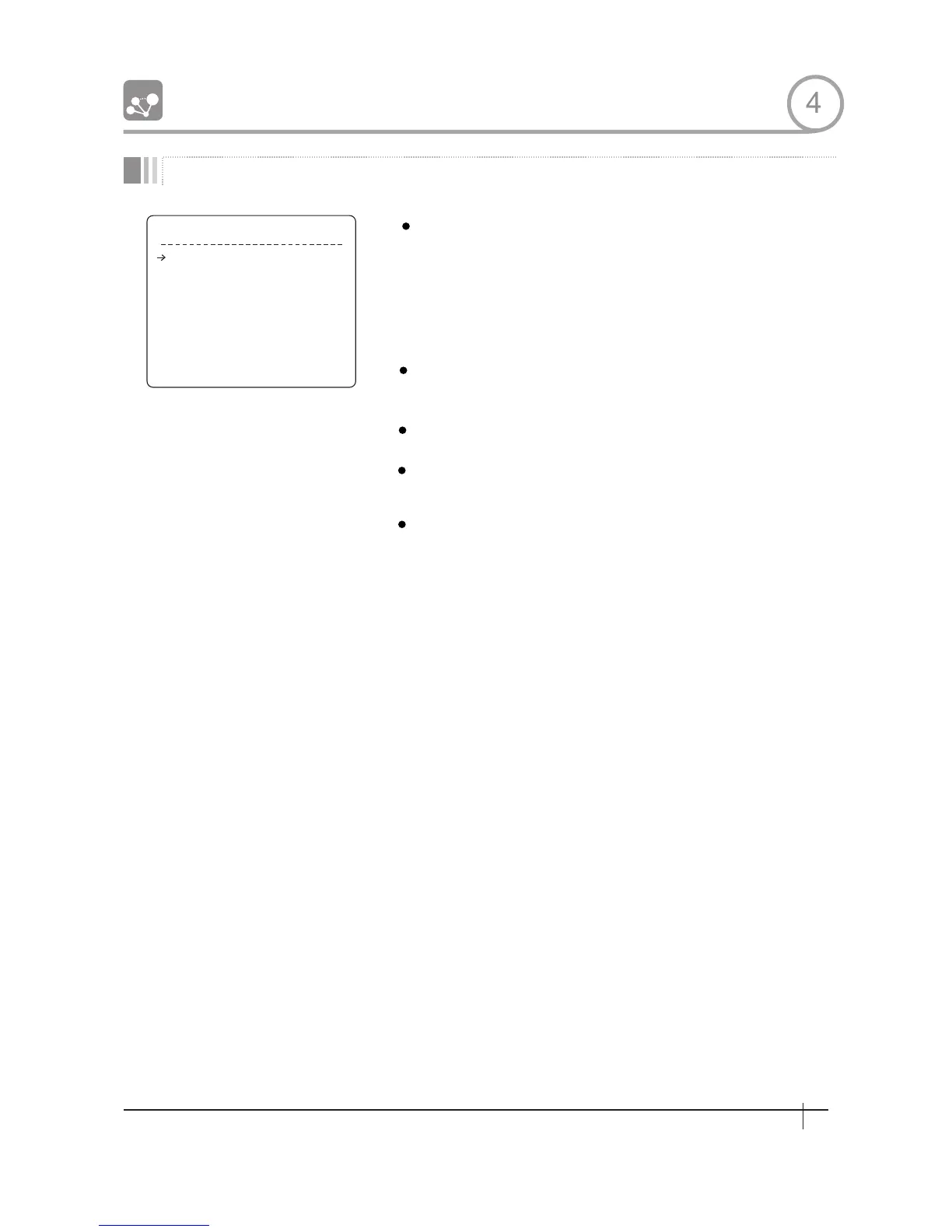
P R E S E T S E T U P
P R E S E T N O . 1
C L R P R E S E T C A N C E L
< E D I T S C E N E >
< E D I T L A B E L > L A B E L 1 2 3
C A M A D J U S T G L O B A L
B A C K
E X I T
[1~255]
If a selected preset is already defined,camera
moves to pre- defined position and preset
characteristics such as Label and Relay Outputs
show on monitor. If a selected preset is not
defined. "UNDEFINED" shows on monitor.
[CANCEL/OK]
Delete current Preset data
Redefine current Preset scene position(1.e PTZ)
Edits Label to show on monitor when preset runs
MAX. 10 alphabets are allowed
[GLOBAL/LOCAL]
WB (White Balance) and AE(Auto Exposure) can
be set up independently for each preset. There
are 2 modes, "Global" mode & "Local" mode. The
Global modemeanst thatWB or AE can be set up
totally and simultaneously for all presets in
"Z00M CAMERA SETUP" menu.
The Local mode means that WB or AE can be set
up independently or separately for each preset
in each preset setup menu. Each Local WB/AE
value should activate correspondingIy when
camera arrives at each preset location. During
jog operation,Global WB/AE value should be
applied.
All Local WB/AE value should not change
although Global WB/AE value changes. If“Local”
is selected, Menu to set WB/AE shows on
Monitor.
4
25
Spee d Dom e Camera Instruction Manual
25
Spee d Dom e Camera Instruction Manual
PRESET 128
1
2
128


 To Next Page