100X ZOOM
CANERA SETUP
HOW TO USE OSD MENU
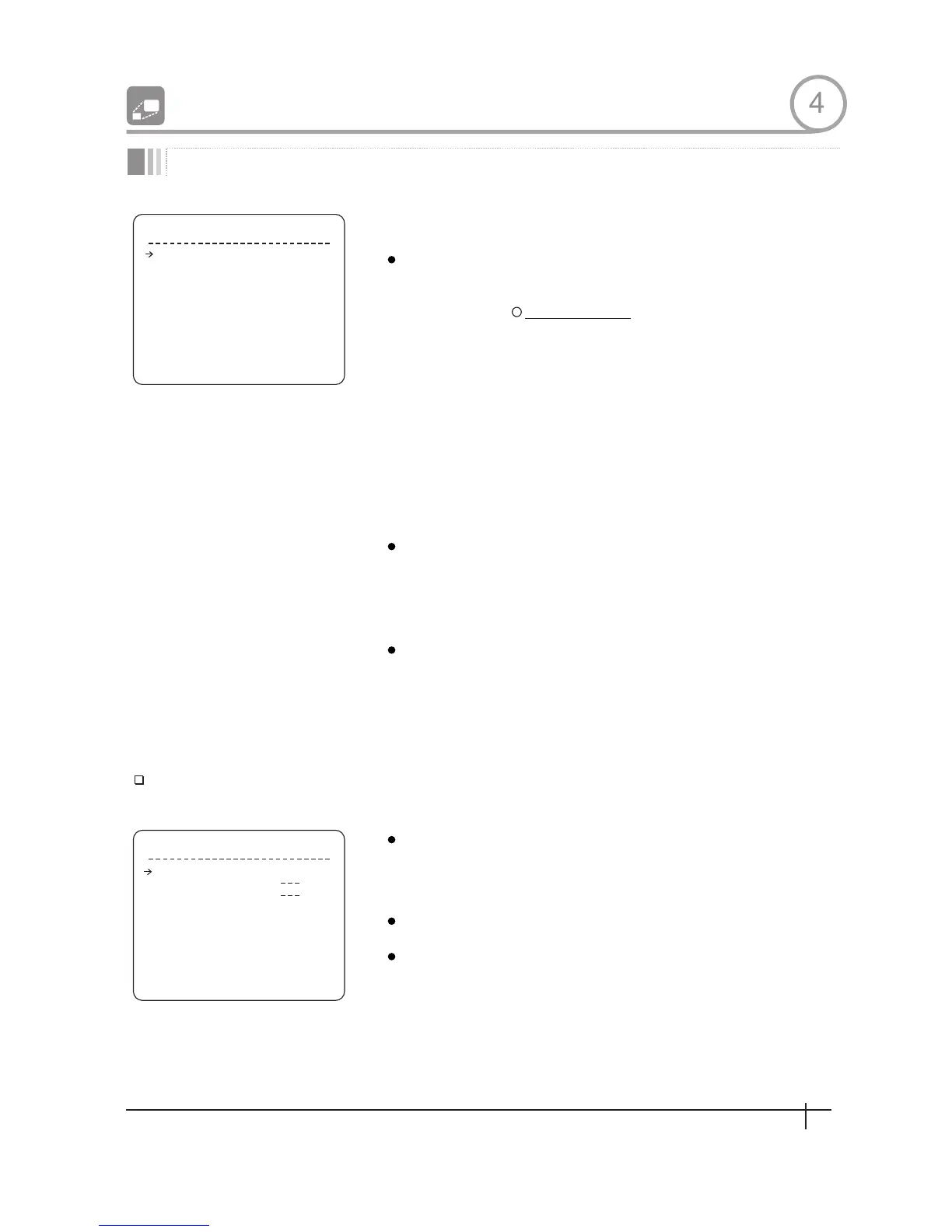
ZOOM CAMERA SETU P
FO C U S M O DE S E MIA U TO
D I G I T A L Z O O M O N
L I N E L O C K O F F
< W H I T E B A L A N C E S E T U P >
B A C K
E S I T
< A U T O E X P O S U R E S E T U P >
WB MODE AUTO
R E D A D J U S T
BLUE A D J U ST
W B S E T U P - G L O B A L
BACK
E X I T
Focus Mode
Digital Zoom
Line Lock
WB Mode
Red Adjust
Blue Adjust
White Balance Setup
Setup the general functions of zoom camera module
[AUTO/MANUAL/SEMIAUTO]
SEMIAUTO Mode
Sets camera focus mode.
This mode exchanges focus mode automatically
between Manual Focus mode and Auto Focus mode
Manual Focus mode activates in preset operation
and Auto Focus mode activates when jog operation
Starts.
With Manual mode at presets, Focus data is
memorized in each preset in advance and camera
calls focus data in correspondence wlfh presets as
soon as camera arrives at a preset
[ON/OFF]
Sets digital zoom function to ON/OFF.If this is set to
OFF,optical zoom function runs but zoom function
stops at the end of optical zoom magnification.
[ON/OFF]
If Line lock sync is ON,video signal is synchronized
with AC power. Video can be fluctuated after
setting is changed.
[AUTO/MANUAL]
In Manual mode, Red and Blue level can be set
up manually
[10~60]
[10~60]
4
21
Spee d Dom e Camera Instruction Manual


 To Next Page