Group
Function
Set Group
Run Gtoup
Delete Group
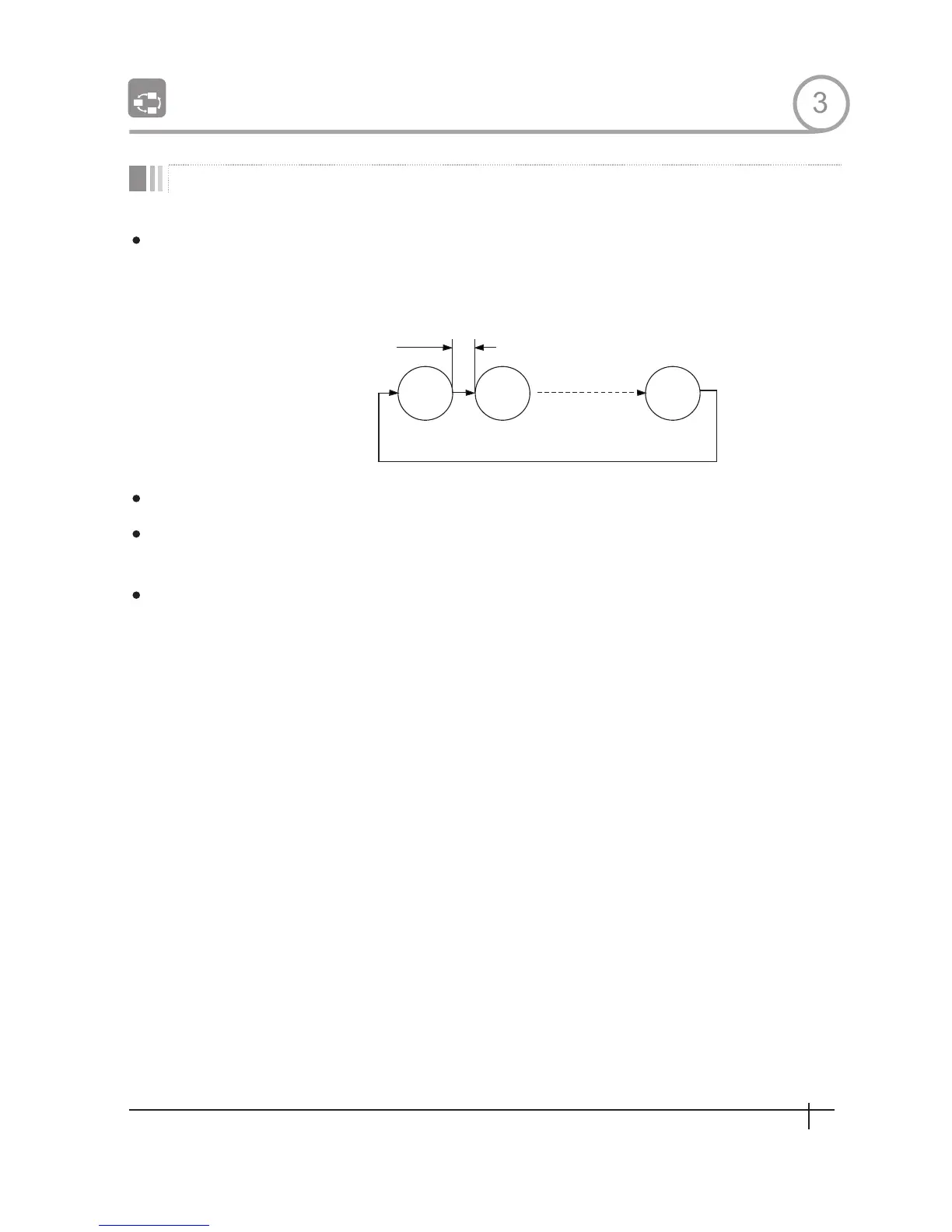
Preset 1
Pattern 1
Dwell Time
Max 20 Entities
Swing 1
OPERATON
GROUP 8
1
2
3
The group function allows runmng sequence of Presets, Pattern and/or Swings Max 8
group can be stored. Each group can have max 20 action entities which can be preset,
pattern or swing Preset speed can be set up and the repeat number of Pattern&Swing
can be set up in Group setup.Dwell time between actions can be set up also.
Use OSD Menu to create a Group
Method 1)<Run Pattern>[Group NO+20] ex)Run Group 7:<Run Pattern>[27]
Method 2)<Go Preset>]Group NO.++150] ex)Run Group 7:<Go Preset>[157]
Use OSD Menu to delete
3
15
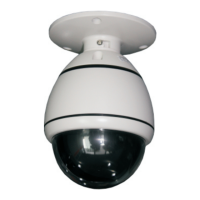
Spee d Dom e Camera Instruction Manual


 To Next Page