SWING 8
S W I N G S E T U P
S W I N G N O .
B A C K
E X I T
1 S T POS.
2ND POS.
S W I N G S P E E D
C L E A R S W I N G
1
N O T U S E D
N O T U S E D
3 0 / S E C
C A N C E L
Swing Number
Ist Position
2nd Position
Swing Speed
Clear Swing
SWIN G SETU P
SWING N O .
I S T PO S .
2ND PO S .
P R E S E T 5
1
NOT USE D
U N D E F I N E D
HOW TO USE OSD MENU
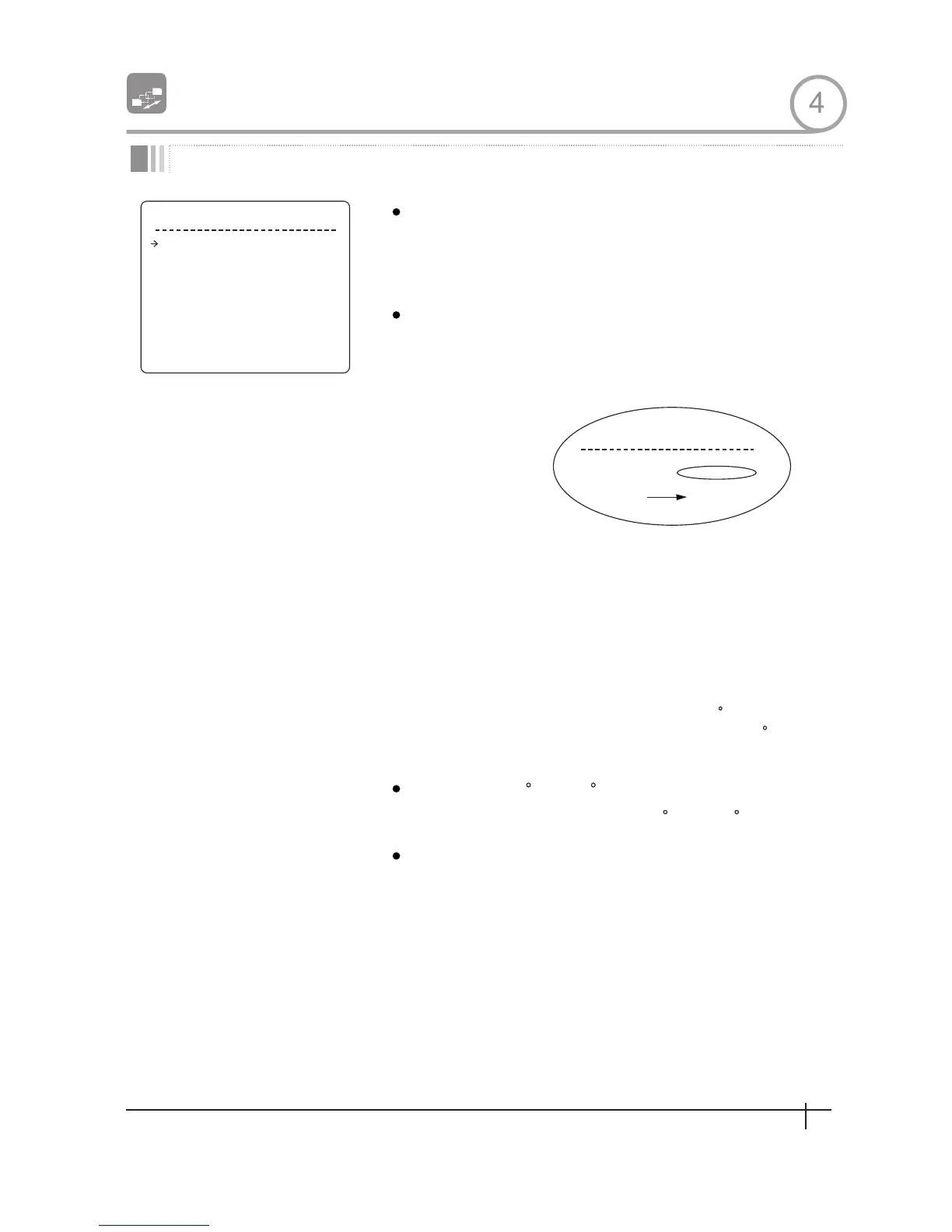
Swing Setup
[1~8]
Selects Swing number to edit. If a selected Swing
has not defined, "NOT USED" is displayed in 1st
Position and 2nd Position
[PRESET 1~255]
Set up the 2 position for Swing function If a
selected preset is not defined,"UNDEFINED"will
be displayed as shown below.
When swmg function runs, camera moves from the
preset assigned as the 1st point to the preset
assigned as the 2nd point in CW(Clockwise)
direction.Then camera moves from the preset
assigned as the 2nd point to the preset assigned as
the 1st point in CCW(Counterclockwise) direction.
In case that the preset assigned as the 1st point is
same as the preset assigned as the 2nd point,
camera turns on its axis by 360 in CW direction
and then it turns on its axis by 360 in CCW
direction
[1 /sec~180 /sec]
Sets Swing speed from I /sec to 180 /sec.
[CANCEL/OK]
Deletes current Swing data
4
27
Spee d Dom e Camera Instruction Manual
27
Spee d Dom e Camera Instruction Manual


 To Next Page