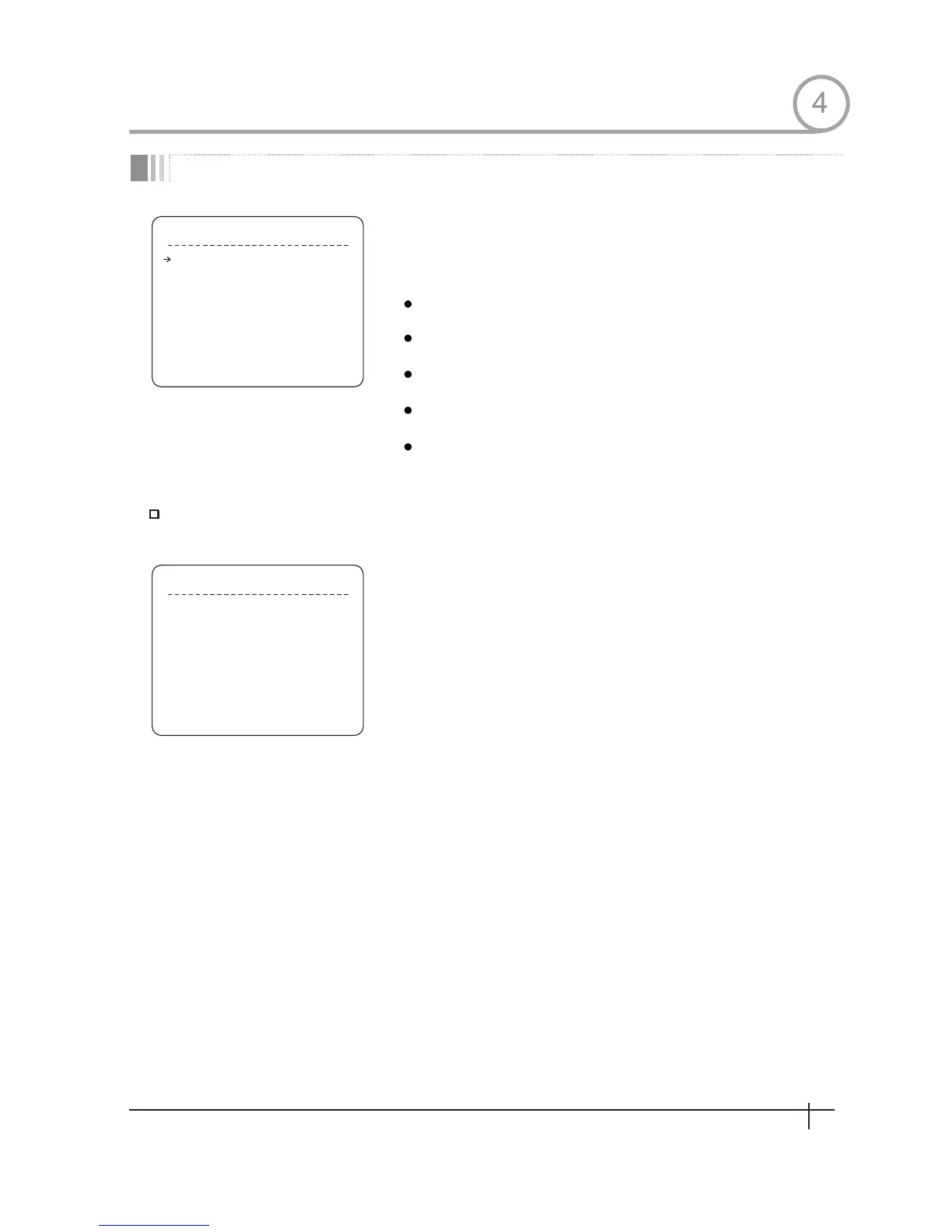
D I S P L A Y S E T U P
BACK
E X I T
CAMERA ID
P T Z I N F O R M A T I O N
A C T I O N T I T L E
P R E S E T L A B E L
ALARM INPUT
<SET NORTH DIRECTION>
<PRIVA C Y Z ONE>
O N
A U T O
A U T O
A U T O
A U T O
S E T N O R T H D I R E C T I O N
MO VE TO T A R G E T P O S I T I O N
[ N E A R : S A V E / F A R : C A N C E L ]
Compass Direction Setup
Display Setup
HOW TO USE OSD MENU
This menu defines Enable/Disable of OSD display on Main Screen. If an
item is set to be AUTO,the item is displayed only when the value of it is
changed.
Camera ID
[ON/OFF]
PTZ Information
Action Title
Preset Label
Alarm Input
[ON/OFF/AUTO]
[ON/OFF/AUTO]
[ON/OFF/AUTO]
Set North to assign compass direction as criteria. Move camera and
press NEAR button to save.
[ON/OFF/AUTO]
4
19
Spee d Dom e Camera Instruction Manual


 To Next Page