AL ARM 41N
HOW TO USE OSD MENU
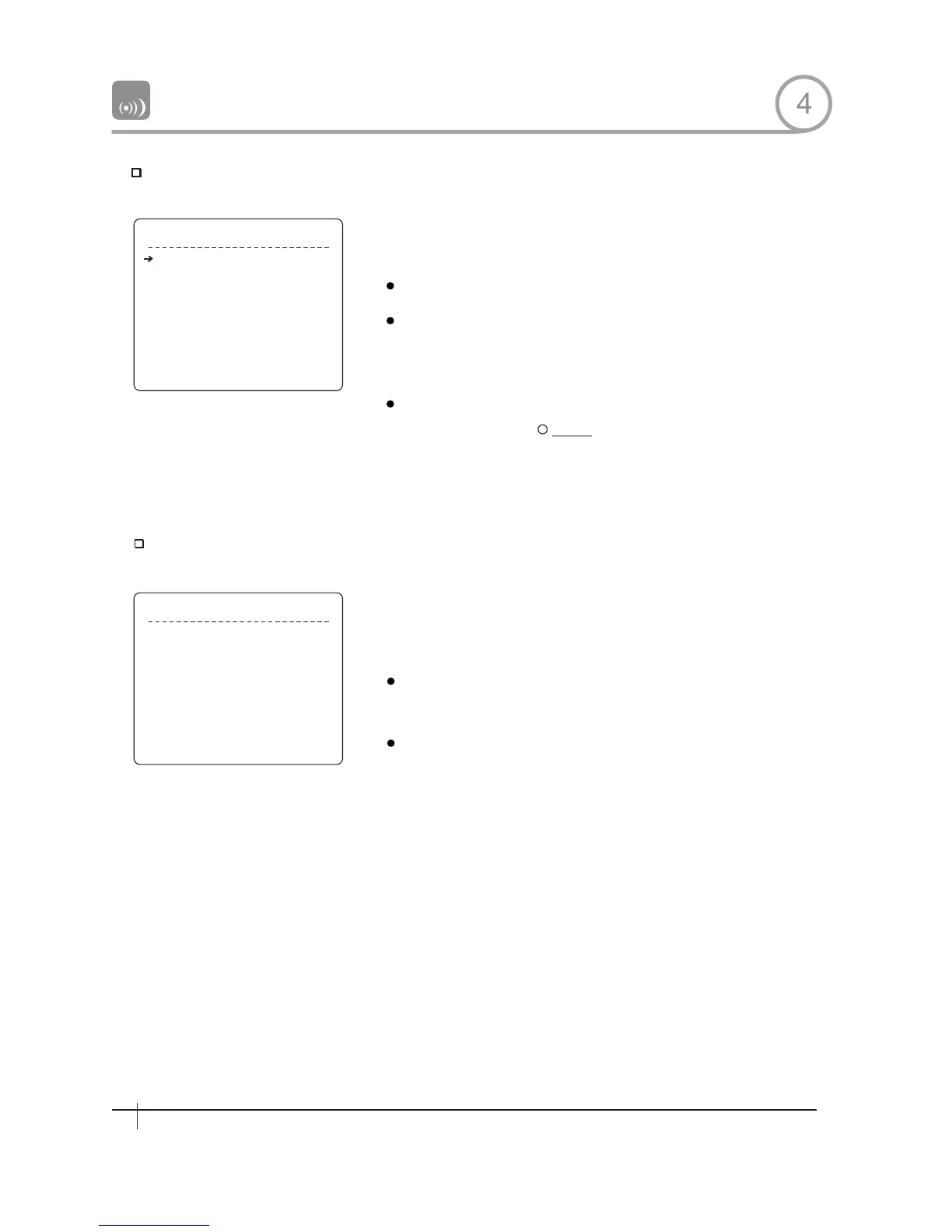
Parking Action Setup
P A R K I N G AC T I O N S E T U P
P A R K E N A B L E O F F
W A IT TI M E 0 0 : 1 0 : 0 0
P A R K AC TI ON HO M E
B A C K
E X I T
A L A R M 1
A L A R M 2
A L A R M 3
A L A R M 4
A L A R M 1
A L A R M 2
A L A R M 3
A L A R M 4
B A C K
E X I T
T Y P E
T Y P E
T Y P E
T Y P E
A C T
A C T
A C T
A C T
N.OPEN
N.OPEN
N.OPEN
N.OPEN
NOT USED
NOT USED
NOT USED
NOT USED
Park Enable
Wait Time
Park Action
Al arm×Type
Alarm Action×
Alarm Input Setup
If Park Enable is set to ON,camera runs assigned function automatically
if there is no PTZ command during assigned ''Wait Time''.
[ON/OFF]
[1 minute~4 hour]
The time is displayed with "hh:mm:ss" format
and you can change this by 1 min unit.
[HOME/PRESET/PATTERN/SWING/GROUP]
Camera moves to home position if there is no
PTZ command during assigned "Wait Time".
Match the Alarm sensor input to one of Preset positions. If an external
sensor is activated,camera will move to corresponding preset position
when this item is predefined.
[Normal OPEN/Normal CLOSE]
Sets sensor input type.
INOT USED/PRESET 1~255]
Assign counteraction Preset position to each
Alarm input.
HOME
4
A L A R M IN P U T S E T U P
24
Spee d Dom e Camera Instruction Manual
24
Spee d Dom e Camera Instruction Manual


 To Next Page