HOW TO USE OSD MENU
4
5
6
EDIT GROUP 1
NO ACTION ### DWELL OPT
1 PRESET
2 NONE
3 NONE
4 NONE
5 NONE
00 : 03 360
1
SAVE
CANCEL
MOV E CURS O R
CHA N GE V A L.
▲
▲
▲
▲
:
:
EDIT GROUP 1
NO ACTION ### DWELL OPT
1 PRESET
2 NONE
3 NONE
4 NONE
5 NONE
00 : 03 360
1
SAVE
CANCEL
N E A R : E D I T A C T
F A R : E D I T E N D
[ [
[ [
EDIT GROUP 1
NO ACTION ### DWELL OPT
1 PRESET
2 NONE
3 NONE
4 NONE
5 NONE
00 : 03 360
1
SAVE
CANCEL
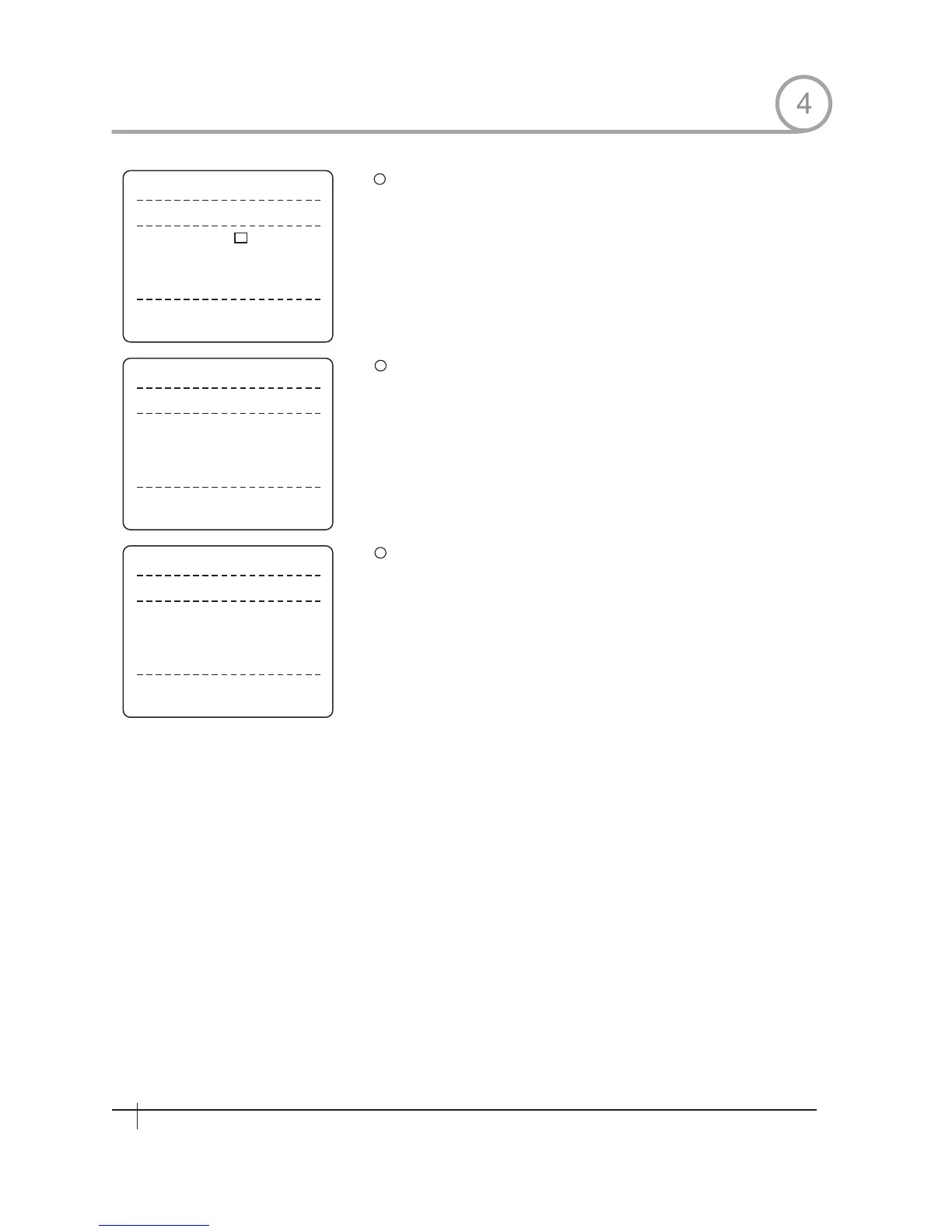
Set up i tem s such as A ct ion, ## #, Dwel l an d O PT.
Af ter f ini shi ng s et ting up a Act ion , Pr es s Near key t o on e- up pe r-
lev el m en u( St ep ②) . M ov e c ur s or Up/ Down t o s el ec t Act i on
mum be r an d r ep ea t St ep ②~St ep ④ t o ed it s el ec ted G r ou p.
Af ter f ini shi ng s et ting up al l Act ion , Pr es s FAR k ey t o ex it. The n
cur sor s ho ul d be m ov ed t o" SAVE ", Pr es s Near k ey t o s av e da ta.
4
30
Spee d Dom e Camera Instruction Manual
→
→



 To Next Page