38 | minnkota.johnsonoutdoors.com ©2023 Johnson Outdoors Marine Electronics, Inc.
CUSTOMIZING THE ONE-BOAT NETWORK BUTTONS ON THE WIRELESS REMOTE
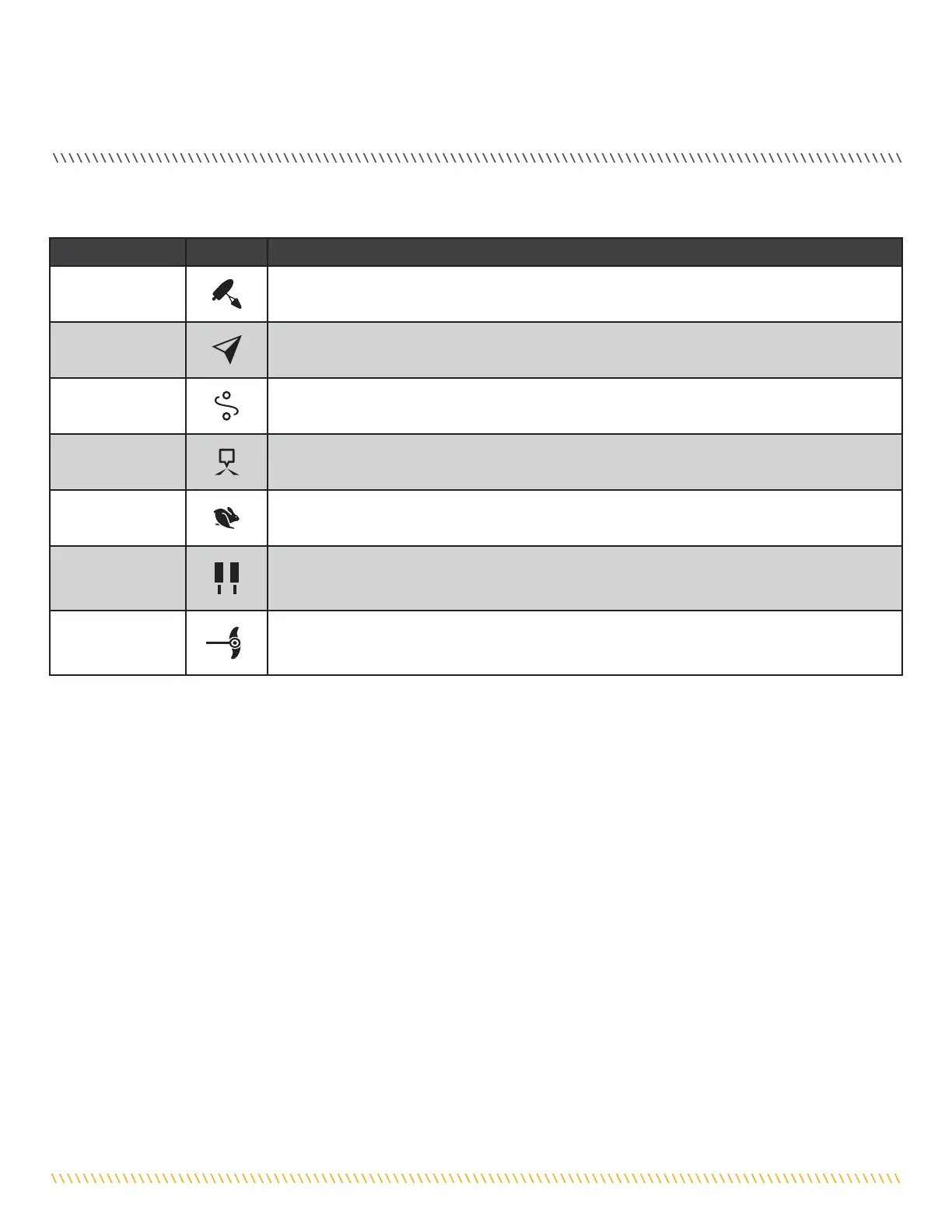
Function Icon Description
Drift Mode
Drift mode is the default function for OBN Button 1. Press once to engage Drift Mode. Press a second
time to Adjust Course.
Go To
Go To is the default for the OBN Button 2. Press once to open the Go To Menu. The Go To options are
Spot-Locks, Waypoints, iTracks and Drift.
Record iTrack
Record iTrack is the default function for OBN Button 3. Press once to start recording an iTrack. Press a
second time to save the iTrack.
Waypoint
Mark Waypoint must first be customized to one of the OBN buttons. Press once to save a Waypoint.
Max Speed
Max Speed must first be customized to one of the OBN buttons. Double press to engage Max Speed.
Single press to return to the previous speed.
Talon/Raptor
The shallow water anchor function must first be customized to one of the OBN buttons. The shallow
water anchor function will display as Talon or Raptor depending on your configuration. Double press to
deploy the anchor. Press once to pause or stow the anchor.
Deployment Mode
Deployment Mode is the default function for the OBN Side Button on trolling motors with a stow/deploy
and trim function. The Deployment Mode function will display as Instinct. Press the OBN Side Button
once to bring up the Instinct menu.
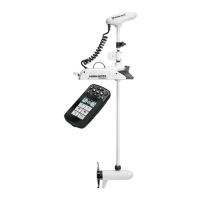
One-Boat Network functions can be enabled and disabled through four One-Boat Network buttons on the Wireless Remote. The One-
Boat Network buttons can be customized to control the following functions, depending on your setup:



 To Next Page