Section 4
Maintenance
Mirage 2000/4000/6000 User’s Manual
4-1
This projector is CSA approved and is designed for safe and reliable operation.
However, safe operation cannot be assured by design alone; installers, maintainers,
and users must maintain a safe operating environment for the system. Please read
through and understand the following warnings and guidelines promoting safe usage
of the projector.
WARNING
Always REMOVE the lens when shipping a projector.
WARNING
Never look directly into the projector lens. The extremely high
brightness of this projector can cause permanent eye damage.
WARNING
For protection from ultraviolet radiation,
keep all projector shielding intact during operation.
Observe and follow all warnings and instructions marked on the projector.
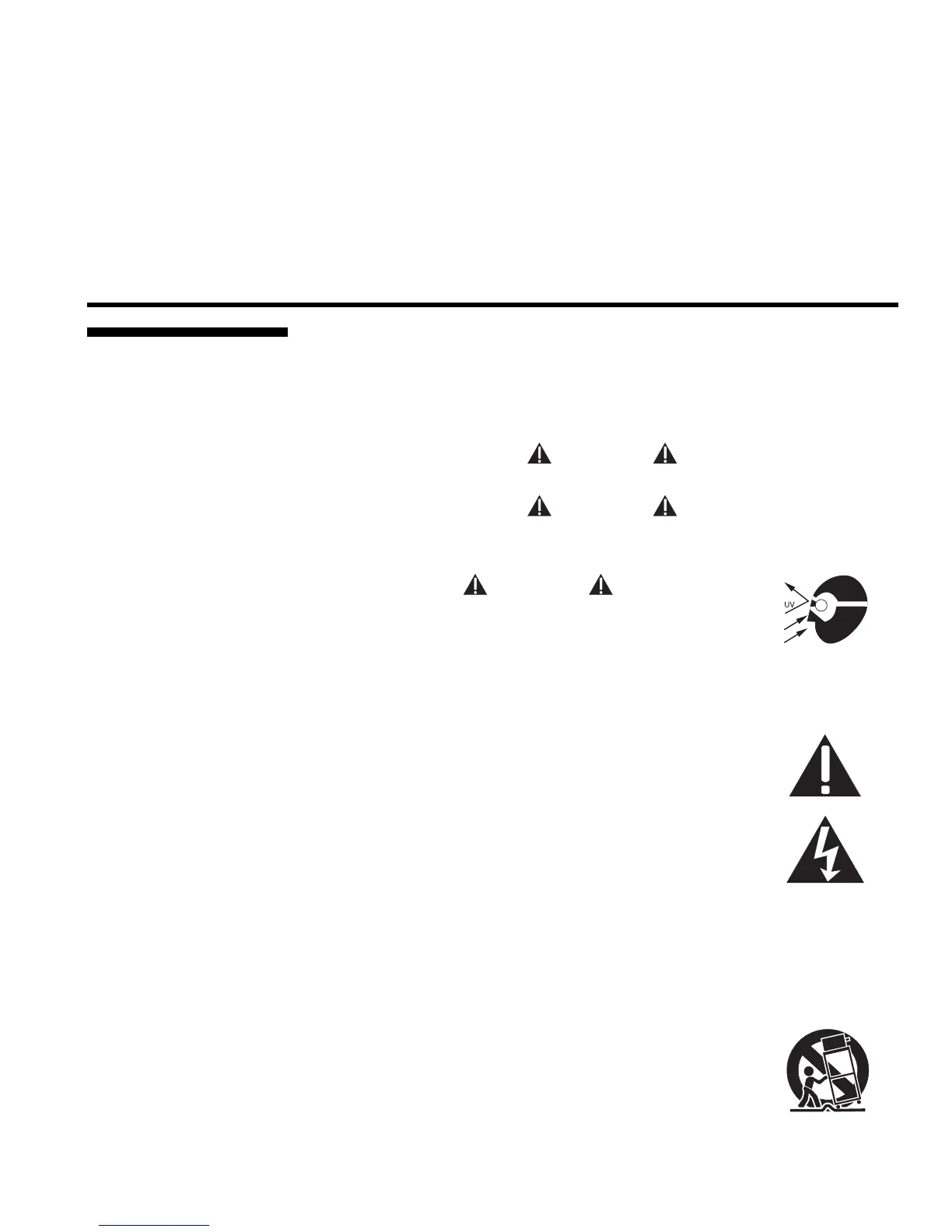
The exclamation point within the equilateral triangle alerts the user
to important operating and maintenance (servicing) instructions in
the literature accompanying the projector.
The lightning flash and arrowhead symbol within the equilateral
triangle alerts the user to non-insulated "dangerous voltage" within
the projector's enclosure that may be of sufficient magnitude to
constitute a risk of electric shock.
Operate the projector in an environment which meets the operating range
specifications in Section 5, Specifications. Do not operate the projector close to
water, such as near a swimming pool.
Do not place the projector on an unstable cart, stand or table. If the
projector is to be ceiling mounted, only use a Christie-approved
ceiling mount fixture.
A projector and cart combination should be used with care. Sudden
stops, excessive force, and uneven surfaces may cause the
projector and cart combination to overturn.
4.1 Warnings and
Guidelines
Labels and Markin
s
'
Pro
ector Location
'



 To Next Page