OPTIONAL INPUT MODULES
Mirage 2000/4000/6000 User’s Manual
F-5
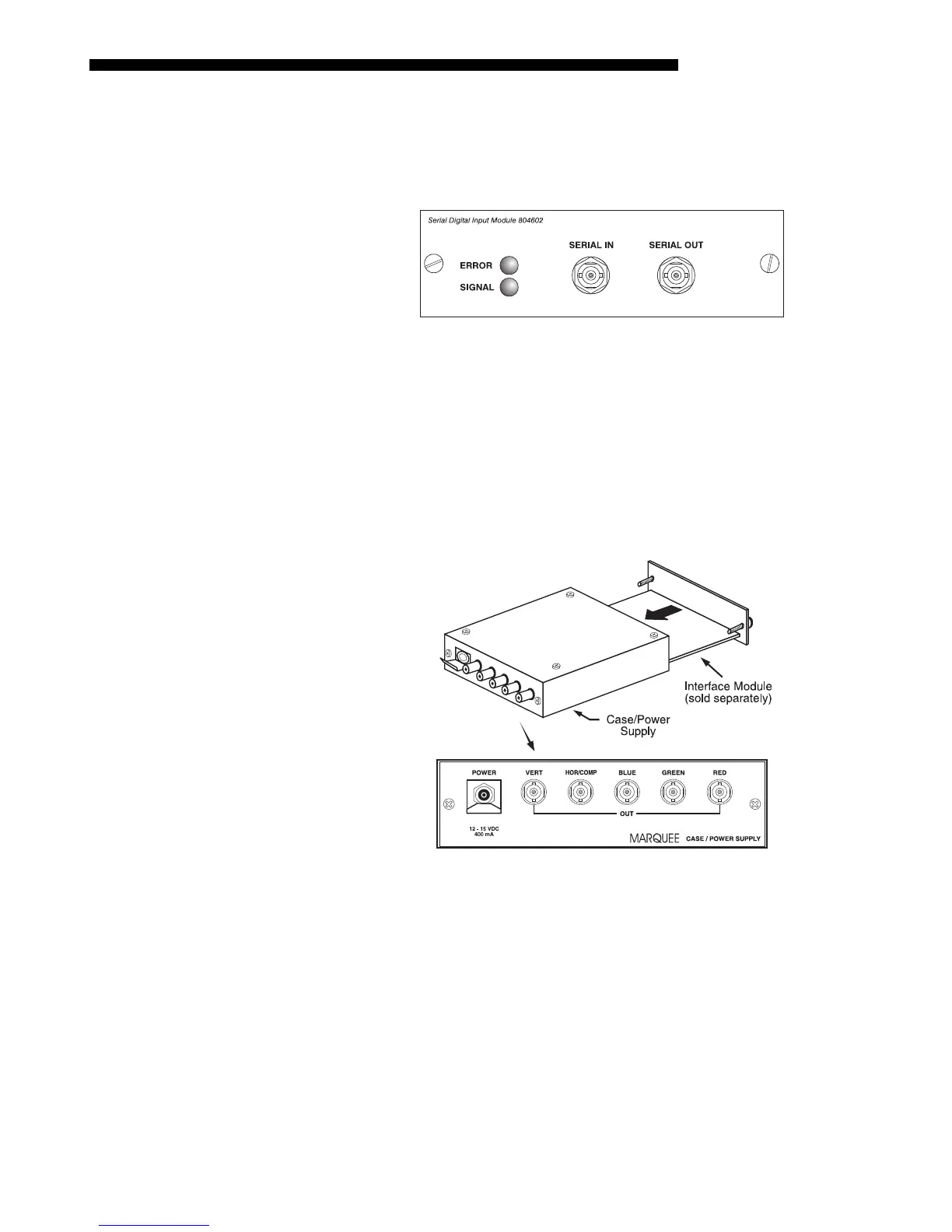
The Serial Digital Input Module (SDI) can be installed in the projector at
INPUT 2
,
where it accepts a serial digital 4:2:2 component video signal (YCbCr) via a single
SERIAL IN
BNC connector. The signal can loop through the
SERIAL OUT
BNC out to
another device (such as another projector). Inputs are 75
S
terminated.
SDI Features
◊ accepts serial digital 4:2:2 component video (YCbCr)
◊ provides both a
SERIAL IN and a SERIAL OUT BNC connector
◊ includes status LEDs for signal and error
The Marquee Case/Power Supply enables you to use an analog input module as a
stand-alone interface. Two supplies are available: one for use with 120 volt line
voltage (38-801023-XX), and the other for use with 220 volt line voltage
(38-801026-XX). Both models include a 15 VDC, 500 mA AC adapter.
Marquee Case/Power Supply Features
◊ easy installation — no tools required
◊ the Marquee Case/Power Supply accepts the following input modules for
use with this projector: RBG500, RGB400 Active Loop-Thru, RGB400
Buffered Amplifier, Composite/S-Video, and PC Analog. Digital inputs
cannot be used.
◊ retaining clip to secure AC adapter
◊ non-slip feet
◊ supplied with 110 or 220 volt AC adapter
Serial Digital Input Module
'
38-804602-xx
Marquee
'
Case/Power Supply
38-801023-xx
38-801026-xx



 To Next Page