OPERATION
Mirage 2000/4000/6000 User’s Manual
3-29
Brightness
(
SHORT CUT: Press
Bright
an
d adjust the slidebar.)
“Brightness” increases or decreases the amount of black in the image (0-100). Start
high and decrease so that dark areas do not become black (i.e., are “crushed”).
Conversely, high brightness changes black to dark gray, causing washed-out images.
For best results, keep close to 50.
Pixel Phase
(SHORT CUT: Press
Pixel
and adjust the slidebar.)
See description in Size and Position section, above.
Detail
(
SHORT CUT: Press
and adjust the slidebar.)
”Detail” adjusts the sharpness of a video image. Use
and until the display
is as sharp as desired, keeping in mind that any increase in detail above 3 (default)
will also introduce a certain degree of noise in the image. Set below 3 to filter the
signal and remove noise from a noisy source. Keep at 3 to apply no detail.
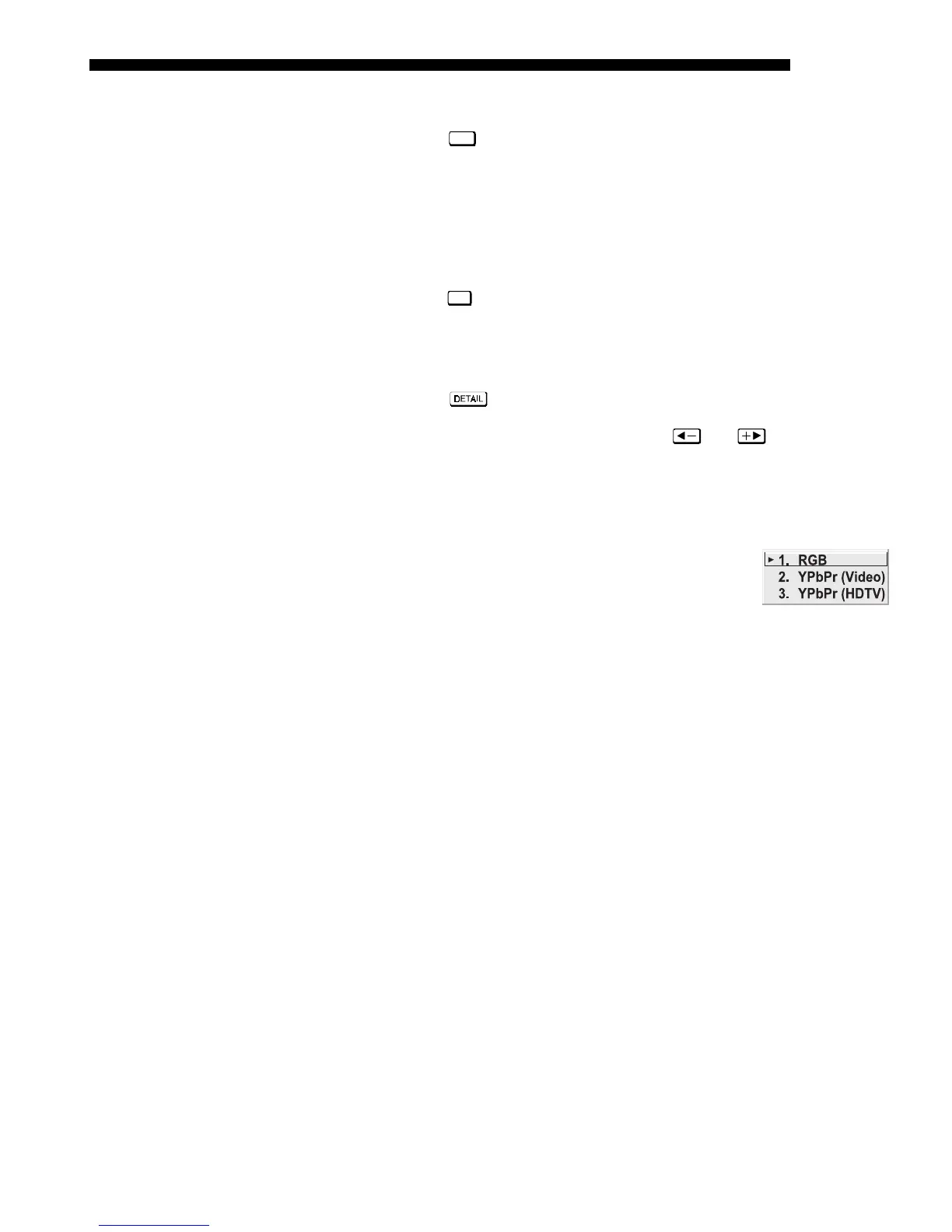
Color Space
This option determines how the color components of an input
signal are decoded for accurate color in the display. Selecting a
color space option is useful only for analog signals connected to
INPUT 1 or INPUT 2. Although the color space for such a signal
is automatically determined by the projector, in some circumstances you may wish to
override this and manually set a different color space.
NOTE: For digital signals or for signals connected to
INPUT 3 or INPUT 4, the color
space function is entirely automatic and the pull-down list disabled.
• Select
RGB unless you are using component video at INPUT 1 or 2.
• Select YPbPr (Video)
with a standard definition televised signal (SDTV)
• Select
YPbPr
(HDTV)
with a high definition televised signal (HDTV).
NOTE: When certain RGB signals are first connected, the projector may not initially
recognize them as RGB and will incorrectly decode their color information as YPbPr
(video). These signals can include:
• RGB signals in NTSC, PAL, SECAM frequency ranges
• Scan-doubled sync-on-green
• Scan-quadrupled sync-on-green
For these signals, change the Color Space to RGB, which will define a new channel
for future use.



 To Next Page