INSTALLATION AND SETUP
2-26
Mirage 22000/4000/6000User’s Manual
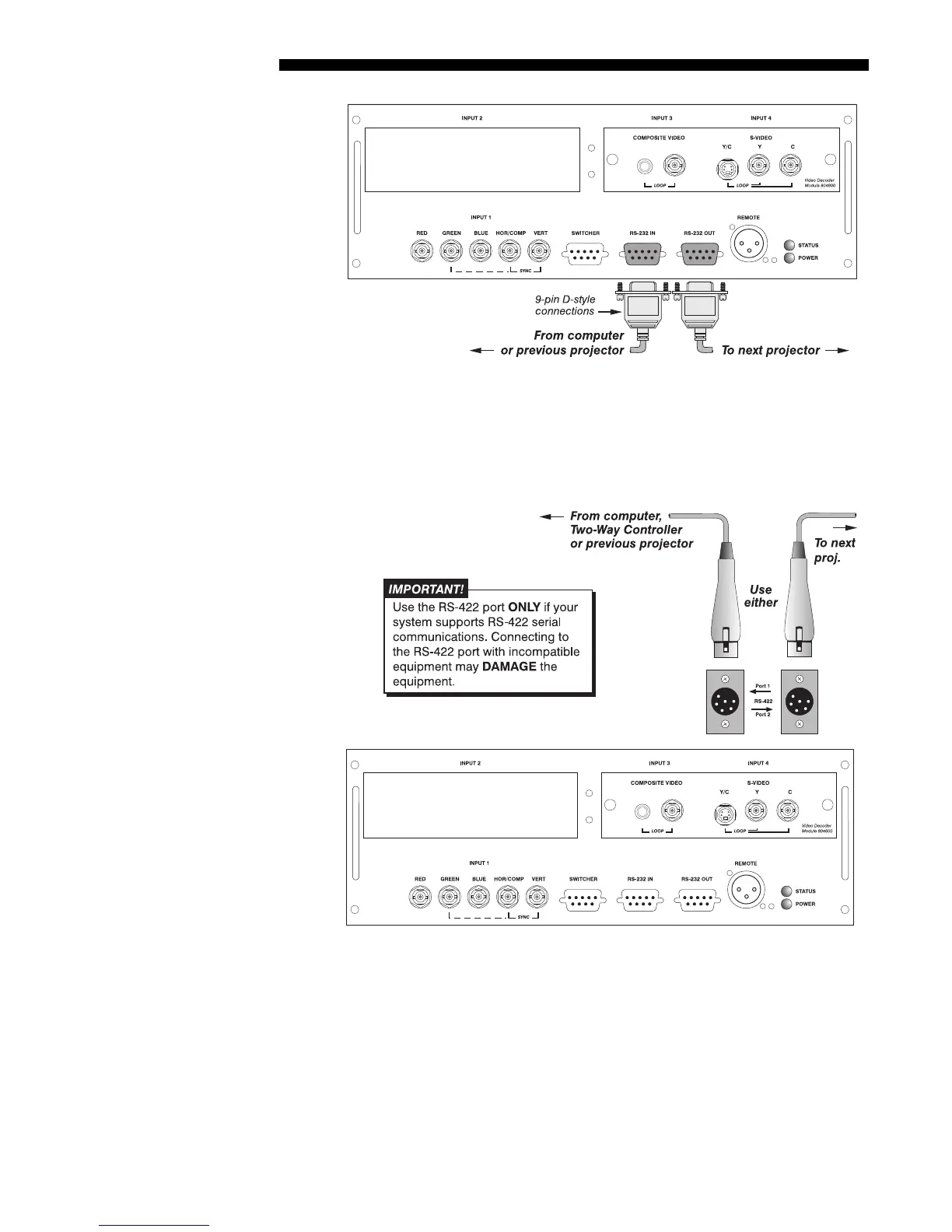
Figure 2.25. Adding Another Projector via RS-232
RS-422 NETWORK
: To control multiple projectors with a computer/controller having
an RS-422 interface, first set them all to the same baud rate needed, then chain the
projectors together by connecting the
RS-422 PORT 2
connector of the first projector
(already connected to the computer/controller) to the
RS-422 PORT 1 connector of the
next projector in the chain.
Figure 2.26. Adding Another Projector via RS-422



 To Next Page