83
8575
8575
N/B Maintenance
N/B Maintenance
2.2.5 CD-ROM Drive
Disassembly
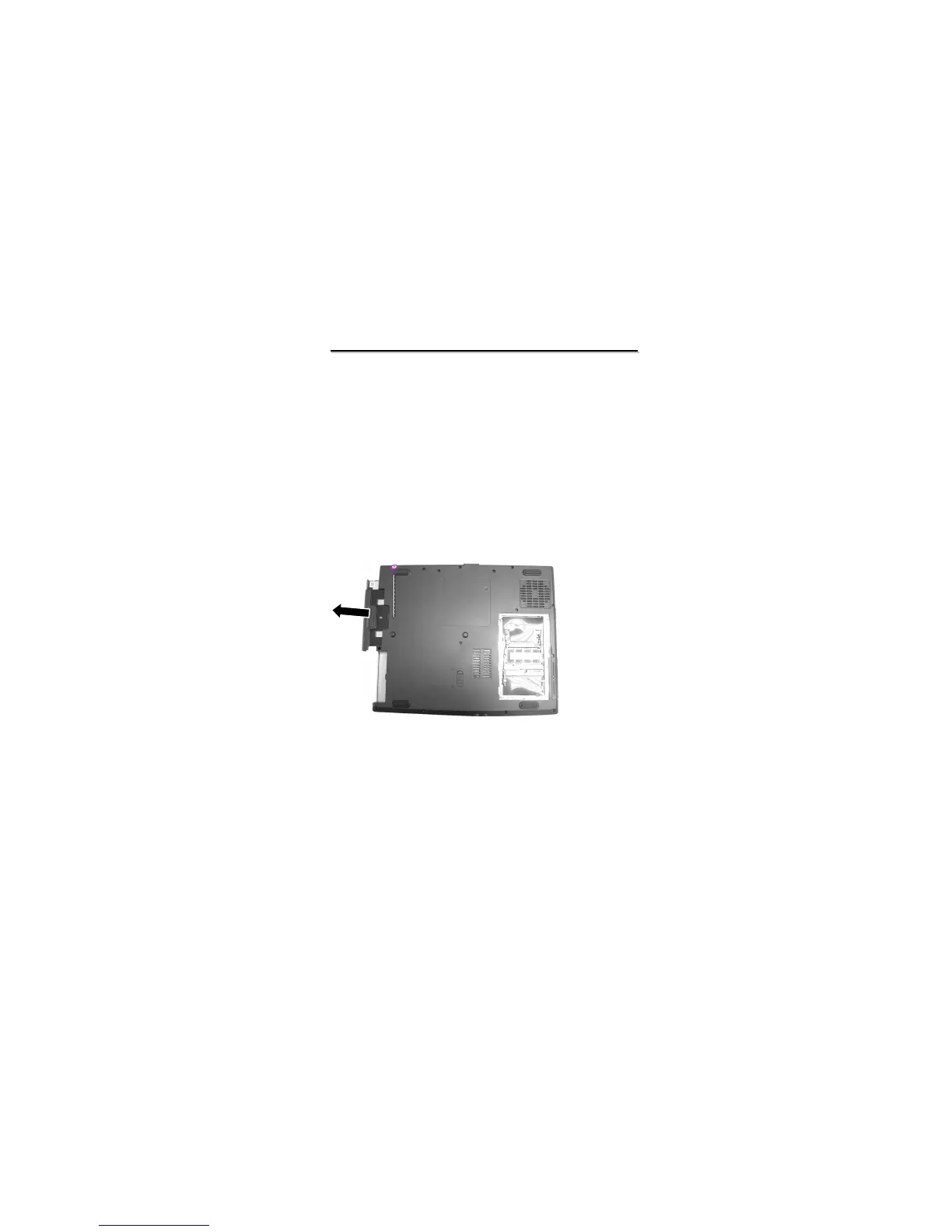
Figure 2-12 Remove one screw to loose
the CD/DVD-ROM drive
Disassembly
1. Carefully put the notebook upside down.
2. Remove one screw fastening the CD/DVD-ROM drive. Then hold the CD/DVD-ROM drive and slide it
outwards carefully. (Figure 2-12)
Reassembly
1. Push the CD/DVD-ROM drive into the compartment.
2. Secure the CD/DVD-ROM drive with one screw.



 To Next Page