Mitel 6863i SIP Phone Release 4.0.0 SP1 User Guide
CREATING SPEED DIAL KEY USING KEYPAD SPEED DIAL IN THE MITEL
WEB UI
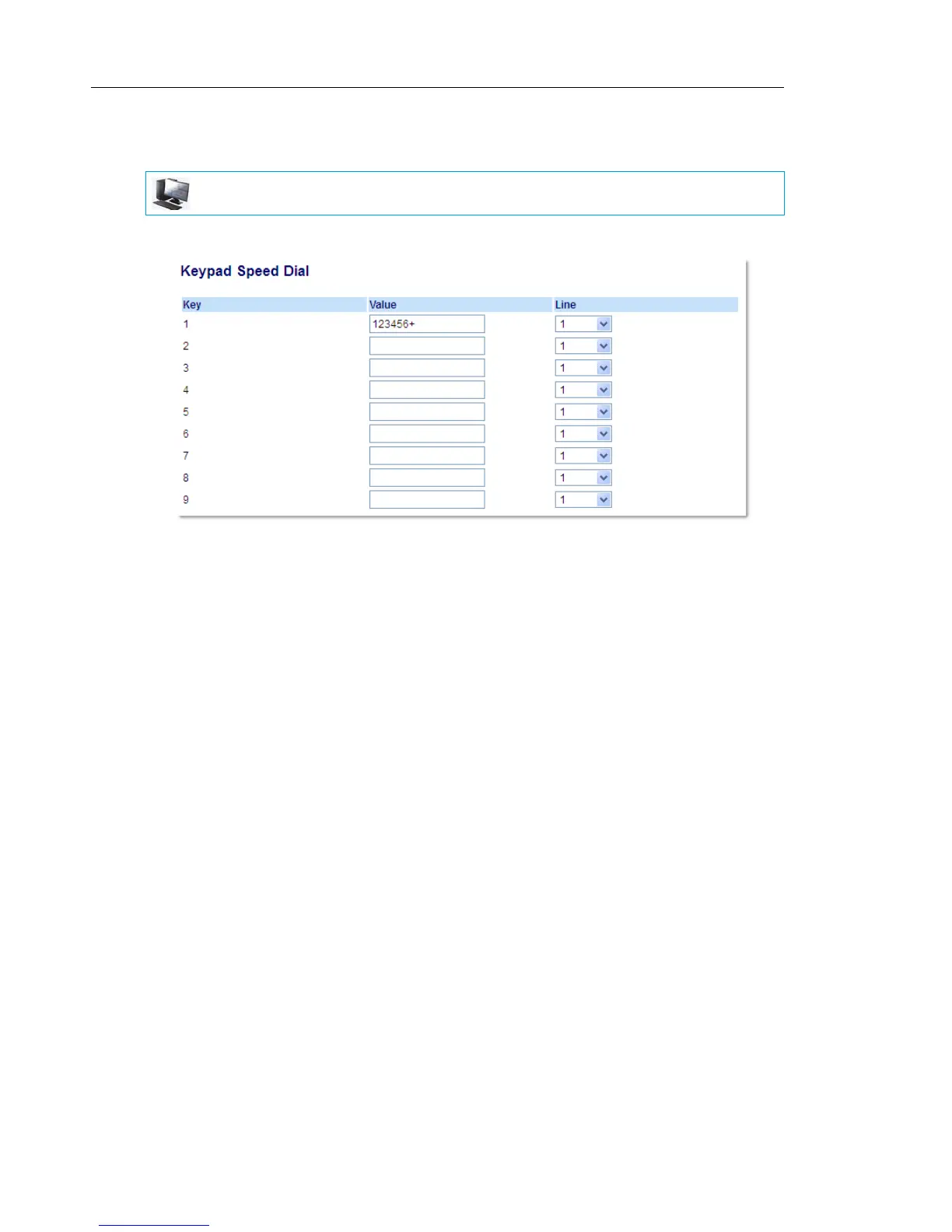
1. Click on Operation > Keypad Speed Dial.
2. Select from Key 1 through Key 9.
3. In the input box, enter the phone number, extension, or speed dial prefix to apply to this
Digit key. If you enter a speed dial prefix, you must enter the + character at the end of the
prefix number (for example, 123456+).
4. In the Line field, select a line for which to apply the speed dial to. Valid values are 1 and 2.
5. Click Save Settings.
MITEL WEB UI



 To Next Page