Set the clock
Auto clock On
Day Monday
Clock 10:00 am
Time zone Eastern
• Daylight savings On
Use ADJUST to select,
Then press ENTER.
Press MENU to return to
First Time Set-Up Menu.
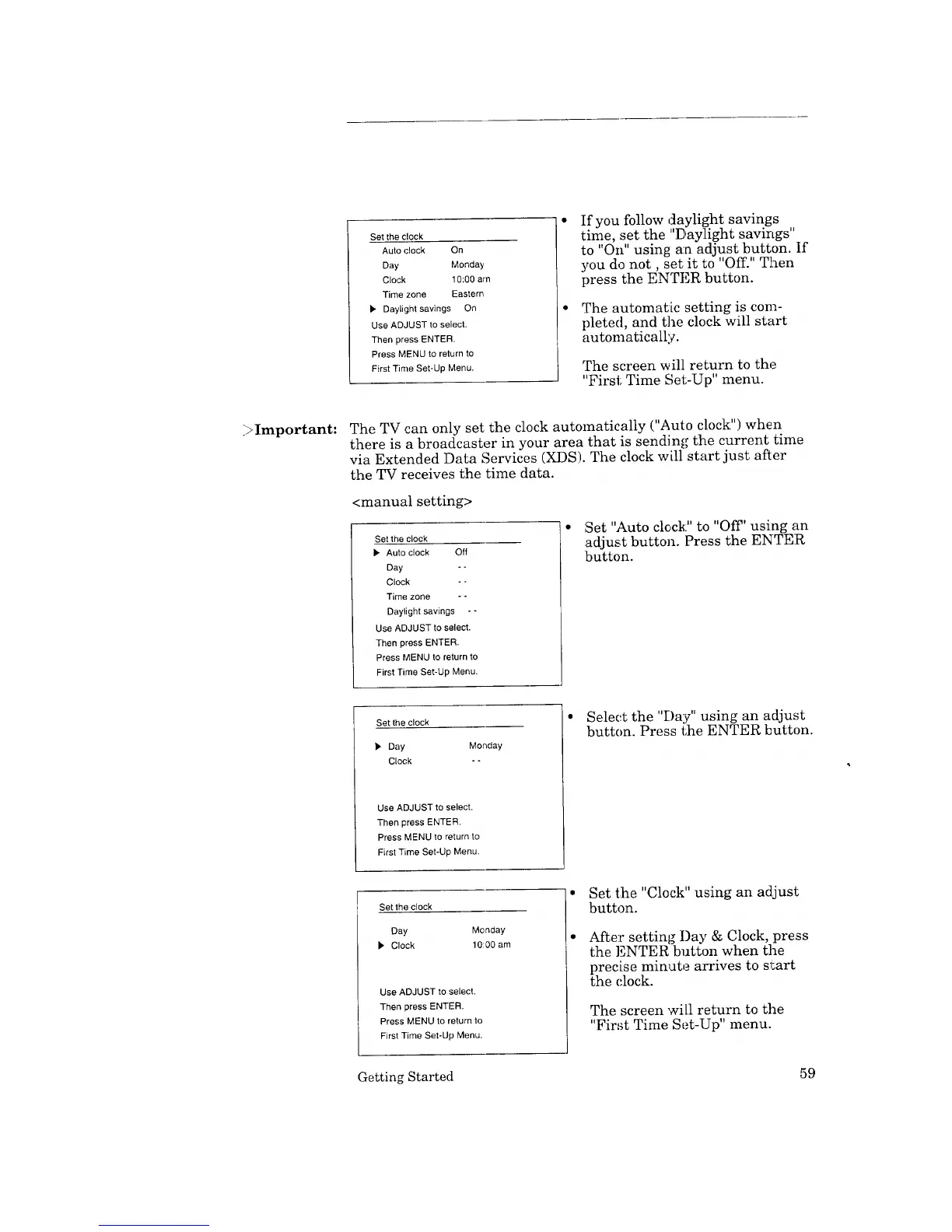
If you follow daylight savings
time, set the "Daylight savings"
to "On" usin_ an adjust button. If
you do not, set it to "Off." Then
press the ENTER button.
The automatic setting is com-
pleted, and the clock will start
automatically.
The screen will return to the
"First Time Set-Up" menu.
;>Important: The TV can only set the clock automatically ("Auto clock") when
there is a broadcaster in your area that is sending the current time
via Extended Data Services (XDS). The clock will start just after
the TV receives the time data.
<manual setting>
Set the clock
• Auto clock Off
Day - -
Clock - -
Time zone - -
Daylight savings --
Use ADJUST to select.
Then press ENTER.
Press MENU to return to
First Time Set-Up Menu.
• ;Set "Auto clock:" to "Off' using an
adjust button. Press the ENTER
button.
Set the clock
• Day Monday
Clock - -
Use ADJUST to select.
Then press ENTER.
Press MENU to return to
First Time Set-Up Menu.
• Select the "Day" using an adjust
button. Press the ENTER button.
Set the clock
Day Monday
D,' Clock 10:00 am
Use ADJUST to select,
Then press ENTER.
Press MENU to return to
First Time Set-Up Menu.
• Set the "Clock" using an adjust
button.
After setting I)ay & Clock, press
the ENTER button when the
precise minute arrives to start
the clock.
The screen will return to the
"First Time Set-Up" menu.
Getting Started 59



 To Next Page
 Loading...