Selecting the PIP image
© c::_ o
ooo0
888
oooofl
_QOOU
czz::, 0
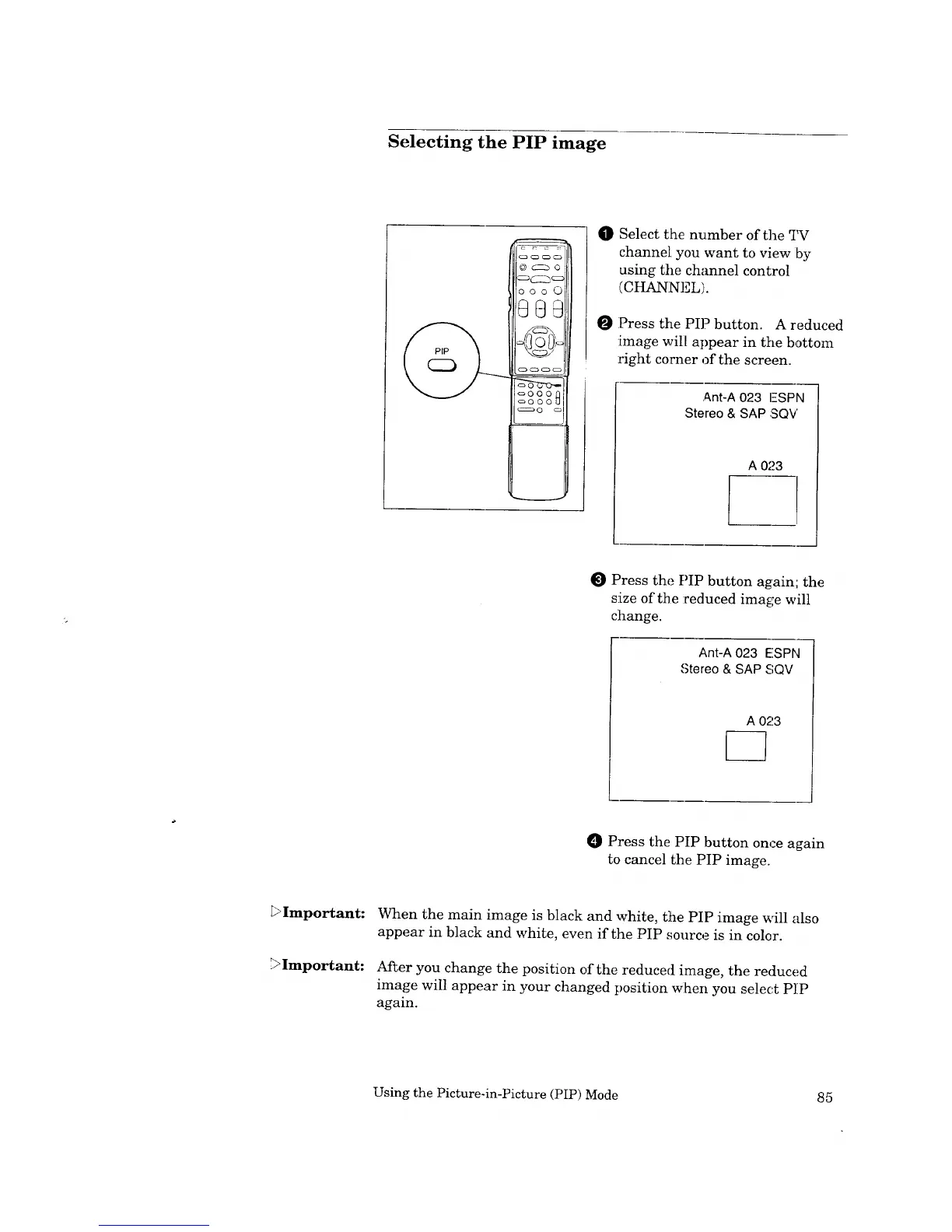
In} Select the number of the _i_r
channel you want to view by
using the channel control
(CHANNEL).
Press the PIP button. A reduced
:image will appear in the bottom
right corner of the screen.
Ant-A 023 I-SPN
Stereo & SAP SQV
A 023
Press the PIP button again; the
size of the :reduced image will
change.
Ant-A 023 E!SPN
,Stereo & SAP SQV
O Press the PIP button once again
to cancel the PIP image.
L>Important:
.
Important:
When the main image is black and white, the PIP image will also
appear in black and white, even if the PIP source is in color.
After you change the position of the reduced image, the reduced
image will appear in your changed position When you select P]IP
again.
Using the Picture-in-Picture (PIP) Mode 85



 To Next Page
 Loading...