Freezing the PIP image
Use Advanced PIP
I_ Current setting :
TV Still
Use ADJUST to select.
Then press ENTER.
Press MENU to return to
Customize Viewing Menu.
@
O
Select "Use Advanced PIP" in
"Customi:ze Viewing" menu;
then set the current setting to
"TV Still." (See "Using the
advanced PIP functions," page
67.)
Use the MENU button to return
to the normal picture.
000 kJ
@88
o cz_<z_
_000o
o000
_000_
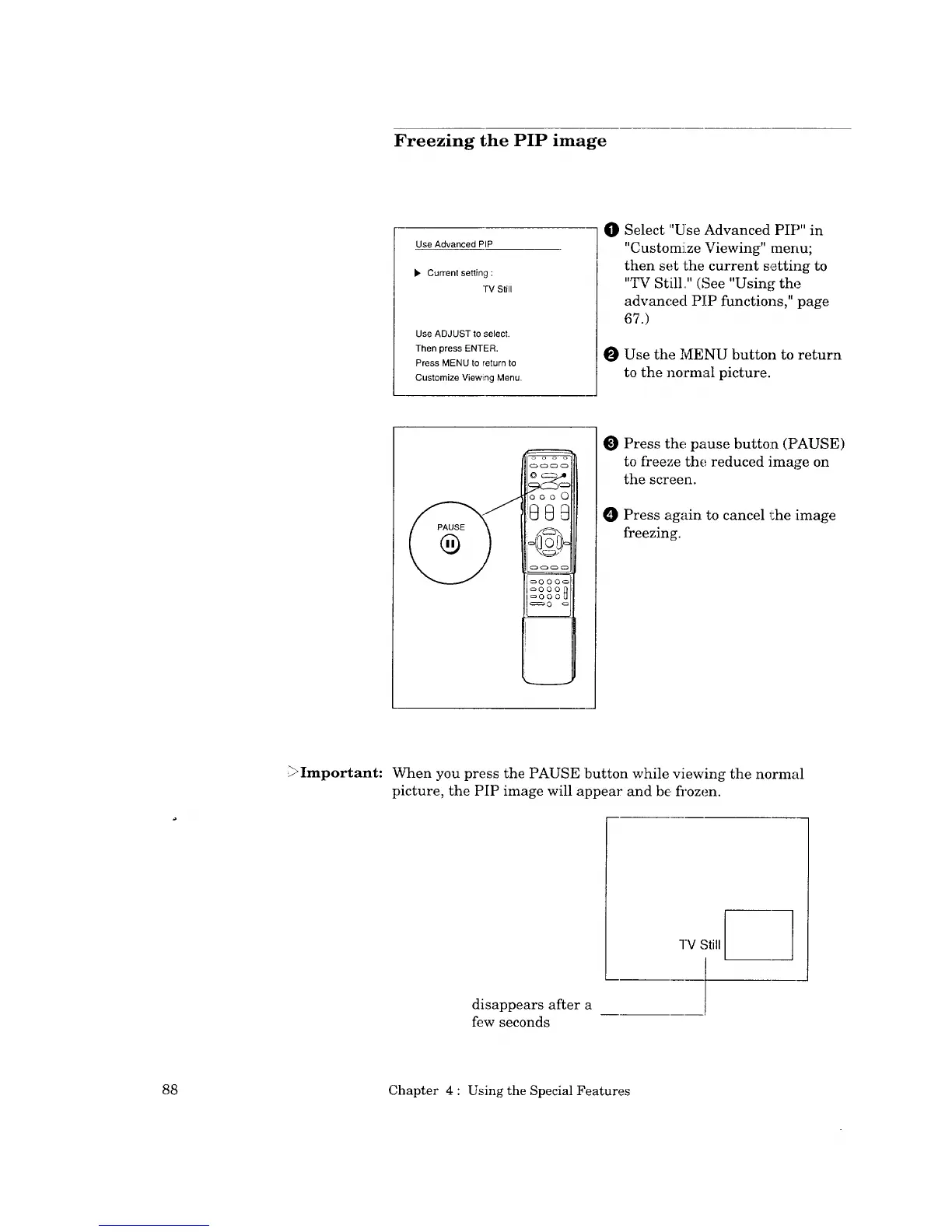
O Press the pause button (PAUSE)
to freeze the reduced image on
the screen.
O Press again to cancel the image
freezing.
Important:
When you press the PAUSE button while viewing the normal
picture, the PIP image will appear and be fi'ozen.
-IV Still
disappears after a
few seconds
88 Chapter 4 : Using the Special Features



 To Next Page
 Loading...