Exchanging the PIP image
O_=bo
O00 0
88e
oocD_
oOOO_
_OOO
oOOO_
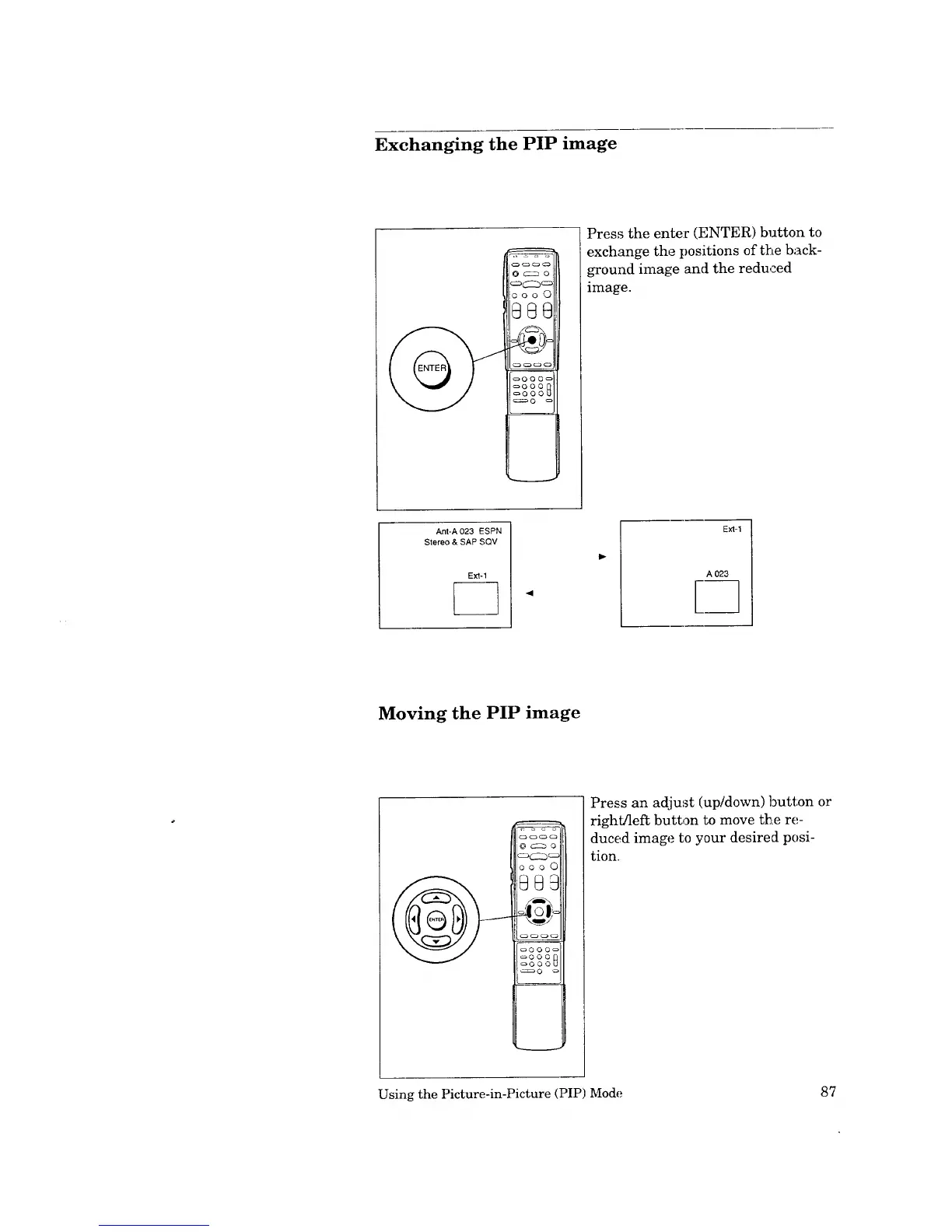
Press the enter (ENTER) button to
exchange the positions of the back-
ground image and the reduced
image.
Ant-A 023 ESPN
Stereo & SAP SQV
4
Ext-1
Moving the PIP image
Q© 0 0
_©0©_
_©0©
_0©0_
_Q _
Press an adjust (up/down) button or
right/left button to move the re-
duced image to your desired posi-
tion.
Using the Picture-in-Picture (PIP) Mode 87



 To Next Page
 Loading...