xTablet T1600 User Guide 27
Read Me First
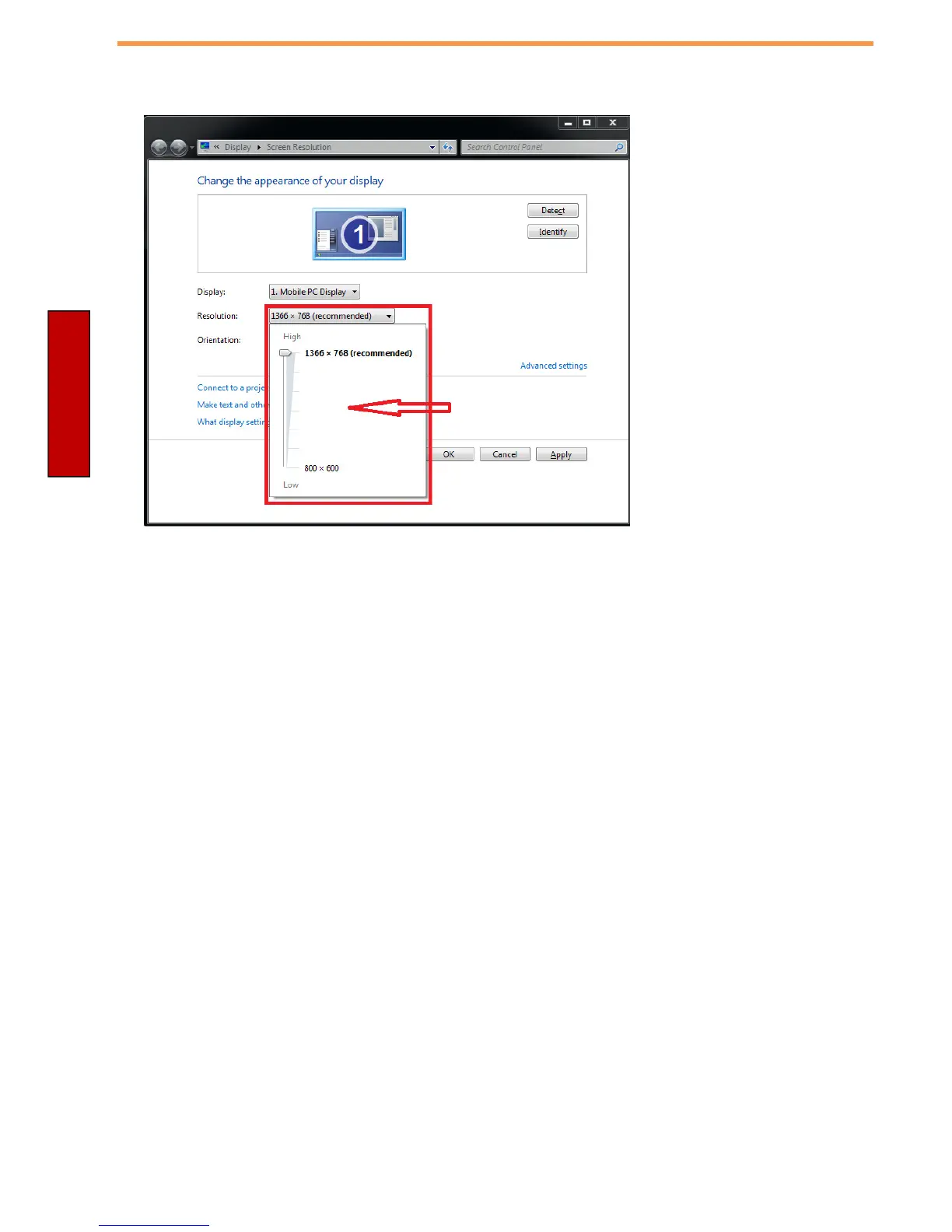
2. Click on the dropdown option next to “
Resolution
” and select the desire resolution by
tapping on the scale:
3. Hit “
Apply
”. A prompt “
Display Settings
” prompt will show up to ask the user if the
applied resolution is usable.
4. If the new resolution is the desired display setting hit “
Keep changes
” and continue to
next step. If the new resolution is not desirable, hit “
Revert
” and select a different
resolution to change to, and start again from step 2.
5. The user may now use the device with the new resolution setting.



 To Next Page