xTablet T1600 User Guide 41
Read Me First
Making Connections
5.
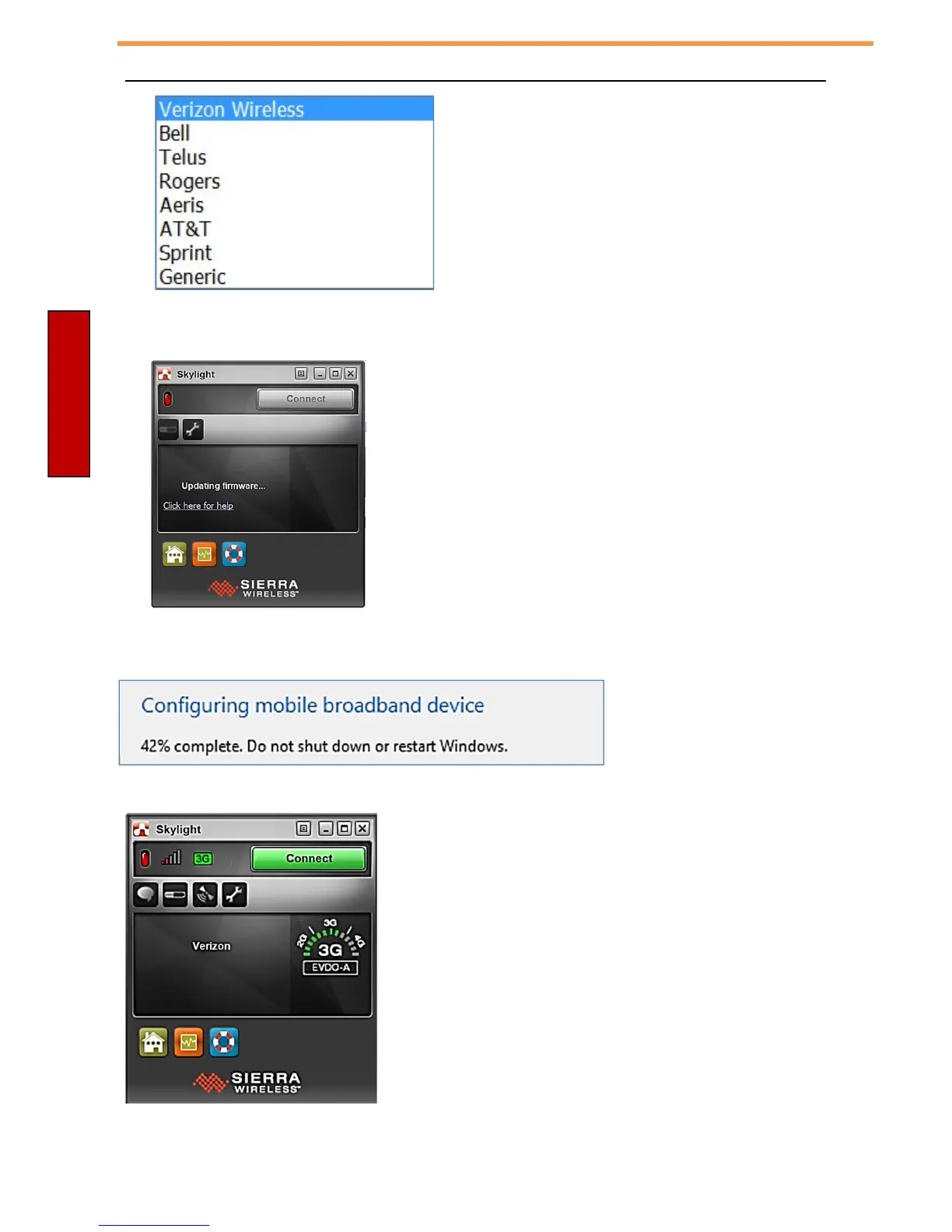
For this example we will change from Sprint to Verizon Wireless network. Highlight Verizon Wireless and
hit OK.
6.
The
firmware
will
be
updated.
7.
This progress message will show down at the lower right hand corner of Windows.
8.
This will come up once the firmware on your LTE module has been updated to your carrier. This is letting
you know it is ok to connect. Make sure you read below about instructions on how to add your Standard
Size SIM from your carrier to the xTablet T1600.



 To Next Page