37/112
Available Accessories
© MOBOTIX AG • Security-Vision-Systems • Made in Germany
www.mobotix.com • sales@mobotix.com
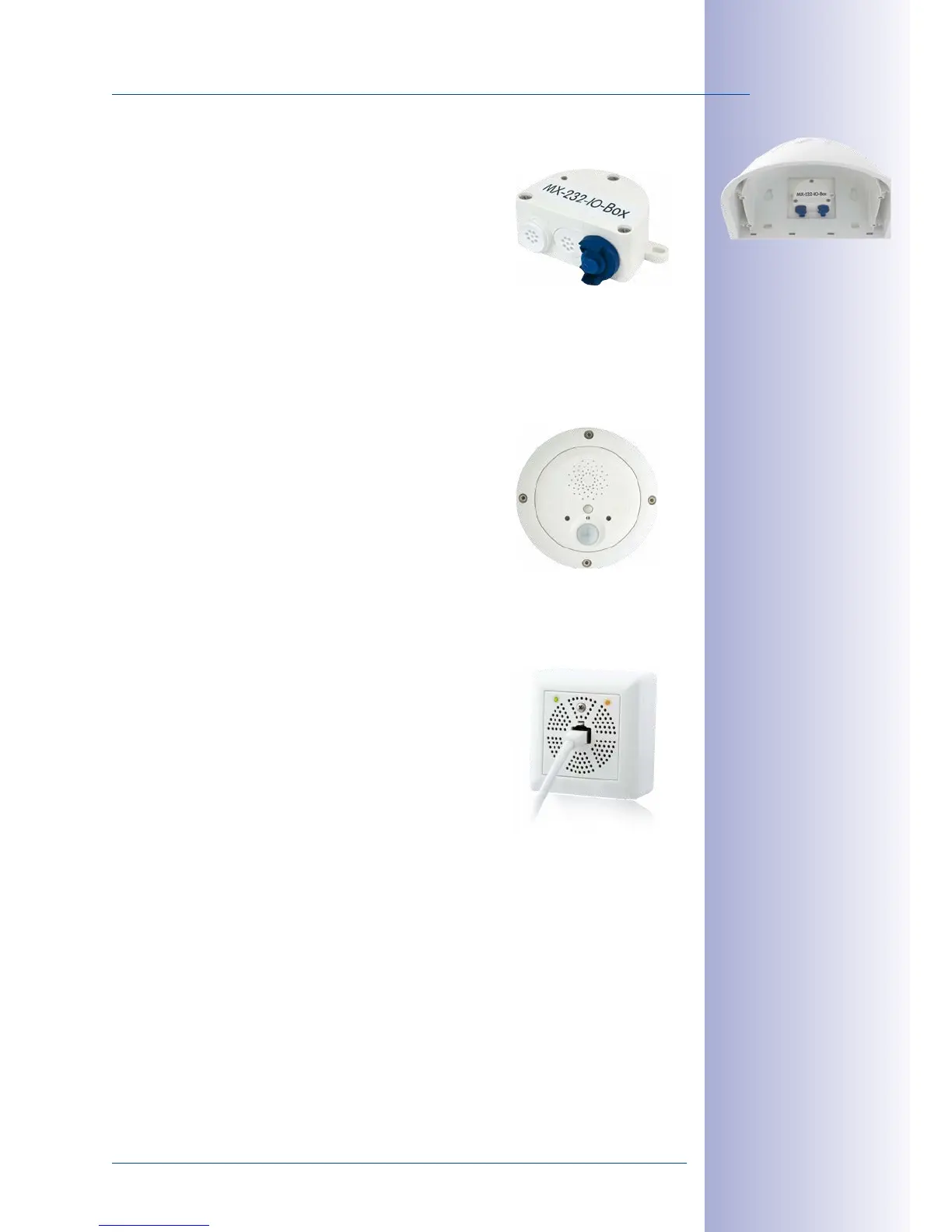
1.4.12 MX-232-IO-Box
Order no.: MX-OPT-RS1-EXT
This box provides the signal inputs and outputs as well
as the RS232 (serial) interface. It replaces the connections
that were handled on the older camera models via a
D-Sub 15-HD connector. The MX-232-IO-Box (protection
class IP65, –30 to +60 °C/–22 to 140 °F) can be attached
to all MOBOTIX cameras with an MxBus or USB interface. The maximum length of the
MxBus wiring (0.8mm diameter wires) is 50m/55yd. If the MiniUSB connector is used,
the maximum cable length is 5m/16ft.
1.4.13 ExtIO Expansion Module
Order no.: MX-ExtIO
The device, which is suitable both for on-wall and in-wall
installations, contains a powerful speaker, microphone,
infrared motion sensor, ambient temperature sensor, two
input and two output contacts and two illuminated keys. It
is ideal for door communication, elevators, access control
systems, etc. The ExtIO is suitable for use as direct connection to the D15 via a MiniUSB cable
(max. 5m), which can be ordered separately, or as a network connection via the PoE switch.
1.4.14 Mx2wire+ Media Converter
Order no.: MX-2wirePlus-Set-PW
The Mx2wire+ system allows an Ethernet network with PoE
to be set up via two-wire cables, which saves users from
having to lay several hundred meters of Ethernet cable. For
example, an existing two-wire cable of an analog video
camera can be reused to connect a high-resolution and
modern IP network camera. Mx2wire+ is delivered in the
standard wall outlet frame in dierent designs; however,
it can also be used with the available on-wall socket that is included.
1.4.15 Other Accessories
Since the range of accessories for the MOBOTIX system keeps growing, you should visit
the MOBOTIX website www.mobotix.com in the Products> Accessories section to see
the entire list of available accessories.



 To Next Page