48/112
D15 Camera Manual: Mounting
© MOBOTIX AG • Security-Vision-Systems • Made in Germany
www.mobotix.com • sales@mobotix.com
2.3 First Installation Steps
2.3.1 Mounting Lens Units
The standard models in the MOBOTIX D15D series are supplied with a pre-installed dome.
Lens units (lens mount, image sensor and lens) are usually delivered separately. Lens units
are installed as described below if this is the case.
The sensor cables to connect the image sensors are marked with
R
(right) and
L
(left).
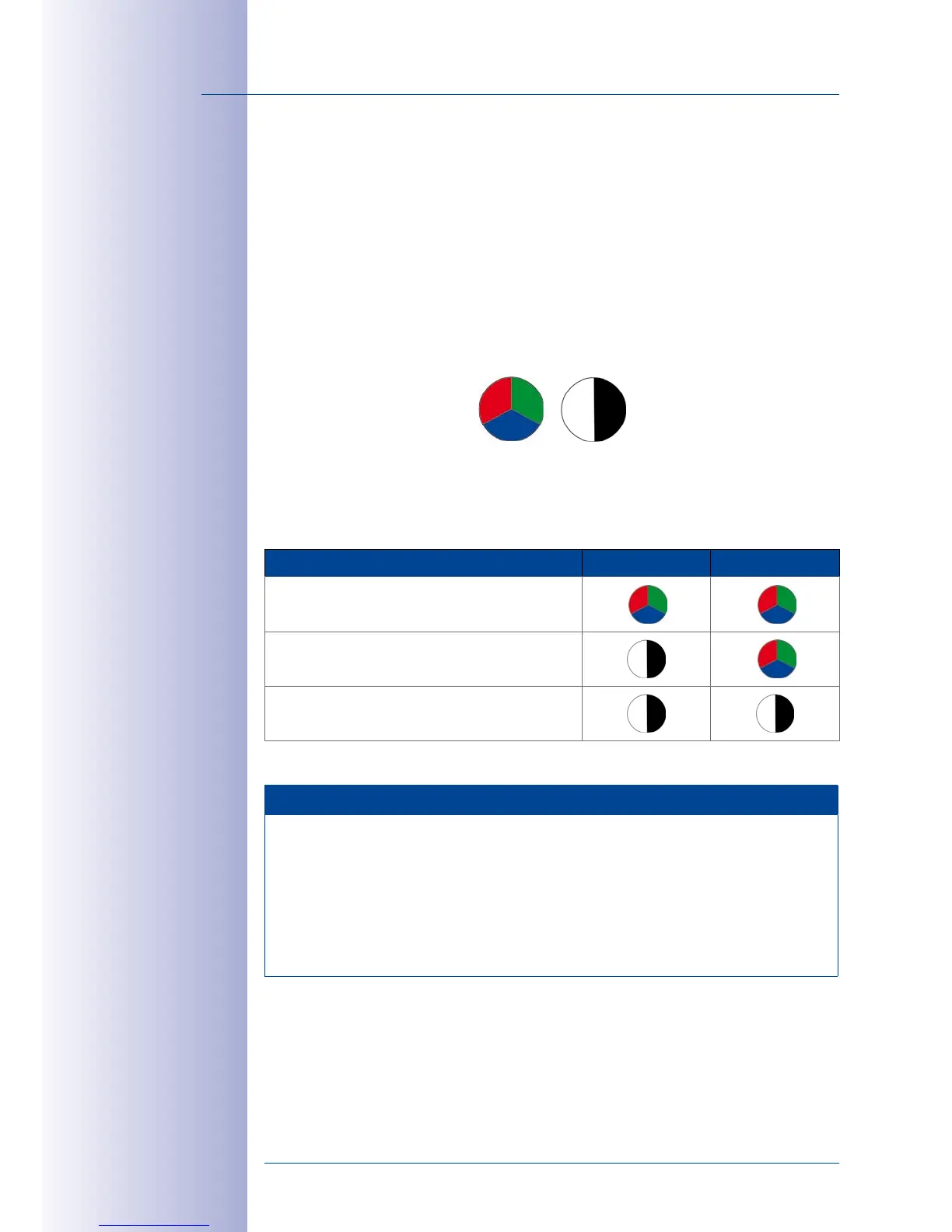
Depending on the type of sensor used, the sensors (mounted on the lens units) are marked
either by the RGB icon (color) or the SW icon (BW, black & white).
The following combinations of sensor cables (L, R) and sensors (color, black and white)
are possible:
Image sensor combination L sensor cable R sensor cable
Color/color
l
l
Black & white/color*
l
Black & white/black & white
Note
Make sure that you only use the combinations of image sensors and sensor cables
listed in the table!
When setting up the camera, the installed combination of image sensors has to be
set in the camera's web-based user interface. You can do so either automatically
by running the Quick Installation (Admin Menu> Quick Installation) or manually
by opening the Admin Menu> Image Sensor Configuration dialog box.
RGB SW
*Lenses in DNight
versions are shipped
pre-installed on the
special lens bridge
Possible image sen-
sor combinations
for the MOBOTIX
D15D (Standard)



 To Next Page