78/112
D15 Camera Manual: Operating the Camera
© MOBOTIX AG • Security-Vision-Systems • Made in Germany
www.mobotix.com • sales@mobotix.com
Note: The Quick Installation can also be executed at a later stage by opening Admin
Menu> Network Setup> Quick Installation (see also
Quick Installation
in the
Camera
Online Help
).
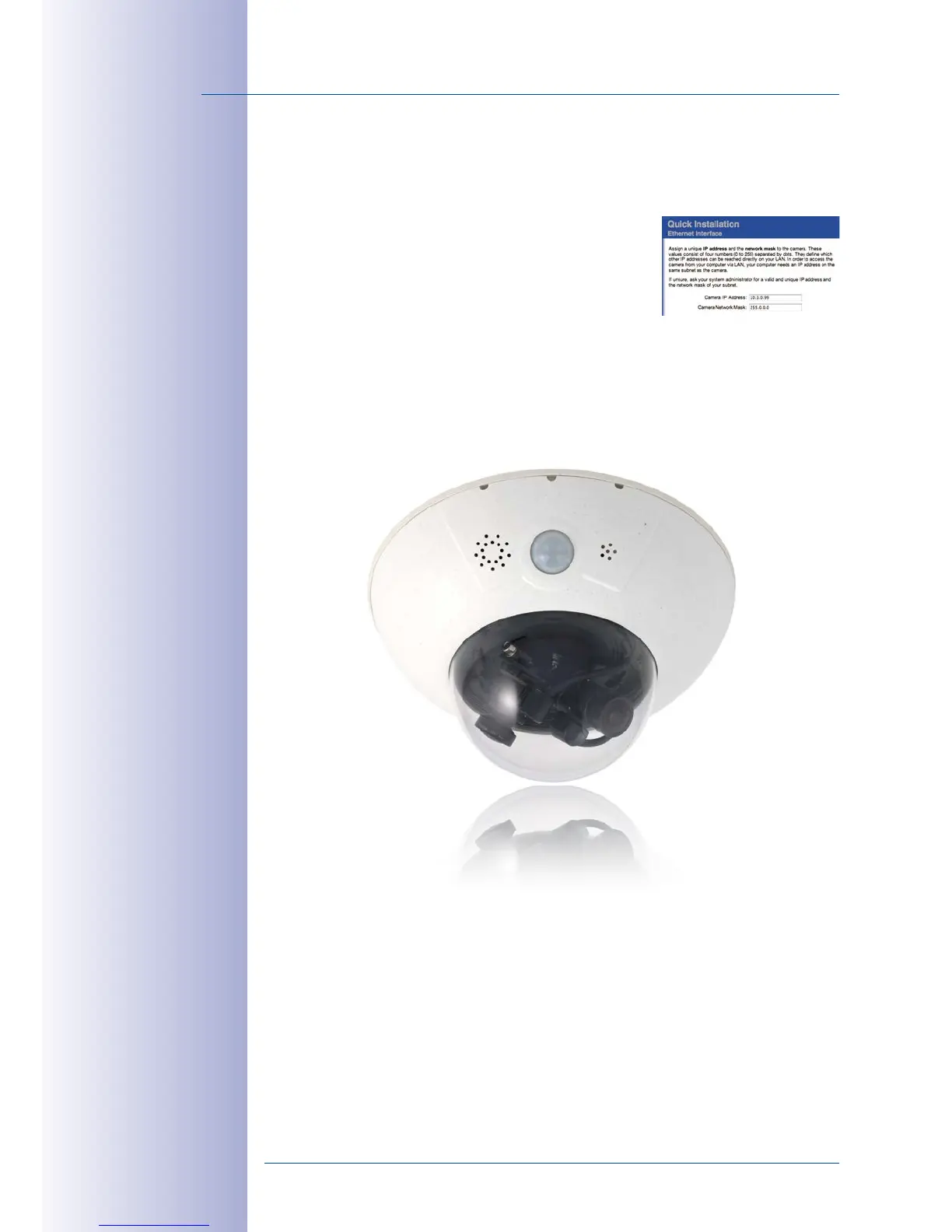
3. Enter the target network parameters of the camera
on the appropriate page of the Quick Installation
assistant.
Note: The network parameters can also be modi
-
fied retrospectively via Admin Menu > Network
Configuration> Quick Installation.
4. Once you have completed the Quick Installation and rebooted the camera, the
new network parameters will be activated. The camera can now be connected
to the target network and, if required, further configured.



 To Next Page