91/164
Installing The Wall Mount
© MOBOTIX AG • Security-Vision-Systems • Made in Germany
www.mobotix.com • sales@mobotix.com
Scope Of Delivery And Required Parts
Please check that all components supplied with the Wall Mount Set are present in the
original packaging first.
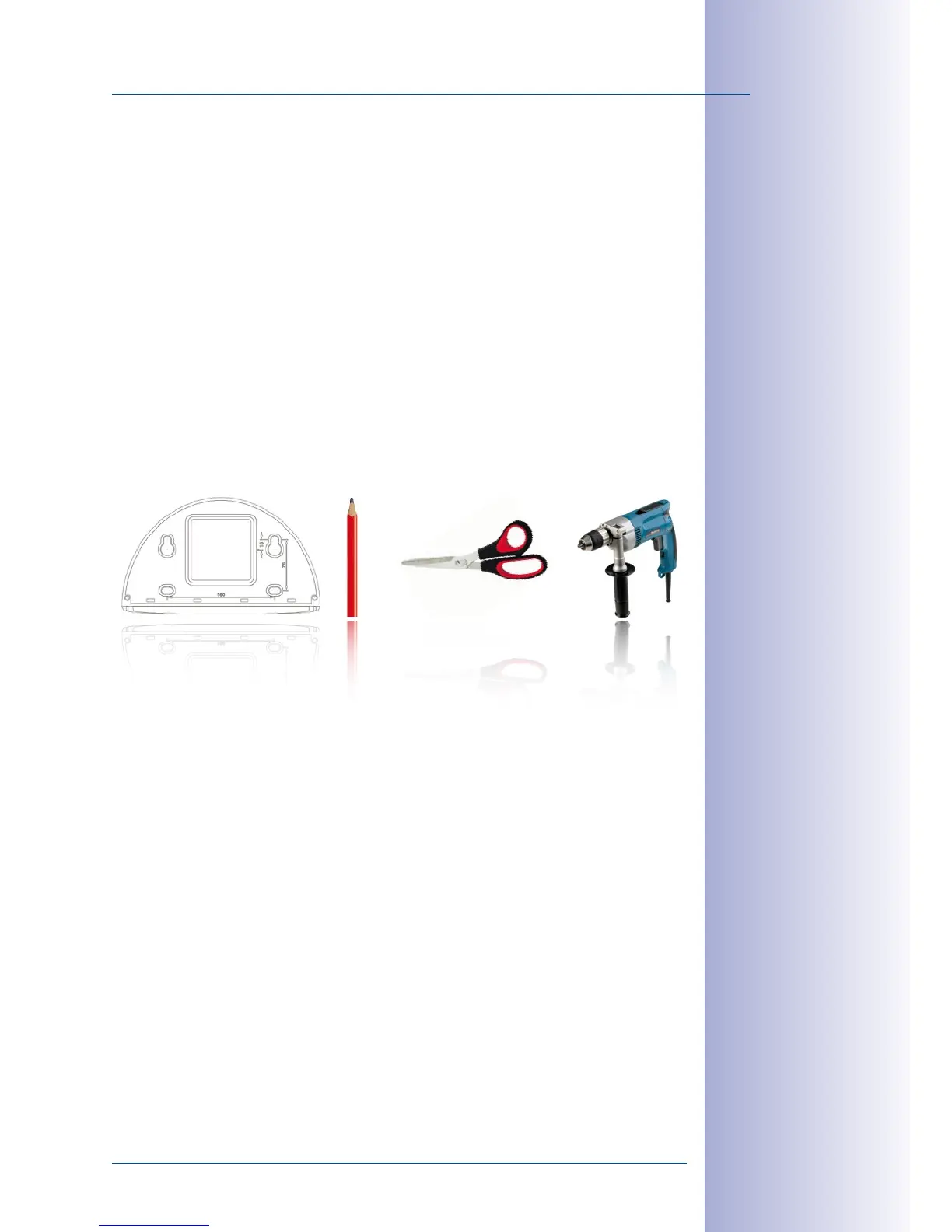
The Following Additional Tools Are Required For Installation:
• Power drill for screw anchor holes
• Screwdriver
• MOBOTIX Drilling Templates (at the end of this manual)
• Scissors to cut out the template
• Pen to mark the hole positions
• Materials and tools needed to connect the pre-installed MOBOTIX network cable
in the camera with the on-site network cable.
• Clean and soft cotton cloth



 To Next Page