99/164
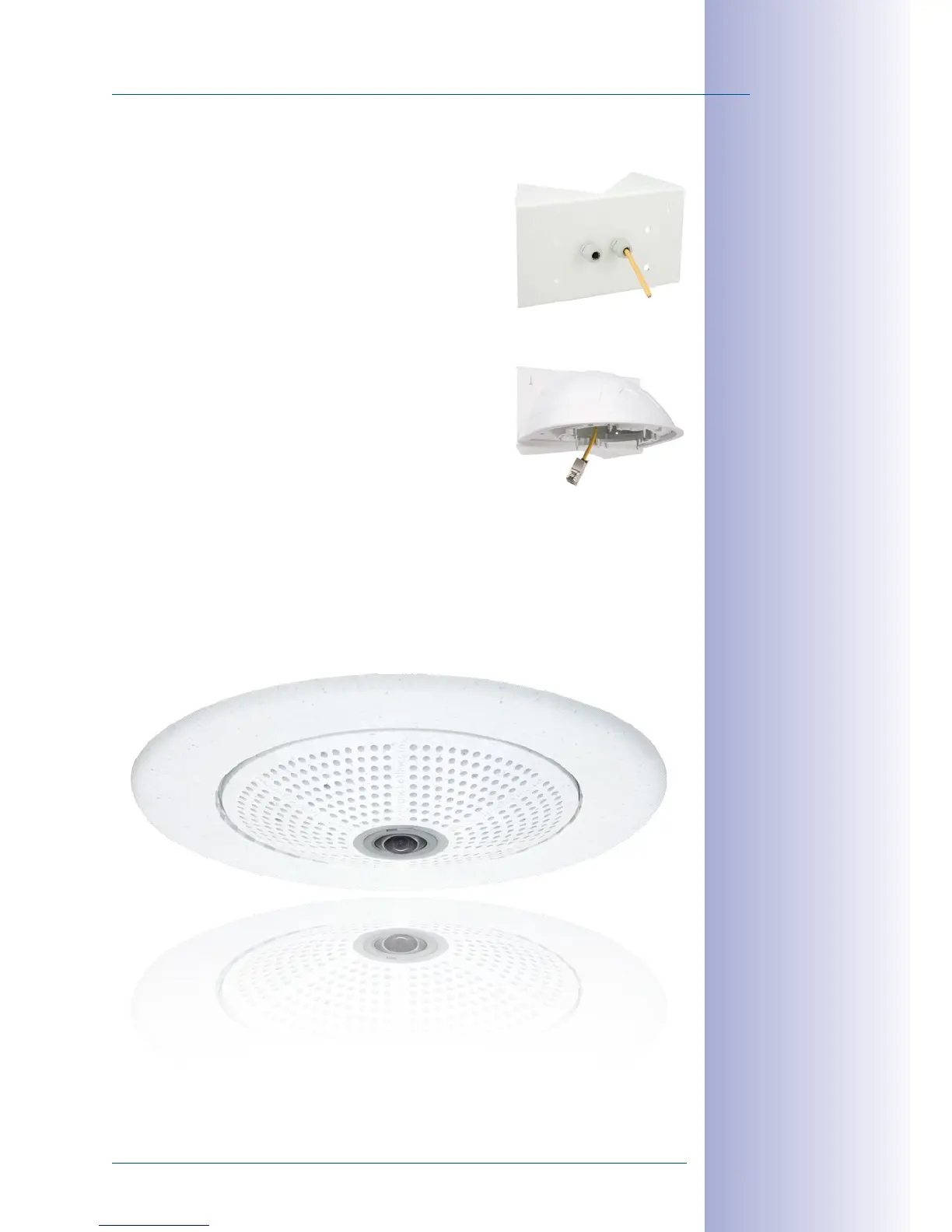
Installing The Corner And Pole Mount
© MOBOTIX AG • Security-Vision-Systems • Made in Germany
www.mobotix.com • sales@mobotix.com
2.9.5 Mounting The Wall Mount To The Corner And Pole Mount
• Feed the cables through the appropriate hole at the
back of the Outdoor Wall Mount. The wall sealing on
the Wall Mount must be in place already (see section
2.8).
•
Use the 6 x 20mm Allen screws, Ø6mm washers and
M6 nuts included with the Corner and Pole Mount and
attach the Wall Mount to the Corner and Pole Mount.
•
Then continue with the remaining work steps described
in section 2.8.3!



 To Next Page