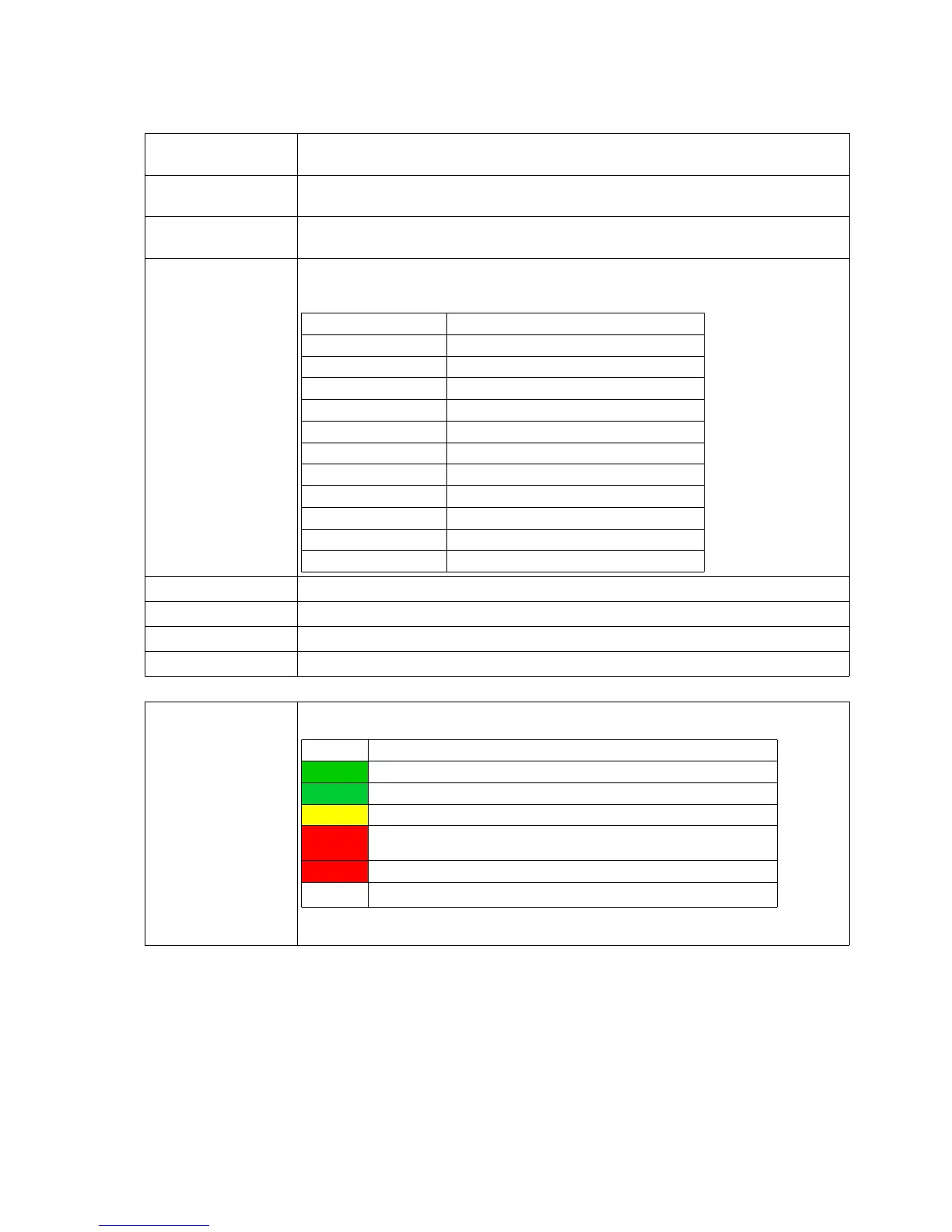
3.1.2 Wireless Status Information
This section contains information about the Wireless LAN state:
Operation Mode The MC can be used as a client in a Wireless LAN Infrastructure or as a device in
Adhoc Mode.
AP Mac Address
(BSSID)
This is the MAC-Address of the access point (AP) the MC is connected to. If the AP
transmits a device name, then the name will also be displayed here.
SSID (Network Name) This is the name of the Wireless LAN network the MC is supposed to or has
connected to.
Connection state State of the connection to the AP.
The shown status information depends on the configured authentication method:
Idle no connection active
Disconnected previously existing connection was interrupted
EAP Success completed EAP authentication
KeyCompleted key exchange completed
Connected WLAN connection established
Authenticate Authentication in process
Associate Association in process
Associated Association ready
EAP Started EAP Authentication in process
Timeout Timeout in EAP Authentication process
EAP Failed EAP Authentication failed
EAP Select Method EAP Authentication in process
Security Active encryption and authentication method
Connection time Duration of the connection between MC and the current AP
Bitrate The bitrate that is used to send data to the AP.
Channel/Frequency This is the channel number and frequency that is used for the connection to the AP
SNR (Signal-to-Noise
Ratio)
The SNR can be valued as follows :
SNR State
>= 40 very good condition
>= 30 good condition
>= 20 with this SNR the MC will start to scan for APs with a stronger signal
>= 10 weak signal! The MC will frequently scan for APs with a stronger signal.
The data throughput will be interfered
< 10 very weak signal. The connection can get lost.
Table 4: Wireless Status Information
MC Manual Version 2.10c



 To Next Page