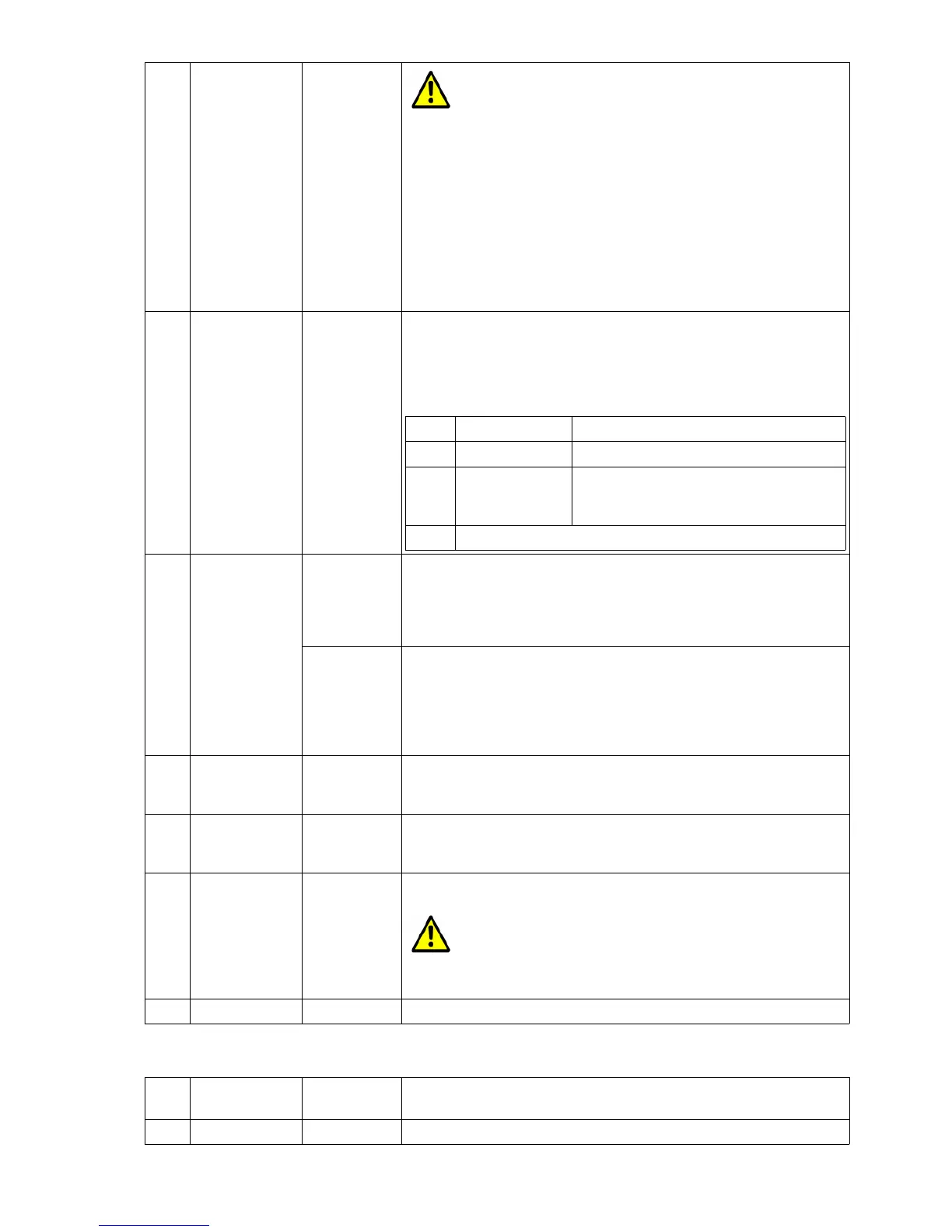
For WPA encryption, the WPA / WPA2 (Auto Select) setting
is recommended.
2 Keying Protocol only for
WPA(2)
Here, you can set which protocol is selected for key transmission
with WPA.
Only in exceptional cases, something other than "Auto" should be
chosen here
1 TKIP
2 AES
3 Auto The MC prefers AES when the AP offers
this method.
3 Key bei WEP Here the WEP key is specified as a 10 or 26 digit hex value.
An example:
If the WEP key consists of the "ABCDE" characters, the correct
input is "4142434445".
bei WPA The passphrase is specified here. This string must be at least 8 -
and can be a maximum of 63 characters long.
There are applications where the key must be specified as a 32-
byte long hex value. If the character string specified here is exactly
64 characters long, a 32-byte long hex value is formed and stored
as a key.
4 Key Index nur bei WEP Select the key index.
Normally "WEP Key 1" is always set.
5 Authentication nur bei WEP Select between "Open" and "Shared Key" Authentication
Normally "Open" is always set
6 Enable 802.11r nur bei WPA This switch can be used to activate a method that allows a quick
changeover between the APs of the WLAN system.
This option can only be activated if the APs support this
"Fast Roaming" function according to 802.11r and this
option is activated for the SSID configured on the MC.
5.2.4 EAP
1 Enable EAP Authentication via 802.1x is activated here. The "Key" parameter
under "Security Parameters" is deactivated.
2 EAP-Type There are different EAP methods that can be selected here.
MC Manual Version 2.10c



 To Next Page