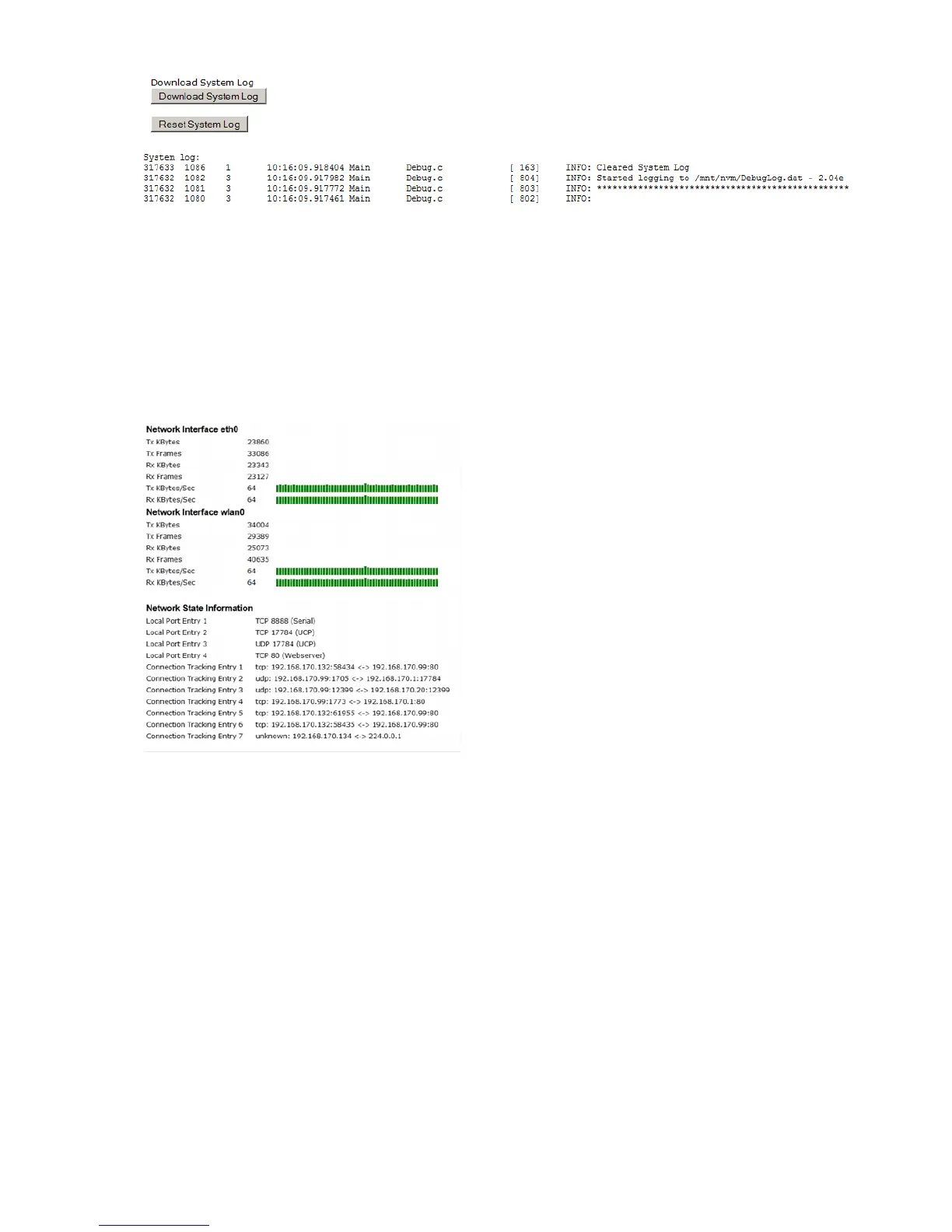
Two buttons are placed here to download the system messages and to clear the message memory.
The downloaded system log file includes information’s from the home website of the MC device and the
configuration data.
3.2.4.2 Statistics - Network
This sub menu shows some statistical data on the network interfaces of the device.
4 Bridge Modes
The MC WLAN-Client-Adapter is used to connect one or more devices with an Ethernet interface via a
WLAN infrastructure to a stationary network.
The MC offers various bridge modes to meet application-specific requirements.
MC Manual Version 2.10c



 To Next Page