9
MODINE CONTROLS SYSTEM MANUAL
ClassMate and SchoolMate Models
AIR74-525.1
Menu Navigation
The following instructions refer to using the remote keypad for navigating the menu and changing settings.
The Main Status Screen is displayed when the unit is first turned on or after five minutes of keypad inactivity. From this
Main Status Screen, eight sub menus can be accessed by pressing the PRG button and using the UP or DOWN buttons
to move to the desired menu. The selected menu will be highlighted with a black bar. Press ENTER to enter the selected
menu.
Sub Menu Description
A. Unit On/Off Switch on or switch off the unit.
B. Setpoints View the user setpoints.
C. Clock/Scheduler View the current time and date, and set time zones on/off.
D. Input/Output View the status of the controller inputs and outputs.
E. Alarm Log View the alarm log.
F. Board Switch Change the controller pLAN board address.
G. Service
View maintenance related parameters, such as hours run, sensor calibration
and manual overrides.
H. Manufacturer
Manufacturer menu and adjustment of various manufacturer related
parameters.
Table 9.1 - Navigation Sub Menus
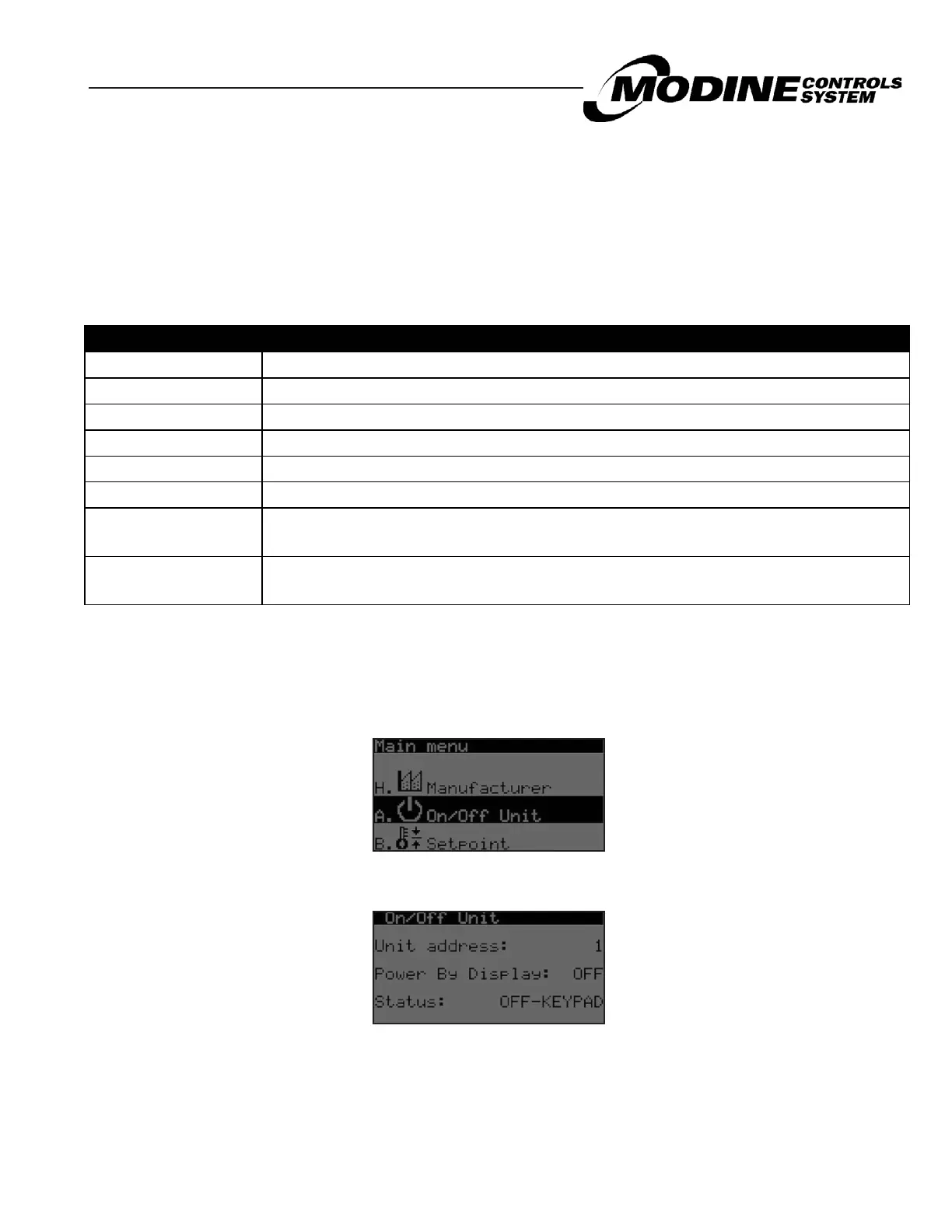
From the Main Status Screen, press the PRG key to access the Sub Menu selection screen. Use the UP or DOWN
buttons to navigate to the On/Off sub menu as shown in the following picture:
Example Navigation to On/Off Sub Menus (Similar for all other sub menus):
Details on the Main Status Screen and each sub menu will be covered in the following sections of this manual.
Press ENTER to access the On/Off sub menu screen:
Press ENTER to navigate to the parameter to change, then use the UP or DOWN button to change the value. Press
again to confirm the setting. Press the ESC button to exit the sub menu screen and to return to the Main Status Screen


 To Next Page