EnDaL smart PC SOFTWARE – MONI LOG® ANALYZER
- 43 -
Setting the device time
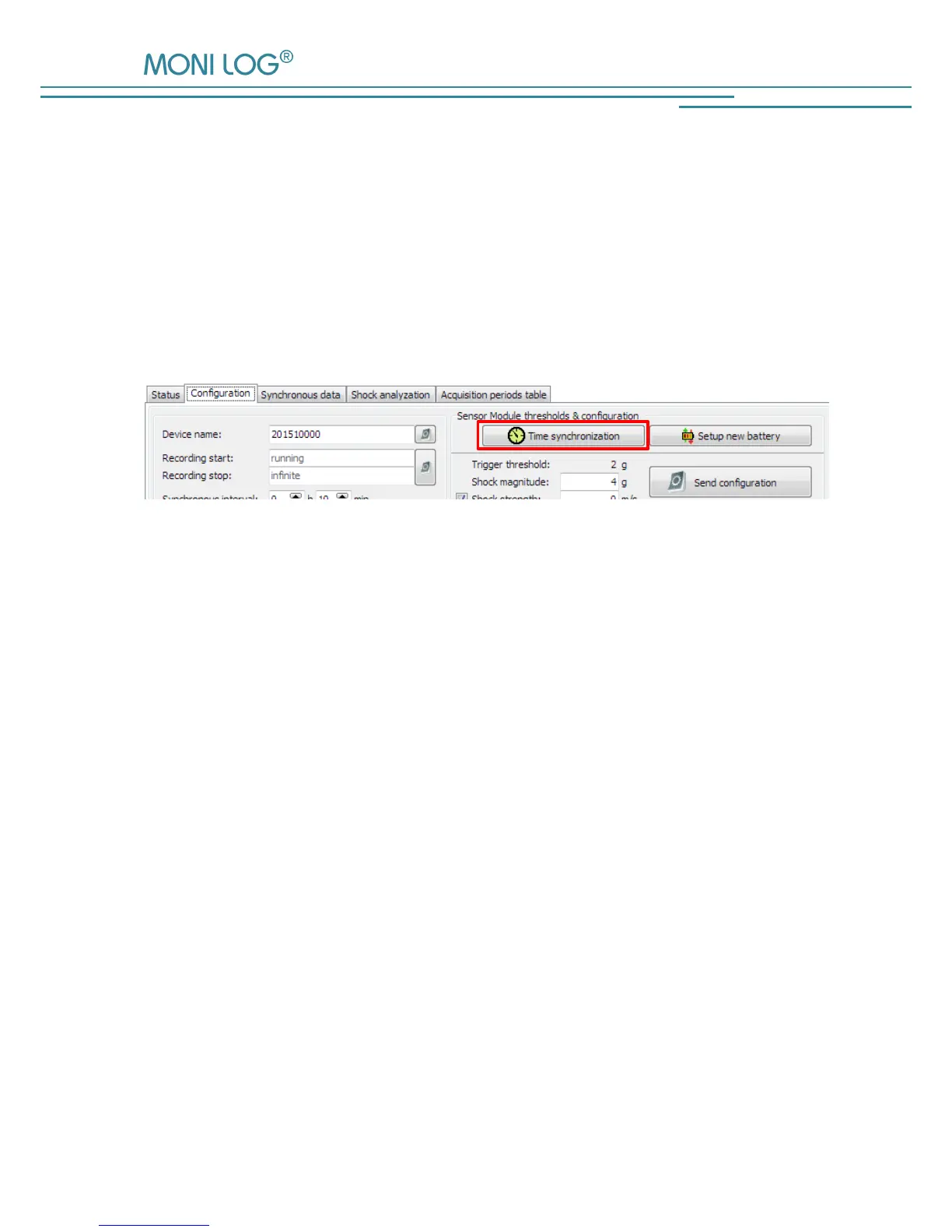
The device time can be set by clicking on the clock symbol in the programme tab
“Configuration” (see Figure 33). The synchronisation is made by means of the system time of
your PC.
All time specifications are made in the PC programme according to the
time zone setting of your PC. Internally, the device works with the Universal Time Coordinated
(UTC). Thus, a clear temporal assignment of the events with a point in time is always possible.
Figure 33: Setting the device time
During the operation, the device time is always synchronised per GPS, when the GPS position is
determined by the activity of the GPS tracking, the synchronous recording or as events of the
device occur.


 To Next Page